Astro content collections work well for local Markdown. A headless CMS is the next step when editors cannot live in Git, when several sites share content, or when you want a real media library and rebuilds from webhooks instead of commits.
Why Astro needs a different CMS
When to use a headless CMS with Astro
- Non-technical editors need to update content without Git
- Multiple sites share one content source
- Dynamic content that changes often
- Media management needs a proper asset library
What makes a CMS good for Astro
- Fast API responses so static builds stay short
- Webhook support to trigger rebuilds on content change
- Simple REST API that works in Astro frontmatter, SSR, and hybrid pages
- Server-only secrets so API keys never ship in the browser bundle
- Image handling or CDN-ready assets for Islands and static HTML
1. ElmapiCMS
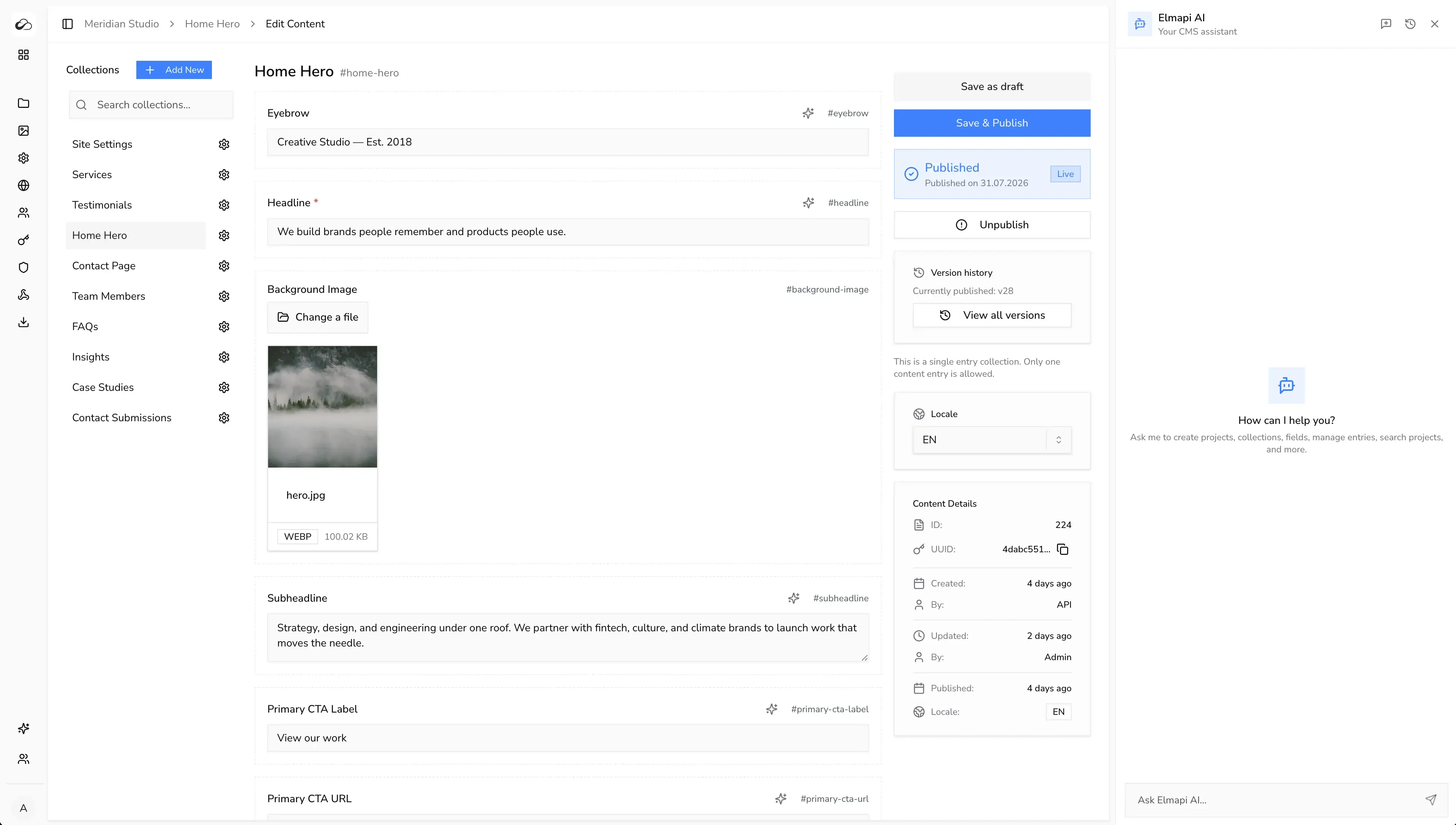
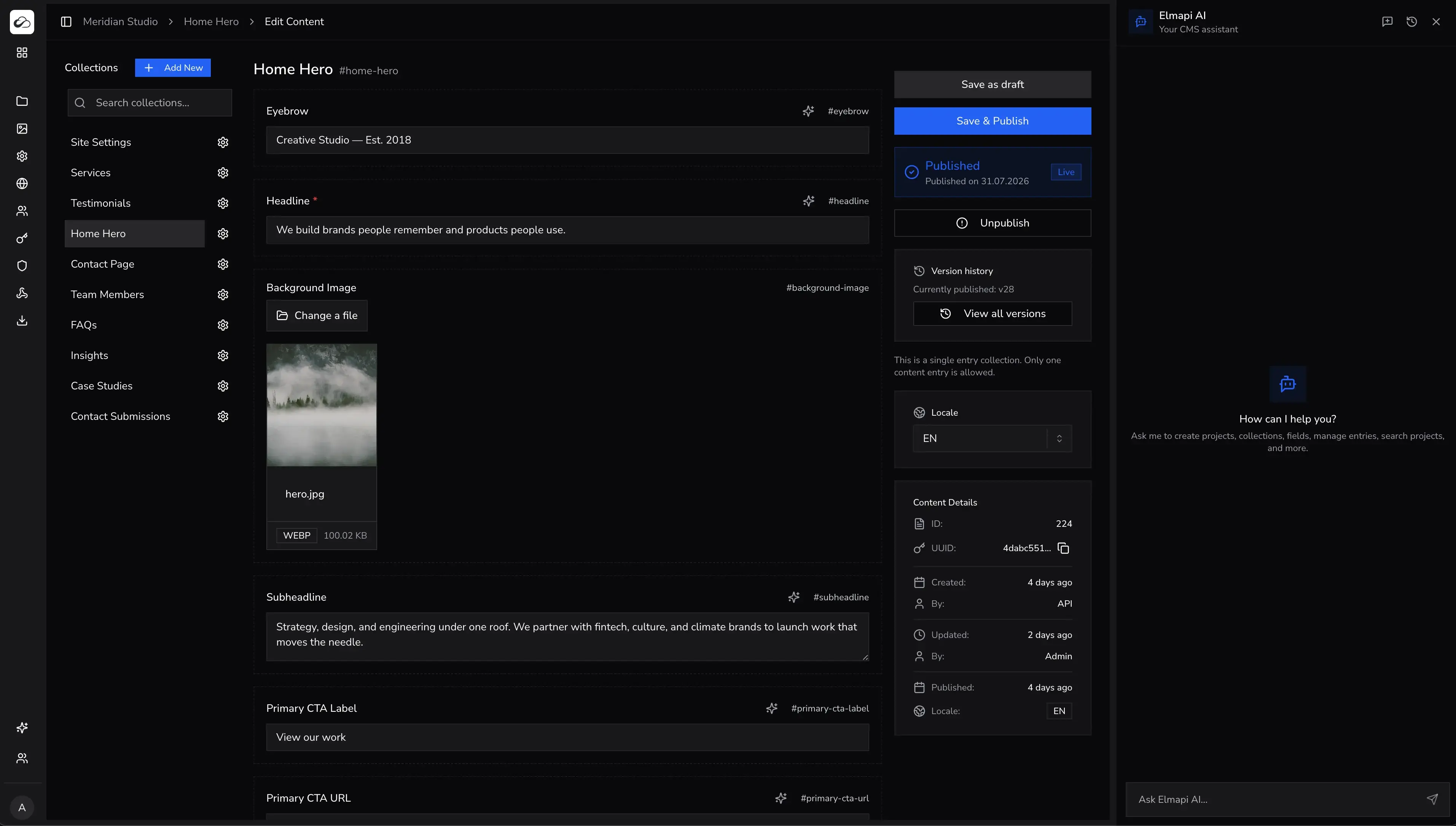
ElmapiCMS is a self-hosted headless CMS on Laravel 13 and React. It needs PHP 8.4+. Delivery is API-first: collections, media, permissions, and a REST Content API that Astro fetches at build time or on each request.
One install supports unlimited projects. Each project has its own content and API keys. Agencies can feed several Astro frontends from one backend instead of a Strapi or Storyblok space per site.
What ships in 4.0
- Draft and publish, content versioning, and locales
- Asset library with WebP images, crop tools, and optional S3 direct upload
- Built-in AI tools and an official MCP server for Cursor and Claude Code
- Authentication for frontend (signup, sign-in, refresh)
- Frontend templates for Next.js, Nuxt, and Astro (including Hearthfold and Astro docs starters)
- Webhooks, JS/TS SDK, and project API tokens
Astro integration
Keep the project API token on the server. Declare it with Astro env so it never lands in the client bundle. Then fetch published entries in page frontmatter.
// src/lib/elmapi.ts
import { createClient } from '@elmapicms/js-sdk';
import {
  ELMAPI_API_KEY,
  ELMAPI_BASE_URL,
  ELMAPI_PROJECT_ID,
} from 'astro:env/server';

export const elmapi = createClient({
  baseUrl: ELMAPI_BASE_URL,
  projectId: ELMAPI_PROJECT_ID,
  apiKey: ELMAPI_API_KEY,
});
---
// src/pages/blog/index.astro
import { elmapi } from '../../lib/elmapi';
import Layout from '../../layouts/Layout.astro';
const res = await elmapi.content.list('blog-posts', {
state: 'published',
sort: 'published_at:desc',
paginate: 50,
page: 1,
});
const posts = Array.isArray(res) ? res : res.data;
---
<Layout title="Blog">
<h1>Blog</h1>
<ul>
{posts.map((post) => (
<li>
<a href={`/blog/${post.fields.slug}`}>
{post.fields.title}
</a>
</li>
))}
</ul>
</Layout>For static detail routes, list published posts in getStaticPaths and pass each entry as props. For SSR or hybrid pages, keep the same client and set export const prerender = false where the page must render on each request. Webhooks can hit a Netlify or Vercel deploy hook, or an Astro API route, when editors publish.
Why choose ElmapiCMS for Astro
- Fast REST API for short static builds and SSR fetches
- Official Astro templates so you start from a working site, not a blank SDK call
- Multi-project for many Astro client sites on one install
- $74 one-time payment with no per-site SaaS fee
- MCP server to model collections and seed content from Cursor or Claude Code
- Webhooks to rebuild when content changes
Pricing: $74 one-time payment. See pricing · Live demo · Developer docs
Best for: agencies and developers who want self-hosted Astro sites, predictable cost, and several projects on one CMS.
2. NomaCMS
NomaCMS is a managed, AI-native headless CMS. You get structured content, a REST API, a JavaScript SDK, and AI for writing, translation, and editing. Ship to Astro, Next.js, Nuxt, or other stacks without running your own CMS server. Connect Cursor, Claude Code, or other MCP-compatible tools with the Noma MCP server.
Why consider NomaCMS
- Managed cloud with global CDN for assets and no server ops on your side
- AI assistant, inline field actions, and one-click entry translation
- REST API and SDK with predictable shapes for Astro frontmatter and SSR
- MCP server for AI editors (
npx -y @nomacms/mcp-server) - Project auth, webhooks, locales, and team workspaces on paid plans
Pricing: Plans start at $15 per month after a 7-day free trial. See nomacms.com · Start free trial
Best for: teams that want a hosted CMS with AI-first workflows and delivery infrastructure included, not a self-hosted install.
3. Storyblok
Storyblok has an official Astro integration and a visual editor. Content teams can compose pages from blocks while Astro still ships mostly static HTML. That is the main reason teams pick it for marketing sites.
Pros
- Official Astro integration and visual editing
- Component-based content modeling that maps to Astro components
- Solid documentation for static and preview workflows
Cons
- Paid plans typically start around $99/month
- Cloud-only. No self-hosted option
- One space per site unless you pay for more
Best for: marketing teams that need a visual composer and accept SaaS pricing. Storyblok alternatives.
4. Sanity
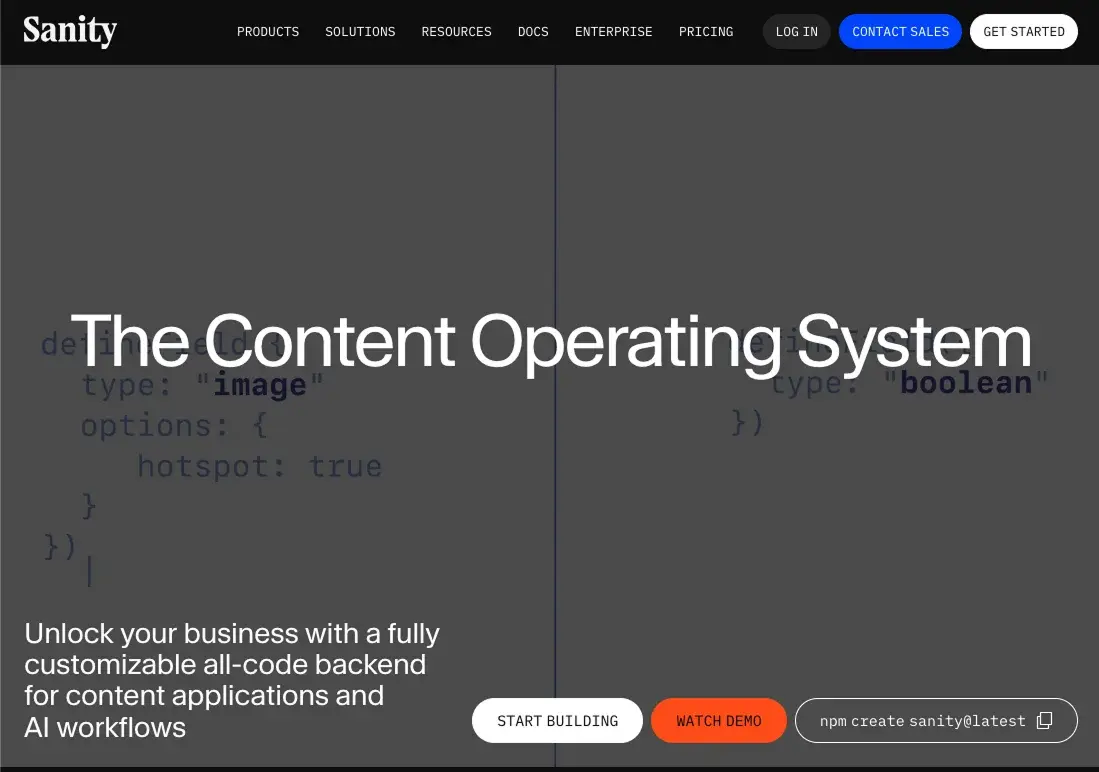
Sanity works with Astro through its JavaScript client. You query with GROQ at build time or on the server. Real-time Studio collaboration and image pipelines are the strengths. Self-hosting is limited compared with a full self-hosted CMS.
Pros
- Real-time collaboration in Sanity Studio
- Generous free tier for small sites
- Strong image handling and CDN
Cons
- GROQ learning curve if your team expects REST
- Usage-based pricing at scale
- No first-class multi-project model like ElmapiCMS
Pricing: free tier, then about $15/user/month on Growth. Best for: cloud-first teams that want Studio UX. Sanity alternatives.
5. Contentful
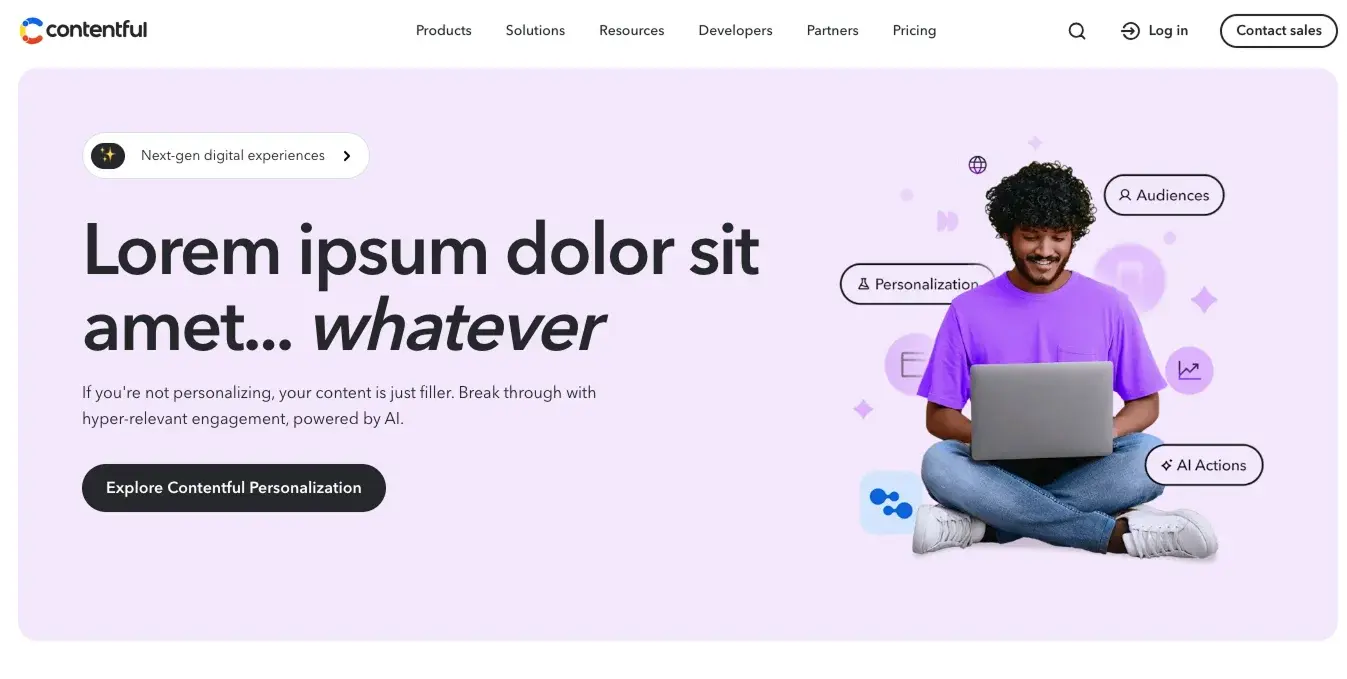
Contentful is an enterprise SaaS CMS with a mature REST and GraphQL API. Any static generator can fetch it, including Astro. It is stable and well documented. It is also expensive for a typical Astro marketing site or agency portfolio.
Pros
- Mature platform, CDN, and enterprise features
- Extensive documentation and ecosystem
Cons
- Paid plans often start around $300/month
- Overkill for blogs and small marketing sites
- Cloud-only
Best for: large orgs already on Contentful. Contentful alternatives.
6. Strapi
Strapi is the most common open-source Node CMS. Astro can call its REST or GraphQL API at build time. The community is large. Ops cost is the tradeoff: higher RAM, slower typical API responses, and usually one install per project.
Pros
- Open source (MIT) with a large plugin ecosystem
- Self-hosted option
- REST and GraphQL
Cons
- Often wants 1GB+ RAM per instance
- No native multi-project support
- Heavier deploys and updates than a PHP-FPM CMS
Pricing: free self-hosted. Strapi Cloud is extra. Best for: Node teams that want plugins and accept higher hosting. Strapi alternatives.
Comparison table
| Feature | ElmapiCMS | NomaCMS | Storyblok | Sanity | Strapi |
|---|---|---|---|---|---|
| Self-hosted | Yes | No (cloud) | No | Limited | Yes |
| Multi-project | Yes | Yes (plans) | No | No | No |
| Official Astro module | SDK + templates | SDK | Yes | Client SDK | REST / GraphQL |
| MCP for AI editors | Yes | Yes | No | Limited | No |
| Build speed impact | Fast | Fast | Fast | Fast | Medium |
| Starting price | $74 once | From $15/mo | $99+/mo | $15+/mo | Free (OSS) |
FAQ
What is the best CMS for Astro in 2026?
For self-hosted Astro work, ElmapiCMS is the closest fit: REST + JS SDK, official Astro templates, webhooks, MCP, and multi-project on $74 once. NomaCMS is the managed pick when you want AI-native workflows without a CMS server. Storyblok wins if visual editing is the requirement. Sanity, Contentful, and Strapi fit teams already in those ecosystems.
Do I need a headless CMS, or are Astro content collections enough?
Local Markdown and content collections are enough for small, developer-owned sites. Switch to a headless CMS when editors cannot use Git, when several sites share content, or when you need a media library and publish workflows.
Which CMS works best with Astro static generation?
Any fast HTTP API works. Fetch in frontmatter or getStaticPaths, then rebuild on webhook. ElmapiCMS and NomaCMS are REST + SDK. Storyblok, Sanity, Contentful, and Strapi all support build-time fetch. SSR and hybrid Astro pages use the same clients.
What CMS is best for agencies building multiple Astro sites?
ElmapiCMS is built for that: one install, unlimited isolated projects, one update cycle. NomaCMS offers cloud workspaces on paid tiers. Storyblok and Strapi usually mean a space or process per client. See headless CMS for agencies and multisite headless CMS.
How to choose
- Self-hosted Astro, many sites, one-time license: ElmapiCMS (Laravel 13, $74 once, Astro templates, MCP).
- Managed cloud with AI and MCP, no CMS server: NomaCMS.
- Visual editor for marketing pages: Storyblok.
- Studio collaboration and GROQ: Sanity.
- Enterprise SaaS already in procurement: Contentful.
- Open-source Node CMS and plugins: Strapi.
Next steps: pricing, live demo, developer docs, best self-hosted CMS, and CMS for Nuxt.