The self-hosted headless CMS built for teams that ship fast
ElmapiCMS helps you model structured content, manage it in a modern dashboard, and deliver it to any frontend through a clean API.
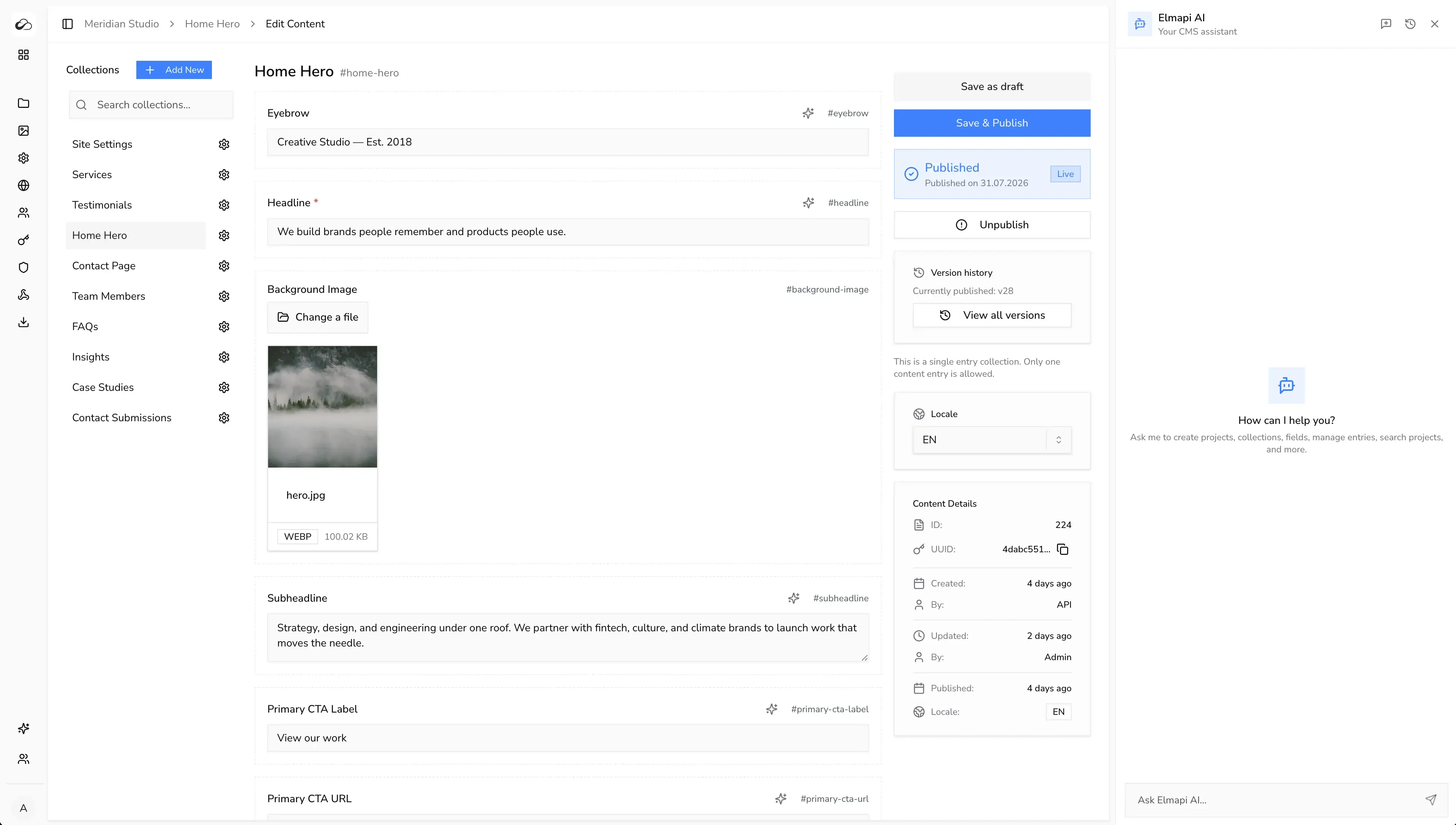
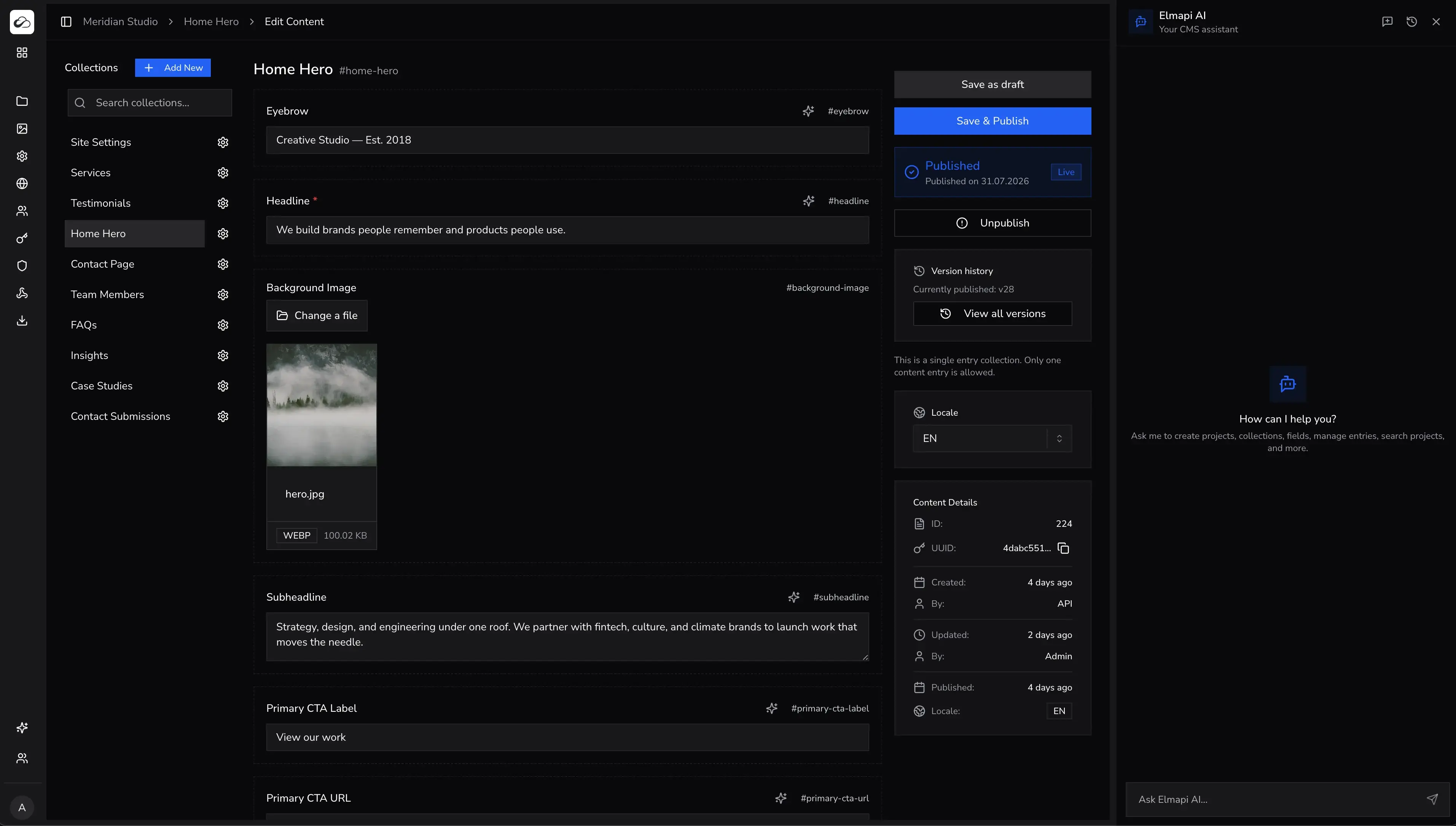
Everything you need in one CMS stack
Capabilities for agencies, freelancers, and product teams that run content-heavy apps.
Multi-Project Architecture
Manage many separate projects in one CMS install. This reduces server and ops work.
Flexible Content Modeling
Build collections with fields, relations, groups, and singletons for real production schemas.
Built-In AI
Generate, rewrite, and translate content in the CMS. Use your own provider keys.
Localization
Ship multilingual content from one backend. Keep the same structure across languages.
Webhooks and Integrations
Send content events to your app, revalidation flow, and automation stack.
Roles and Access Control
Set permissions for schema, content, and settings. Keep clear access for each team member.
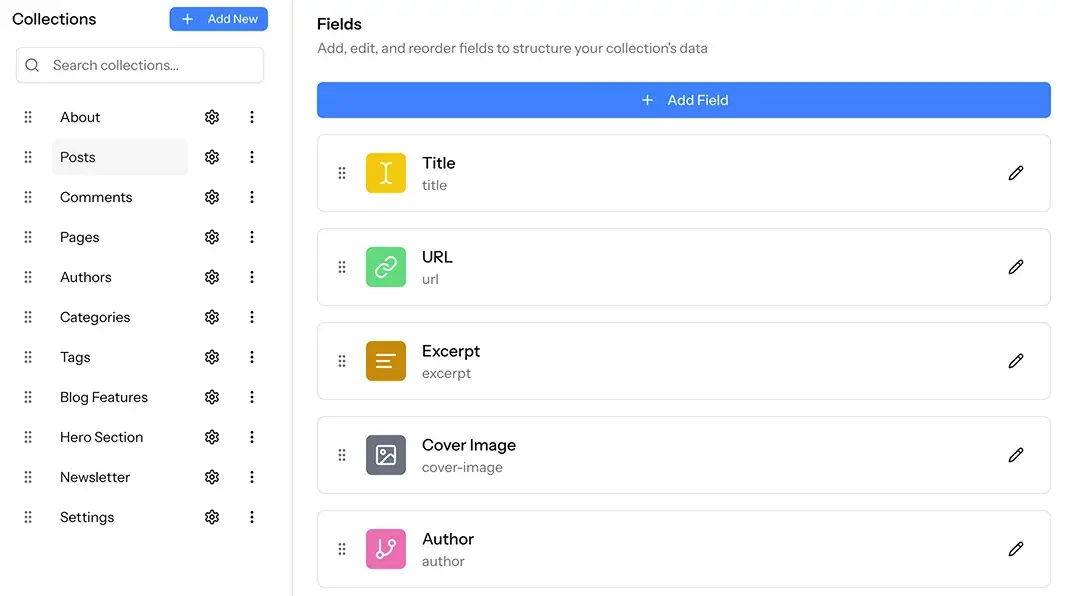
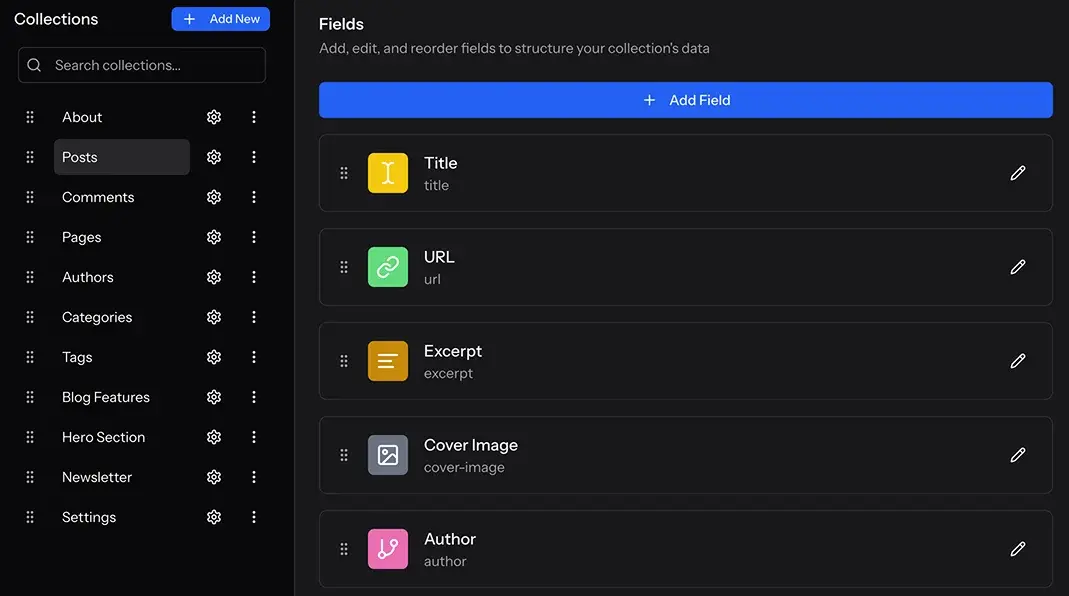
Build production schemas without CMS lock-in
Define collections the way your app works. ElmapiCMS supports 16 field types, relations, grouped fields, and single-entry collections. Your API stays predictable as projects grow.
- - 16 field types for structured and rich content
- - Relations, field groups, and singleton collections
- - Collection templates you can reuse across projects
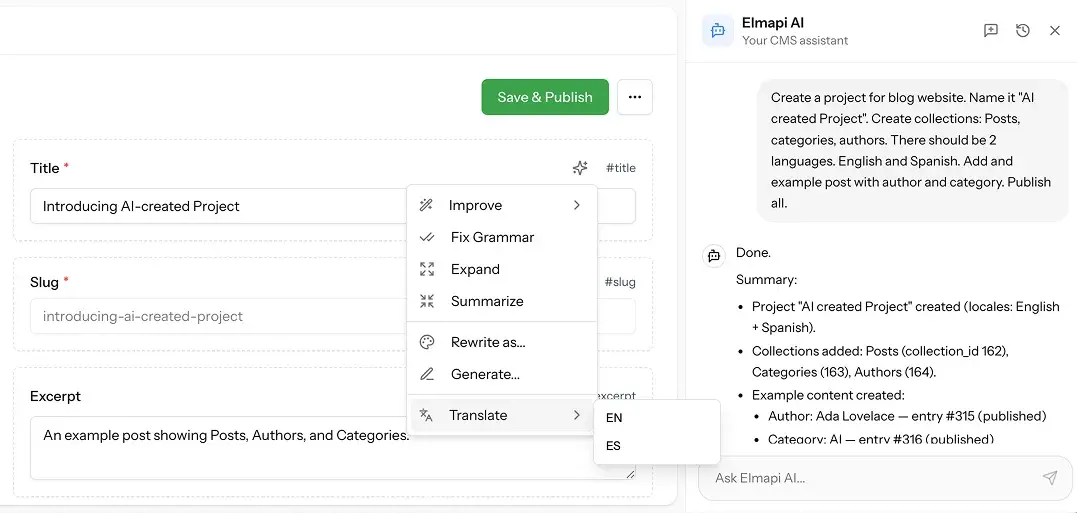
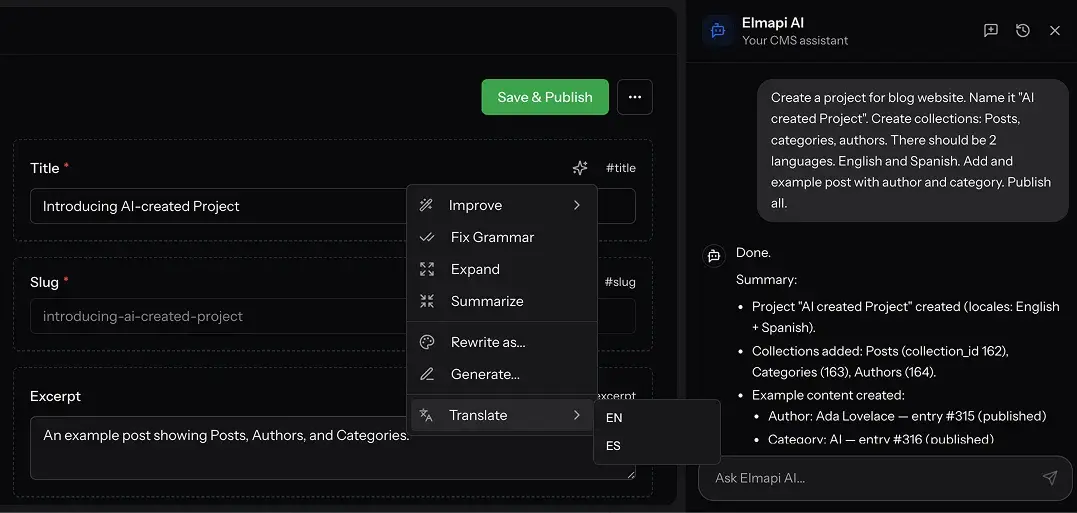
Write, rewrite, and translate in the same CMS workflow
ElmapiCMS includes built-in AI tools and a chat assistant for content work. Use your own OpenAI, Anthropic, or Gemini keys. You control the model choice and the cost.
- - Generate and improve content directly in fields
- - One-click entry translation for multilingual teams
- - Your keys for OpenAI, Anthropic, and Gemini
Run many client or product APIs from one install
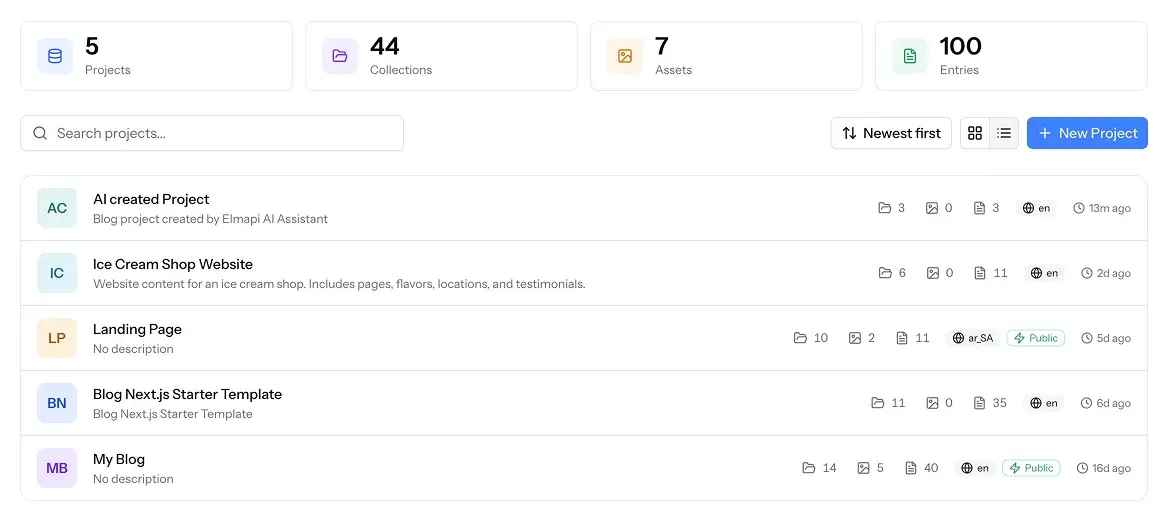
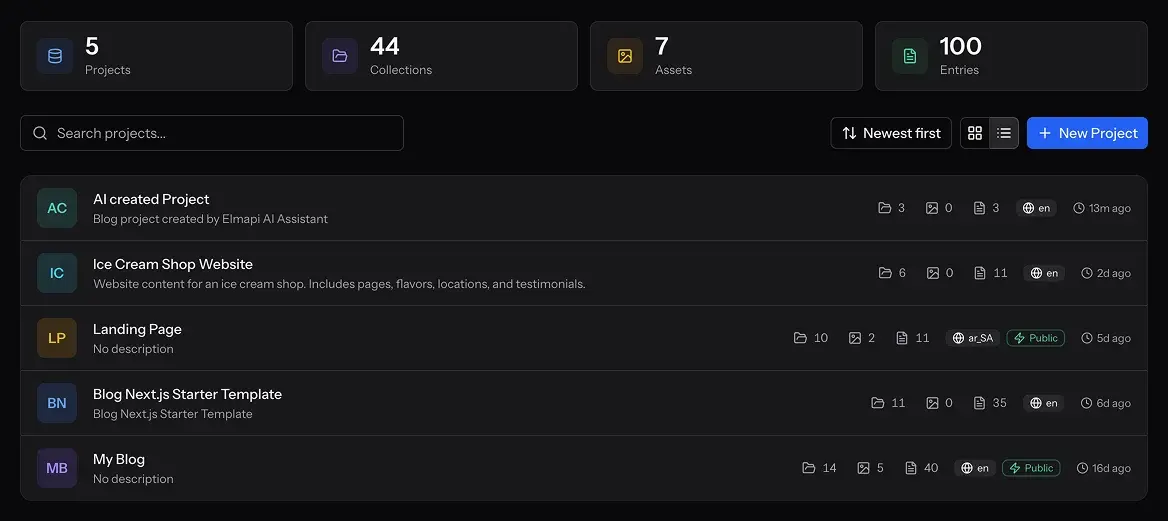
Keep projects separate while you cut ops work. Teams can start new projects from templates instead of rebuilding schemas and settings each time.
- - Separate projects inside one self-hosted CMS
- - Project and collection templates for faster setup
- - Better margins for agencies and freelancers
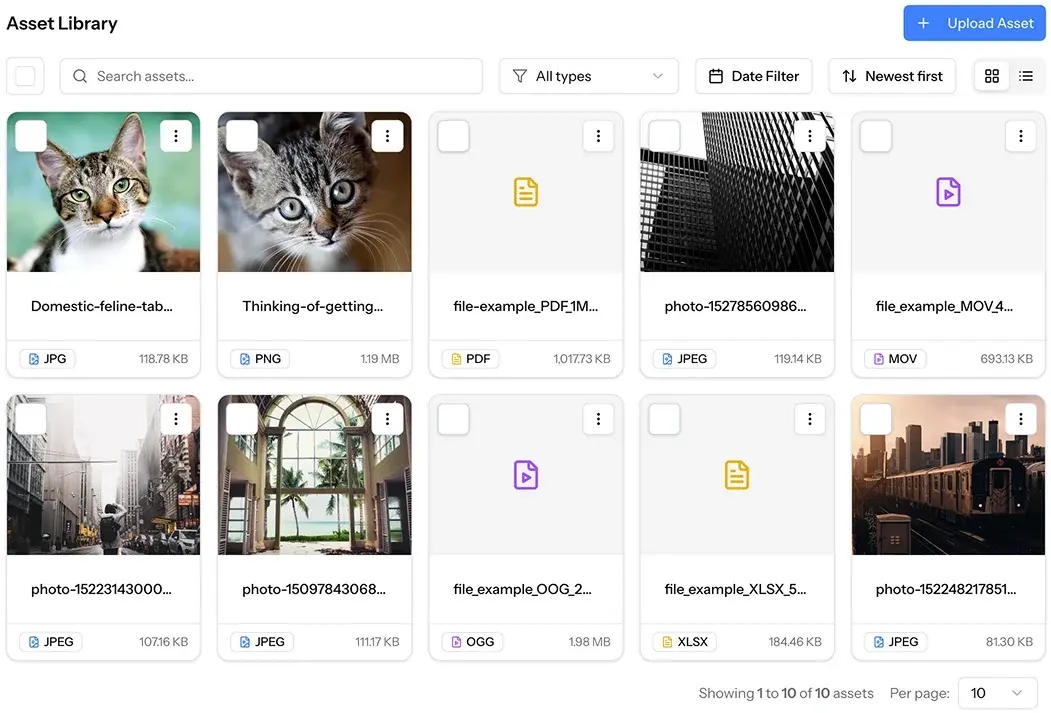

Keep media organized with a clear asset workflow
Use the asset library to keep files organized and searchable. Then reuse them across your content.
- - Upload, organize, and reuse assets in one place
- - Add metadata so media stays searchable and consistent
- - Connect AWS S3, Wasabi, or DigitalOcean Spaces
Manage ElmapiCMS directly from Cursor or Claude Code
ElmapiCMS ships an official MCP server with tools for collection modeling, entry work, and assets. AI editors can do this work without a context switch.
- - Official npm package: @elmapicms/mcp-server
- - Tools for projects, collections, entries, and assets
- - Built for Cursor, Claude Code, and MCP-compatible clients
Ready to build your content API?
Start with the live demo, compare pricing, or get ElmapiCMS. Then run unlimited projects from one self-hosted setup.