The Laravel headless CMS built for developers who ship with Laravel
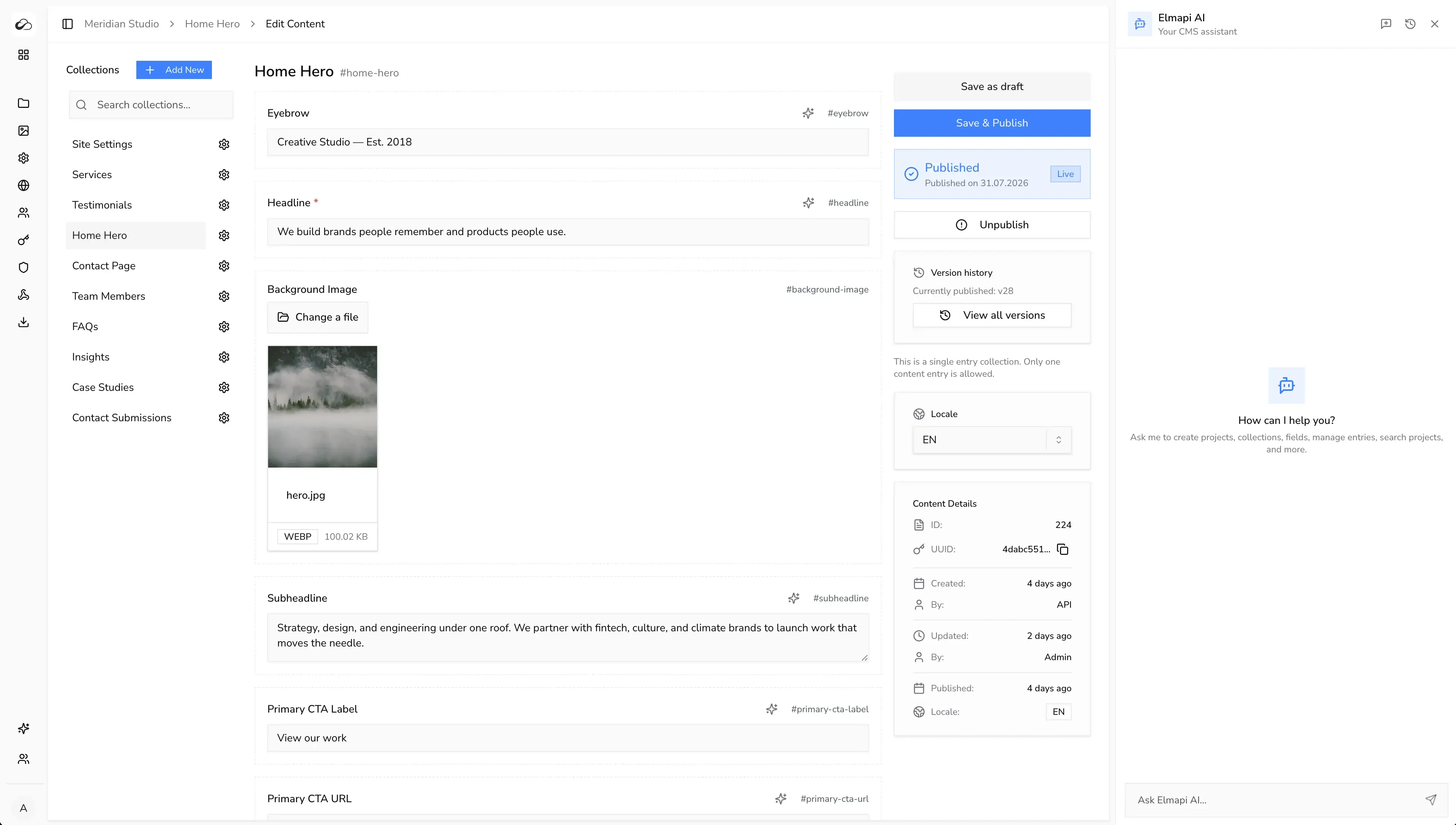
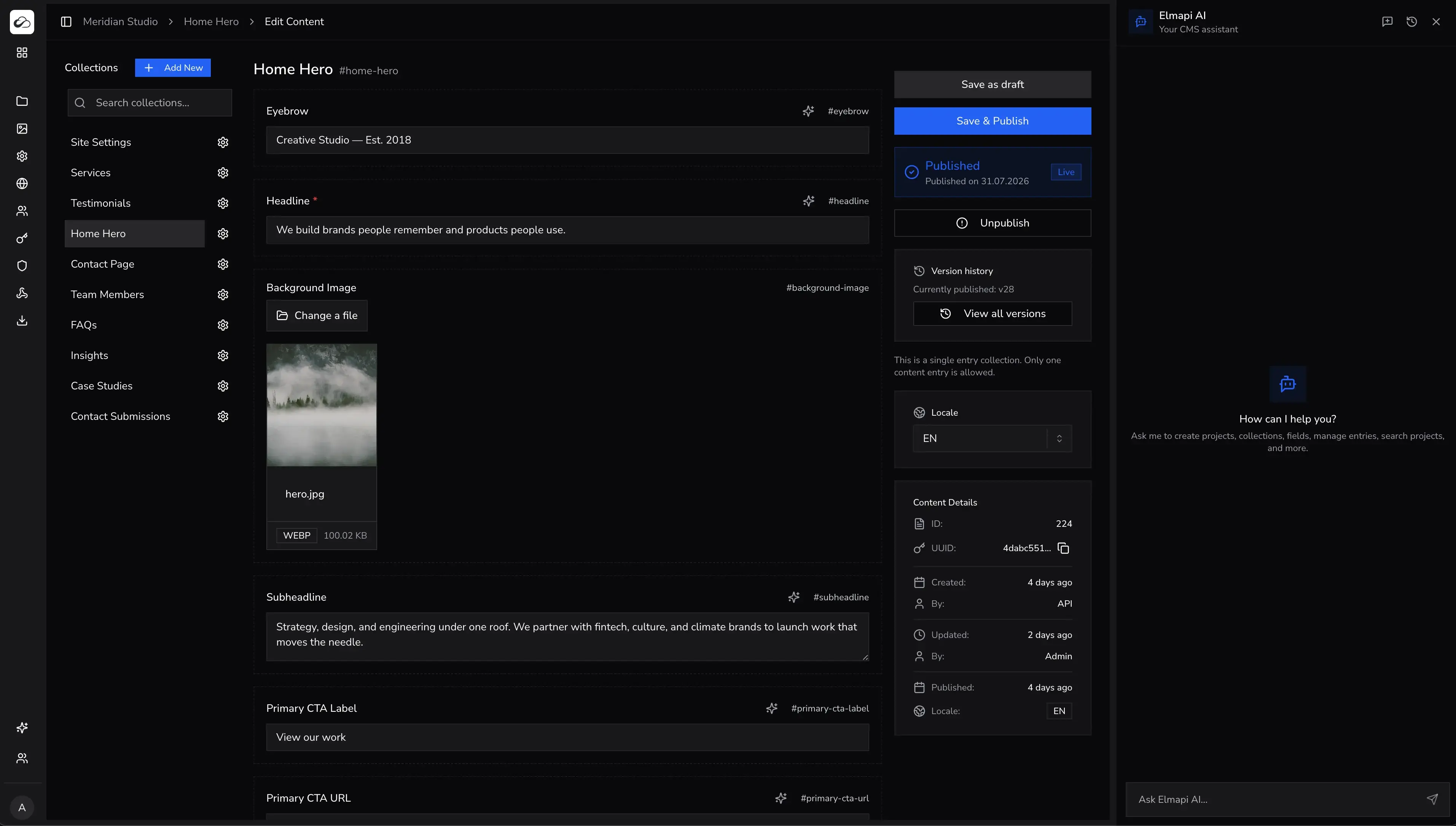
ElmapiCMS gives Laravel teams a practical content layer. Manage projects in a modern dashboard. Model structured content. Deliver it anywhere through a clean API.
Why Laravel teams choose ElmapiCMS
Stay in the Laravel ecosystem. Get a CMS that is ready for modern frontend delivery.
Laravel-native stack
Use the framework, packages, and deployment patterns your team already knows.
Multi-project architecture
Run separate client or product APIs from one CMS install.
Clean content API
Deliver structured content to Next.js, Nuxt, Astro, mobile apps, and more.
Authentication
Add signup, sign-in, refresh, and logout for your frontend.
Frontend templates
Clone Next.js, Nuxt, and Astro starters with importable project packages.
Full source code
Customize models, workflows, and integrations on your own server.
Install on your server
Deploy like any Laravel app with Docker, Forge, Cloud, or Herd.
Model content in the admin
Create collections, fields, and projects without boilerplate.
Add auth when you need it
Turn on Authentication for members, accounts, or gated apps.
Consume through the API
Ship Next.js, Nuxt, Astro, or mobile apps on top of your CMS.
Drop a CMS into the stack your team already runs
ElmapiCMS is built on Laravel 13 with a React admin panel. You get familiar deployment and Composer-based setup. You can extend the backend when a project needs custom logic.
- - Laravel conventions, queues, and middleware when you need them
- - Works beside existing Laravel apps and hosting workflows
- - Full source code for audits, customizations, and client handoffs
MySQL 8+, MariaDB 10.5+, or PostgreSQL 12+.
Audit the code. Extend models. Ship custom workflows.
Unlimited projects. No monthly CMS subscription.
The Laravel headless CMS your frontend can use
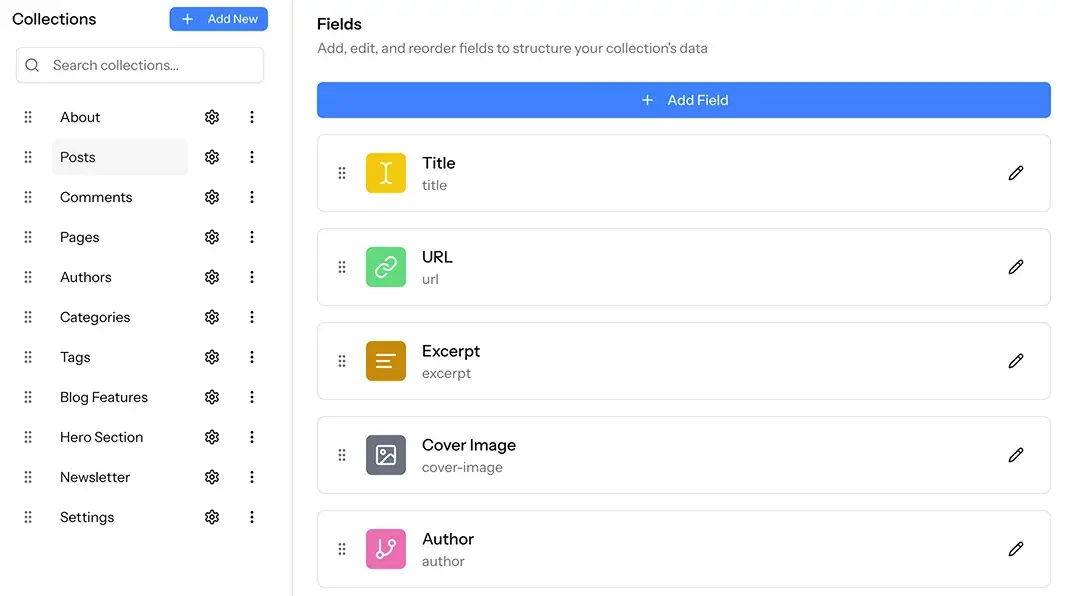
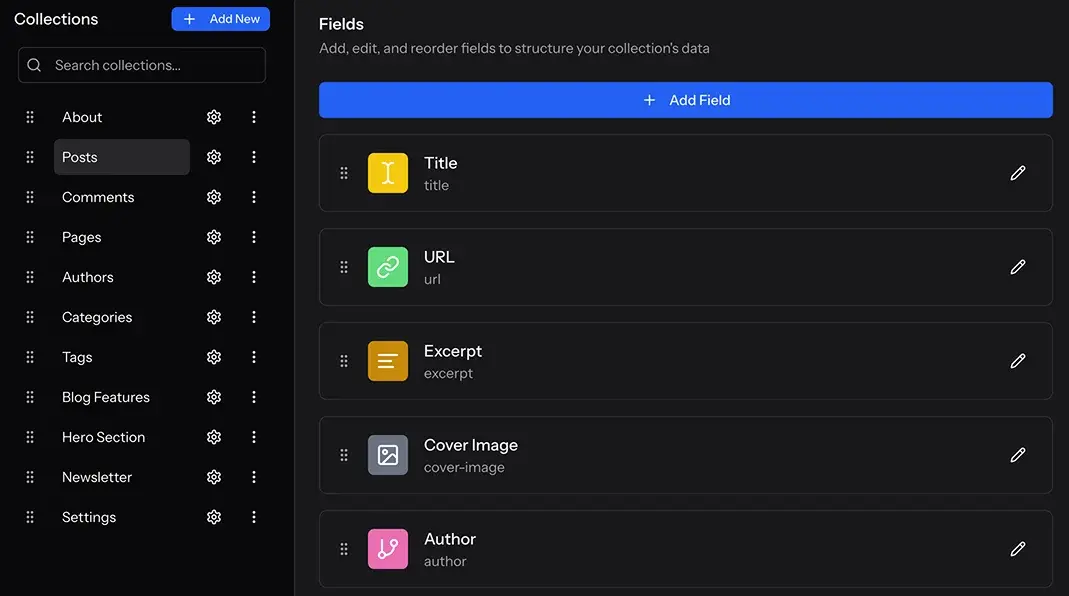
ElmapiCMS gives you a predictable REST API, structured collections, and a JavaScript SDK. Your frontend team can move on its own schedule.
- - REST API for websites, apps, and internal tools
- - Collections, relations, groups, and singletons for real schemas
- - Works with Next.js, Nuxt, Astro, React Native, and more
One Laravel CMS install for every client project
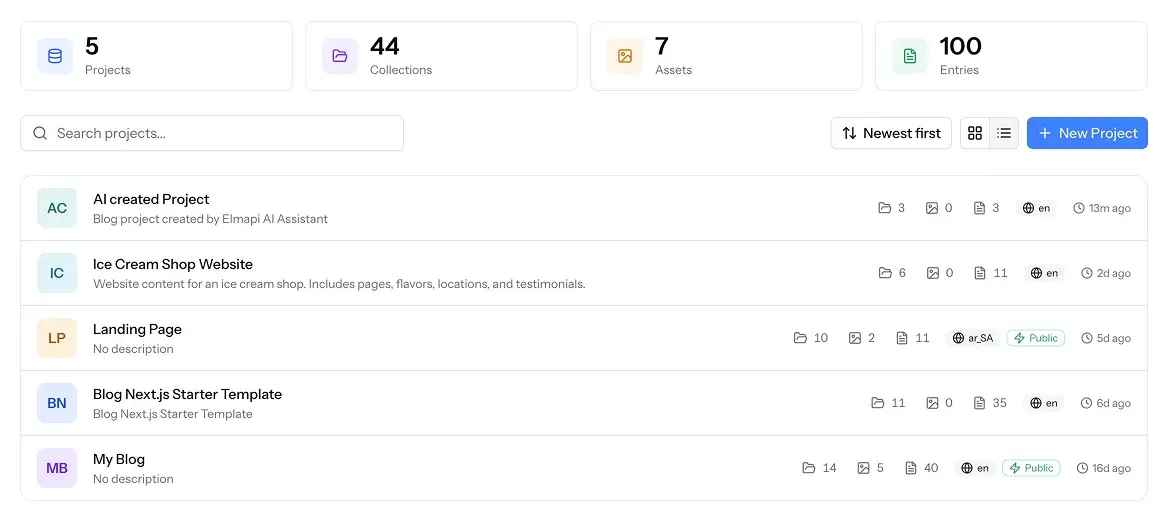
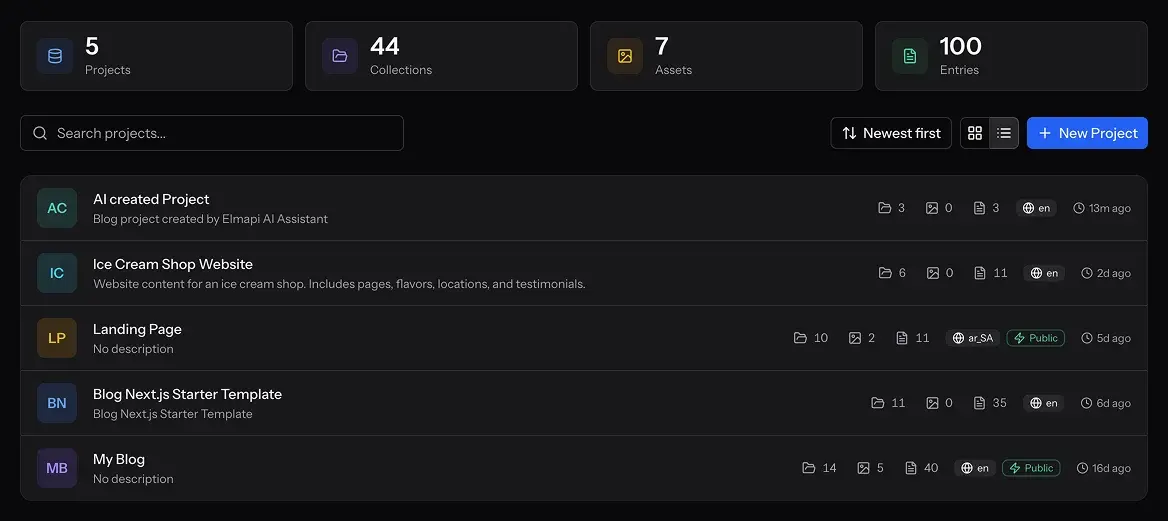
Many CMS tools need a new instance for every client. ElmapiCMS lets you run unlimited projects from one install. Each project has separate content, API keys, and permissions.
- - Lower hosting and maintenance work for agencies
- - Project templates to launch new clients faster
- - Better margins than per-site SaaS CMS pricing
Authentication, templates, and versioning
The same Laravel install now covers app login, ready frontends, and safer publishing.
Authentication
Signup, sign-in, refresh, logout, email verification, and user API keys for your frontend.
Explore AuthenticationFrontend templates
Next.js, Nuxt, and Astro starters with importable Elmapi project packages.
Browse templatesVersioning
Save drafts without changing the live API. Publish fixed snapshots you can revert.
See all featuresOwn your Laravel CMS instead of renting one
ElmapiCMS uses one-time pricing with no per-project CMS fees. You host it yourself. You keep the source code. You pay for infrastructure on your terms.
- - $74 one-time license, unlimited projects
- - No monthly CMS subscription or per-seat pricing
- - Pair with AI, MCP, auth, templates, and asset workflows
AI, assets, and MCP fit Laravel workflows
ElmapiCMS is not only a content API. You also get media management, built-in AI tools, and an official MCP server for Cursor and Claude Code.
- - Asset library with S3-compatible storage options
- - AI assistant, inline tools, and one-click translation
- - MCP server for collection, entry, and asset operations
Frequently asked questions
What is a Laravel CMS?
A Laravel CMS is a content management system built on the Laravel PHP framework. You get familiar tools, Composer packages, and deployment options. You also get a content layer for websites and apps.
Is ElmapiCMS a traditional or headless Laravel CMS?
ElmapiCMS is a headless Laravel CMS. You manage content in a modern admin panel. You deliver content through a REST API. You can use any frontend framework. You are not tied to Laravel views.
Can I manage multiple client sites from one install?
Yes. ElmapiCMS supports unlimited projects from one install. Each project has separate content, API keys, and permissions. This fits agencies and freelancers.
Does the Laravel CMS include Authentication and templates?
Yes. ElmapiCMS 4.0 includes Authentication for frontend. It also includes frontend templates for Next.js, Nuxt, and Astro. Many templates ship with an importable project package.
Where can I host ElmapiCMS?
You can self-host on Laravel Cloud, Forge, a VPS, Docker, or shared hosting that supports PHP and Laravel. The CMS runs on your infrastructure. You control data, backups, and scaling.
How does ElmapiCMS compare to Statamic or Filament?
Statamic is a strong choice for premium editorial and flat-file workflows. Filament is strong when you want to build a custom admin from scratch. ElmapiCMS is built for teams that need a ready headless API and multi-project operations.
Ready to use ElmapiCMS as your Laravel CMS?
Try the live demo, compare Laravel CMS options, or get ElmapiCMS and launch your first project.