Cloud CMS platforms are easy to start. They also bring monthly fees, data on another company's servers, and vendor rules you do not control. Self-hosting puts the CMS on your infrastructure.
Why self-host?
- Data ownership - Content stays on your servers.
- Predictable cost - You pay hosting, not usage-based CMS seats for every spike.
- Less lock-in - You can migrate or change the stack without losing access to your data.
- Compliance - You can place data in the regions your rules require.
- Customization - Source access lets you change the product when you must.
The trade-off is ops work. You or your team must handle updates, backups, and security. If you compare self-hosting with a backend as a service, see Supabase alternatives and self-hosting vs platforms like Supabase.
What to consider
- Stack - PHP, Node.js, or TypeScript. Pick what your team can maintain.
- RAM - Node apps usually need more memory than PHP.
- Projects - One install per site, or many projects on one install.
- License - Open source, one-time purchase, or per-site fees.
- Delivery model - Headless API, classic pages, or publishing-first.
1. ElmapiCMS

ElmapiCMS is a self-hosted headless CMS on Laravel 13 and React. It needs PHP 8.4+. Frontends talk to a REST Content API. Next.js, Nuxt, Astro, and other stacks work well.
The standout feature is multi-project support. One install can run unlimited projects. Each project has its own collections, entries, assets, and API keys. Agencies maintain one system instead of one CMS install per client.
What ships in 4.0
- Draft and publish, content versioning, and locales
- Asset library with WebP images, crop tools, and optional S3 direct upload
- Built-in AI tools and an official MCP server for Cursor and Claude Code
- Authentication for frontend (signup, sign-in, refresh)
- Frontend templates for Next.js, Nuxt, and Astro
- Webhooks, JS SDK, and project API tokens
Hosting: PHP 8.4+, MySQL or PostgreSQL. Runs well on a small VPS. Docker and Laravel Herd are common paths.
Pricing: $74 one-time payment. No per-project license fees. Buy on CodeCanyon · Live demo
Best for: Agencies with many clients, API-first apps, teams that prefer Laravel and one-time licensing.
Product overview: self-hosted headless CMS. Multi-client ops: multisite headless CMS.
2. Strapi
Strapi is a popular open-source headless CMS on Node.js. It has a visual content-type builder, REST and GraphQL, and a large community.
Plan for memory. Strapi often wants 1GB+ RAM. Each project usually needs its own install. That is fine for one site. It adds up for many clients.
Pricing: Free (MIT). Best for: Single Node.js projects with a strong plugin and community need.
3. Directus
Directus wraps an existing SQL database and exposes admin UI plus REST and GraphQL. Your data stays in normal tables. That helps portability.
Setup needs solid database design. Initial config takes longer than a CMS that owns its own schema.
Pricing: Free (GPL). Best for: Teams that already have a database and want a CMS layer on top.
4. Payload CMS

Payload is a TypeScript-first headless CMS. You define collections in code, so the schema lives in Git with strong typing. REST and GraphQL are available.
Developer experience is strong for TypeScript teams. Content model changes usually need a developer.
Pricing: Free (MIT). Best for: TypeScript apps with code-first content models.
5. Ghost
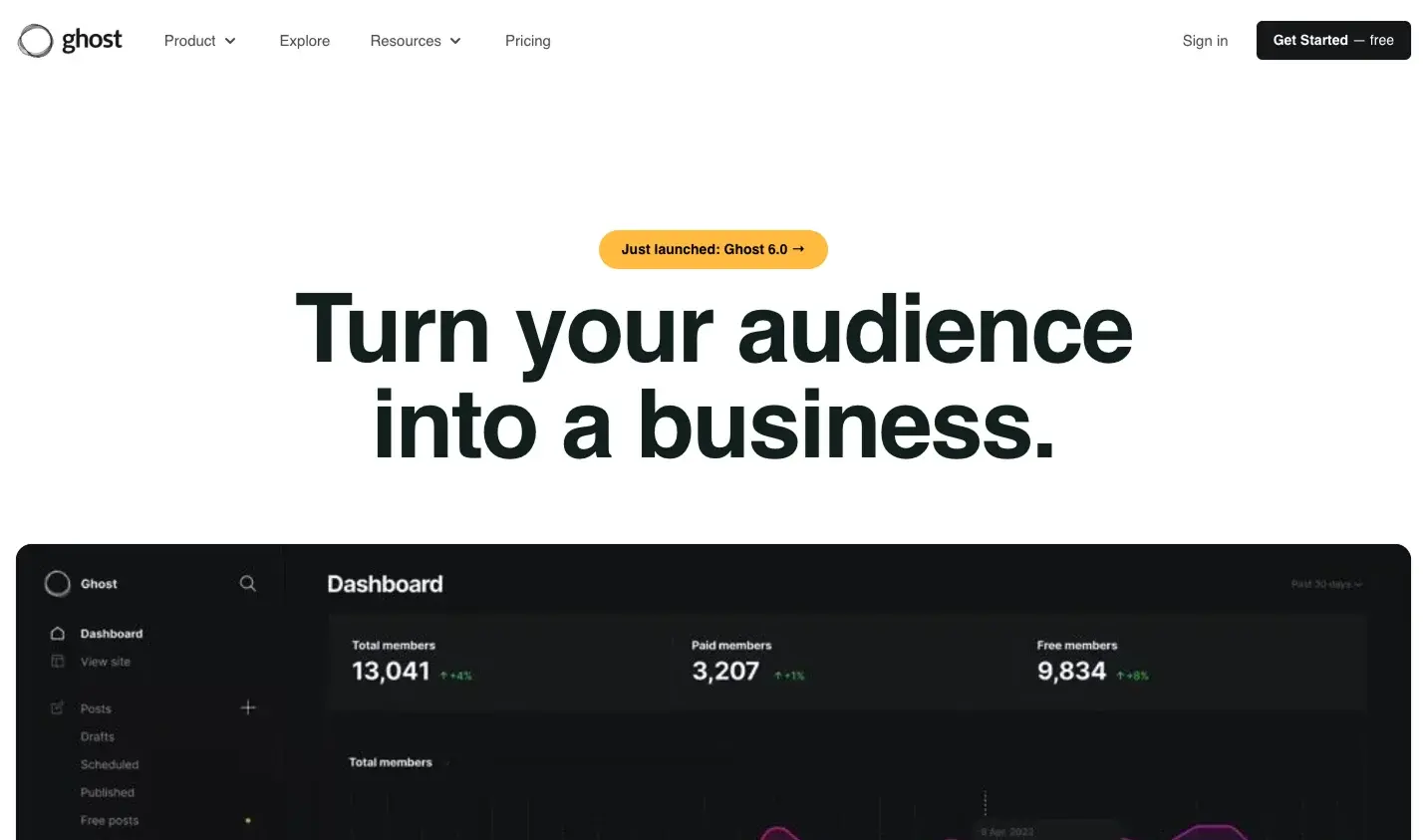
Ghost focuses on publishing. Blogs, newsletters, and memberships are the core job. It includes membership tools, email newsletters, SEO defaults, and a content API.
Hosting: Node.js 18+, MySQL 8, often 1GB+ RAM. Pricing: Free (MIT). Best for: Publishers and membership sites.
6. Statamic
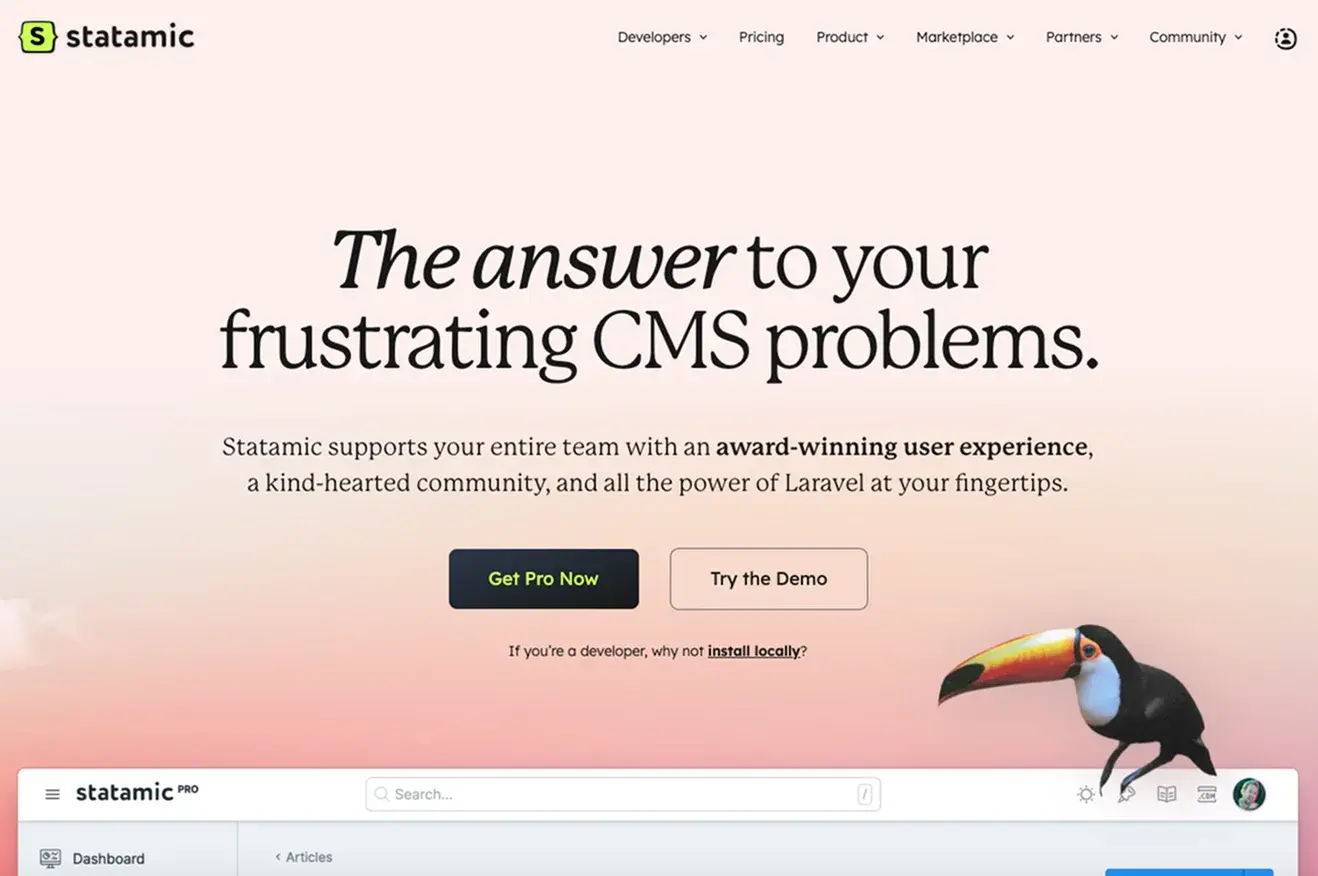
Statamic is a Laravel CMS with flat-file or database storage. Flat files make Git workflows easy. The control panel is strong. Headless mode supports REST or GraphQL.
Pricing: Free for solo or hobby sites. Pro is about $275 per site (one-time). Best for: Premium Laravel sites and teams that want excellent admin UX.
7. October CMS
October CMS is a mature Laravel platform with a large plugin marketplace and Twig themes. It fits classic site builds more than pure API-first apps.
Pricing: Free and open source. Best for: Traditional sites that need plugins and a familiar Laravel editorial flow.
Comparison table
| Feature | ElmapiCMS | Strapi | Directus | Payload | Ghost | Statamic |
|---|---|---|---|---|---|---|
| Multi-project | Yes | No | No | No | No | Per site |
| Stack | Laravel 13 | Node.js | Node.js | TypeScript | Node.js | Laravel |
| Typical RAM | 256MB+ | 1GB+ | 512MB+ | 512MB+ | 1GB+ | 256MB+ |
| License | $74 once | MIT | GPL | MIT | MIT | ~$275/site Pro |
| Type | Headless | Headless | Headless | Headless | Publishing | Traditional / headless |
| Best for | Agencies, API apps | Node teams | Existing DB | TypeScript apps | Publishers | Premium Laravel sites |
FAQ
What is the best self-hosted CMS in 2026?
It depends on your stack and workload. ElmapiCMS fits Laravel teams that want a headless API and many projects on one install. Strapi, Directus, and Payload fit Node or TypeScript teams. Ghost fits publishing. Statamic and October CMS fit classic Laravel editorial sites.
Why choose a self-hosted CMS instead of a cloud CMS?
Self-hosting keeps data on your servers, keeps costs more predictable, and avoids vendor lock-in. You must handle updates, backups, and security yourself or with your team.
Which self-hosted CMS is best for agencies with many client sites?
Agencies that run many client sites need isolated projects without many servers. ElmapiCMS runs unlimited projects from one install, each with its own content and API keys. Strapi and Payload usually need one install per project.
How much RAM do I need for a self-hosted CMS?
PHP and Laravel options such as ElmapiCMS and Statamic often run on smaller VPS plans around 256MB to 512MB of RAM. Many Node options such as Strapi, Directus, and Ghost recommend 1GB or more. Multiple Node installs need more capacity.
How to choose
- Many clients on one install: ElmapiCMS ($74 once, Laravel 13, REST API, templates, Authentication).
- Single Node project: Strapi.
- Existing SQL database: Directus.
- TypeScript code-first: Payload.
- Blog, newsletter, membership: Ghost.
- Premium Laravel editorial UX: Statamic.
- Classic sites with plugins: October CMS.
Want hosted AI-native delivery instead of self-hosting? See NomaCMS. For ElmapiCMS next steps: pricing, live demo, and docs.