Managing Roles
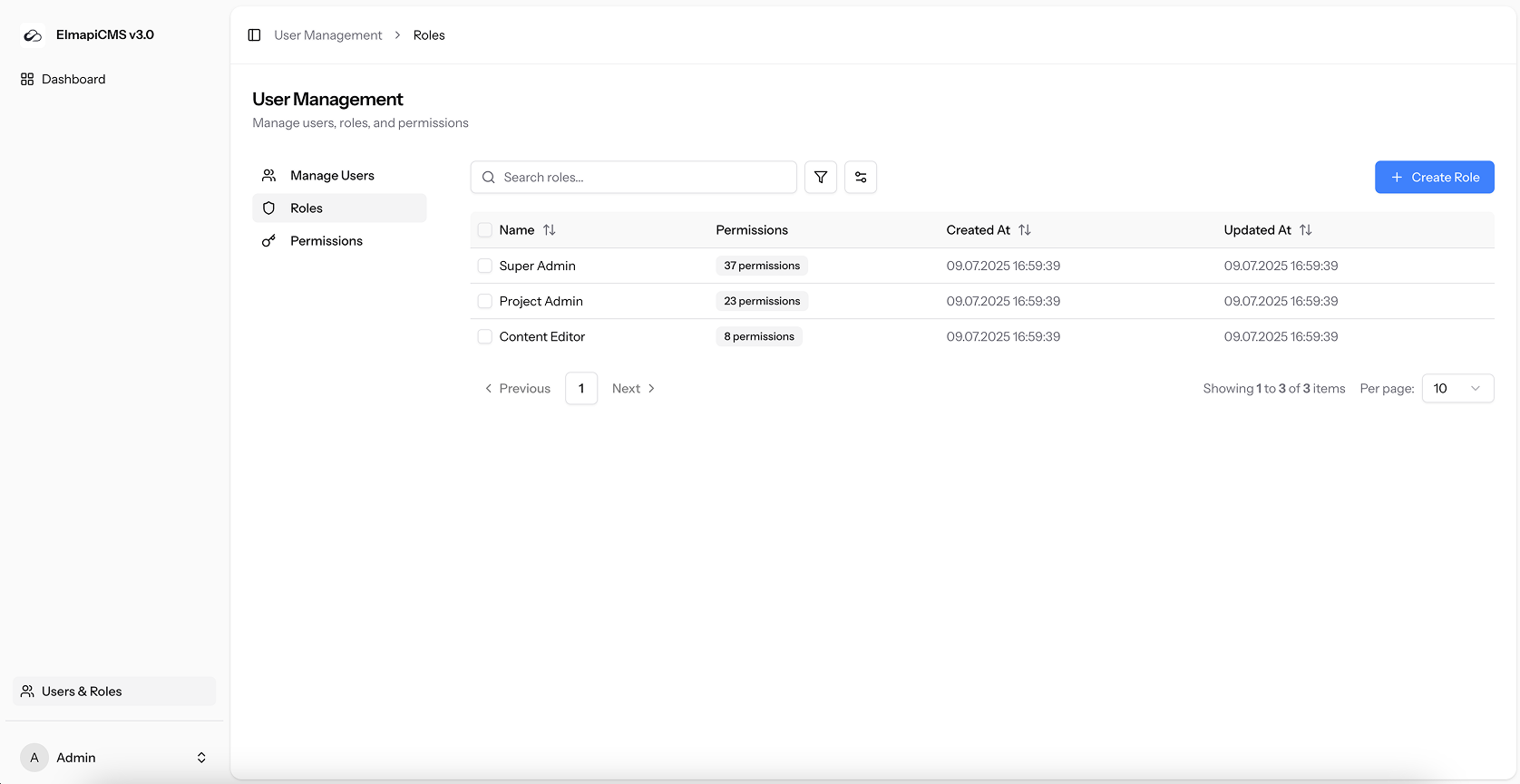
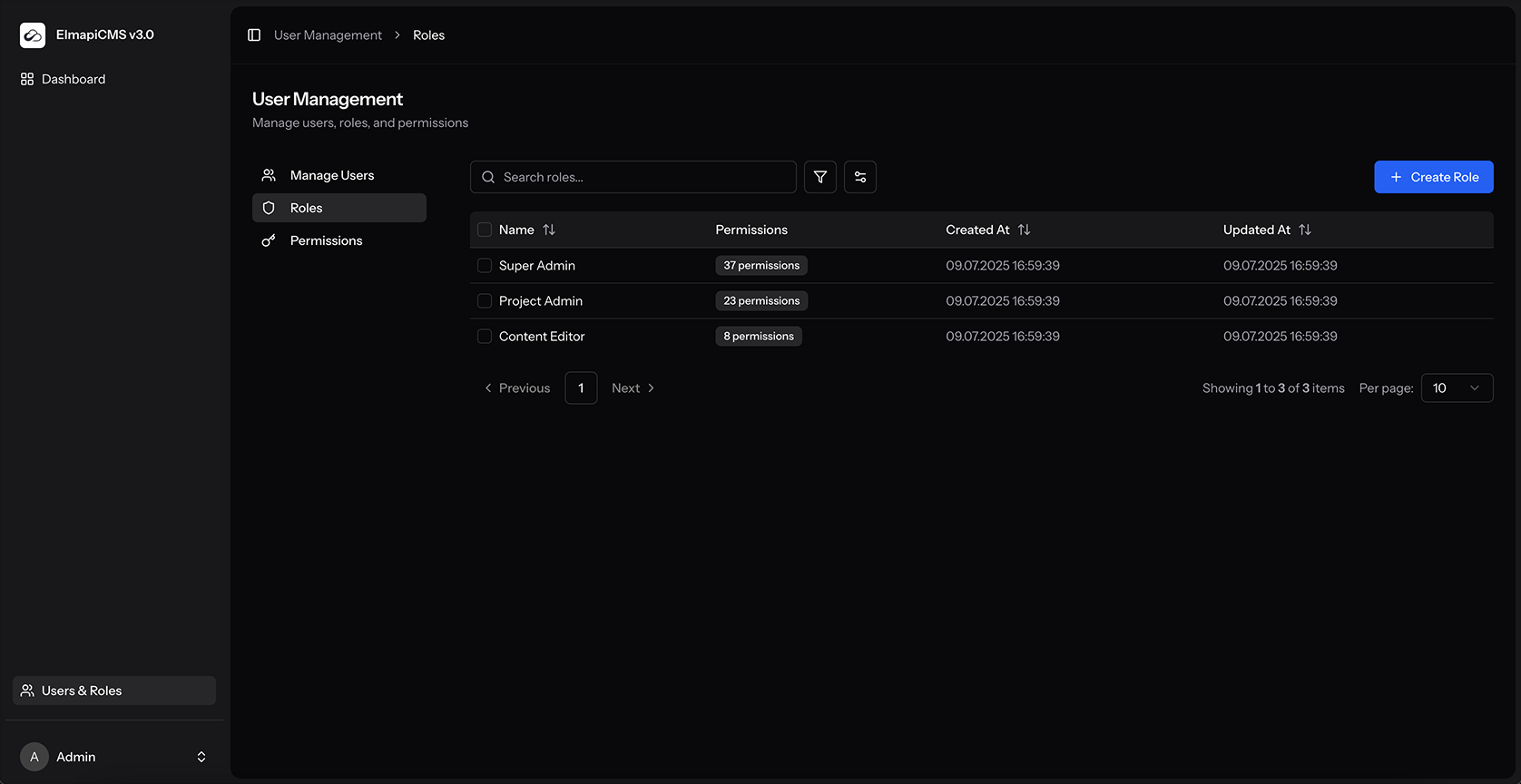
The roles page allows you to create and manage roles, which are used to group permissions together.
Creating a New Role
-
Click the "Create Role" button in the top right corner.
-
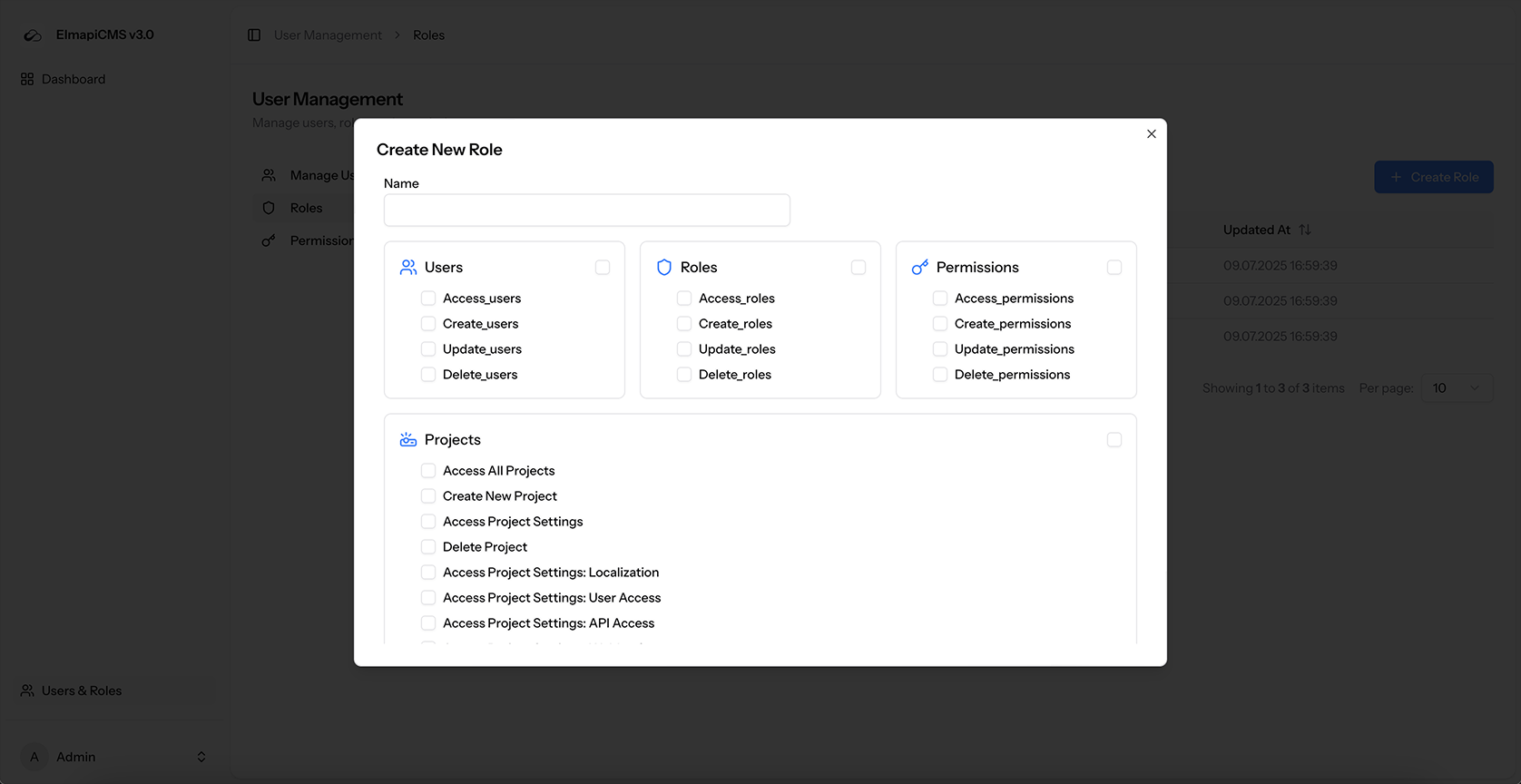
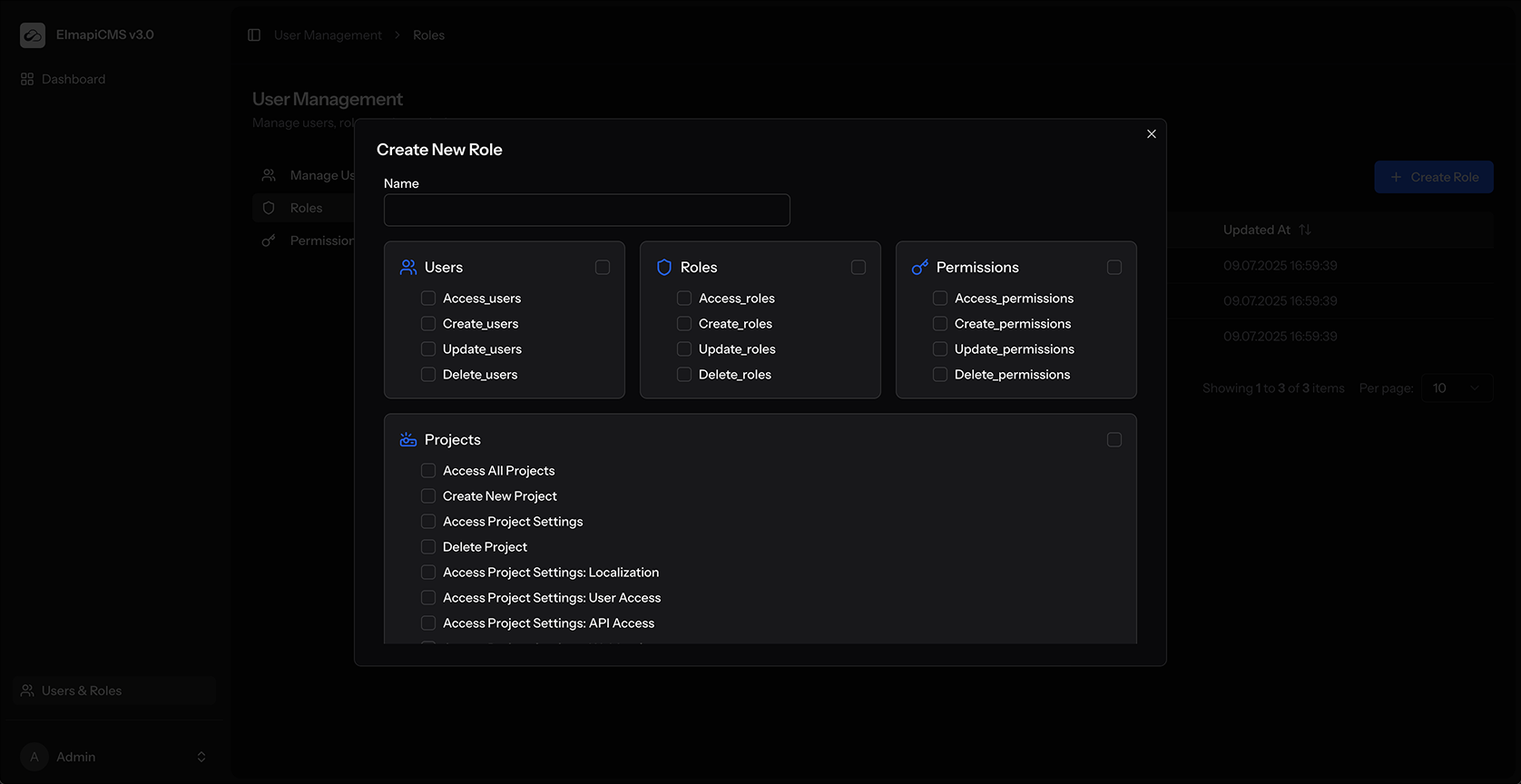
Give the role a name (e.g., "Content Editor", "Administrator").
-
Assign permissions to the role by checking the boxes next to each permission.
- Permissions are grouped by category (e.g., "Users", "Roles", "Permissions").
- You can use the "Select All" checkbox at the top of a group to quickly assign all permissions in that category.
- Project-specific permissions are listed at the bottom.
::: tip Important Note on Project Access There is a special permission called
access_all_projects.- If this permission is checked, users with this role can see and access all projects in the workspace.
- If this permission is unchecked, users will not see any projects by default. You must then grant them access to specific projects individually from within each project's User Access settings page.
This allows for powerful, fine-grained control over who can access what. For more information, see the User Access settings guide. :::
-
Click "Create Role".
Editing a Role
- From the role list, click on the role you wish to edit.
- The "Edit Role" modal will appear.
- You can update the role's name and change the assigned permissions.
- Click "Update Role" to save your changes.
Deleting Roles
Similar to users, you can delete roles individually or in bulk.
-
To delete a single role:
- Click on the role to open the "Edit Role" modal.
- Click the "Delete" button.
- Confirm the deletion.
-
To delete multiple roles:
- Select the roles you want to delete by checking the boxes next to their names.
- Click the "Delete Selected" button that appears at the top of the table.
- You will be asked to enter your own password to confirm the bulk deletion.
- Click "Delete Roles".
Important
Deleting a role is a permanent action and cannot be undone. Any users assigned only to the deleted role will lose the associated permissions.