Managing Users
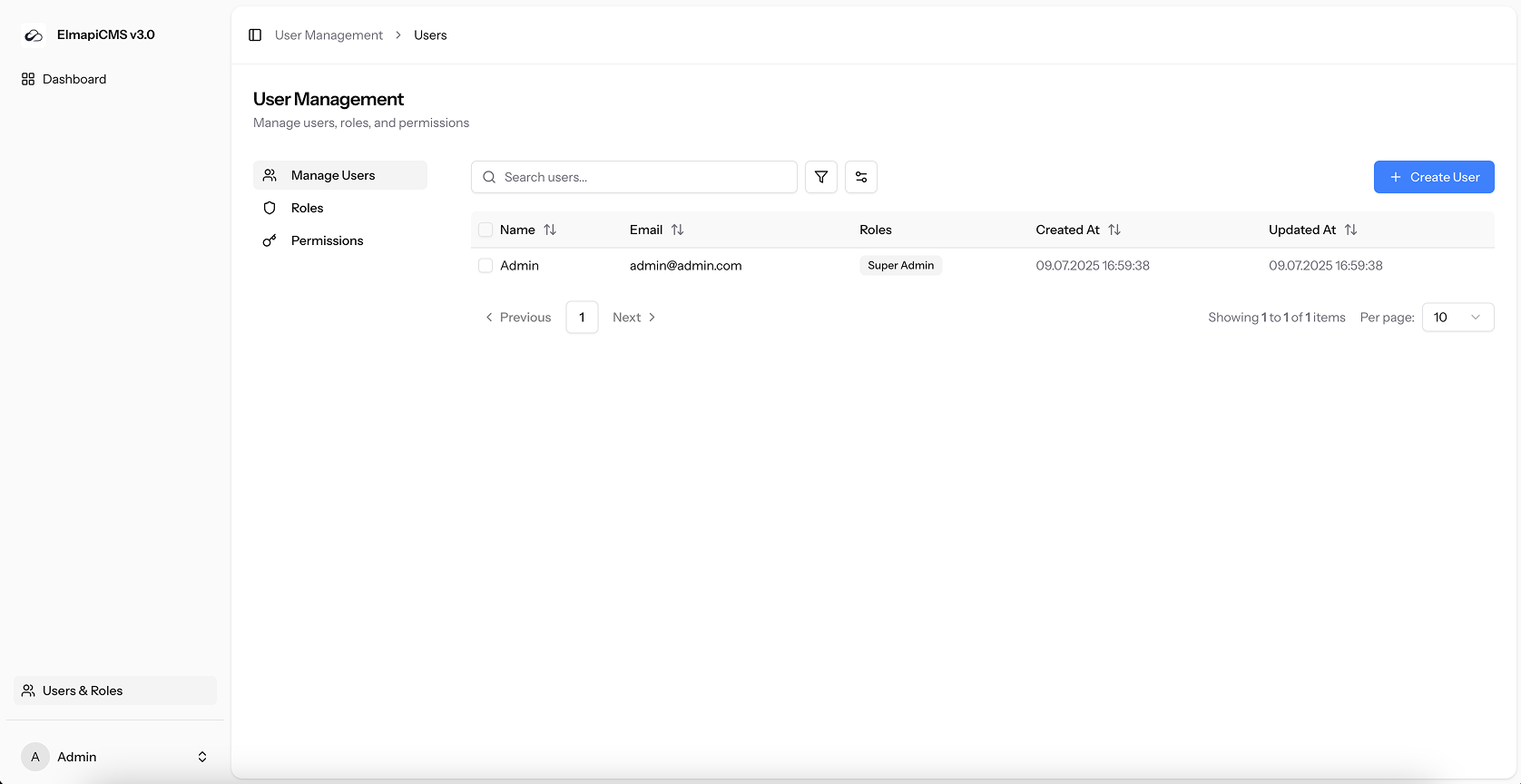
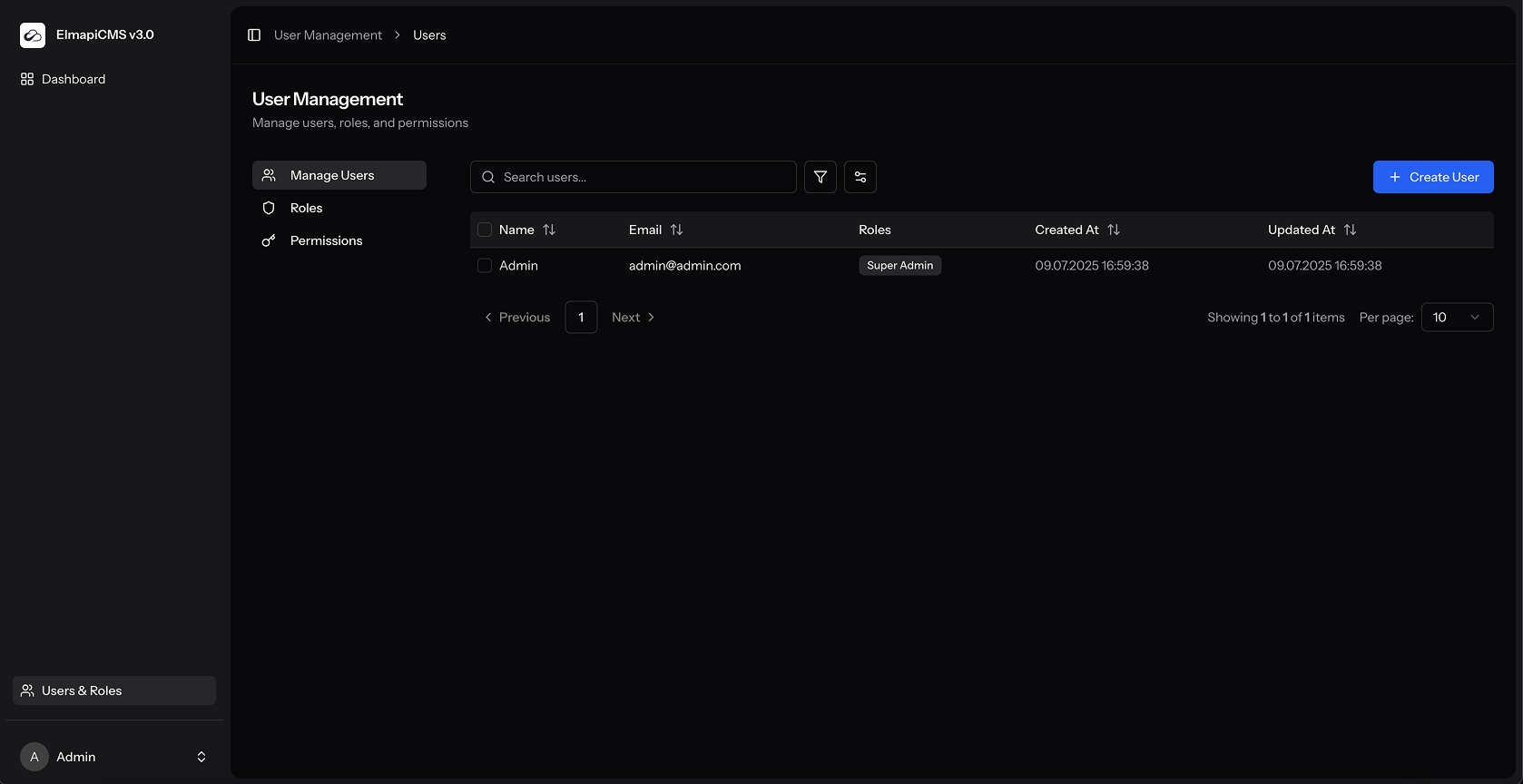
The users page allows you to manage all of the user accounts in your ElmapiCMS instance.
Creating a New User
- Click the "Create User" button in the top right corner.
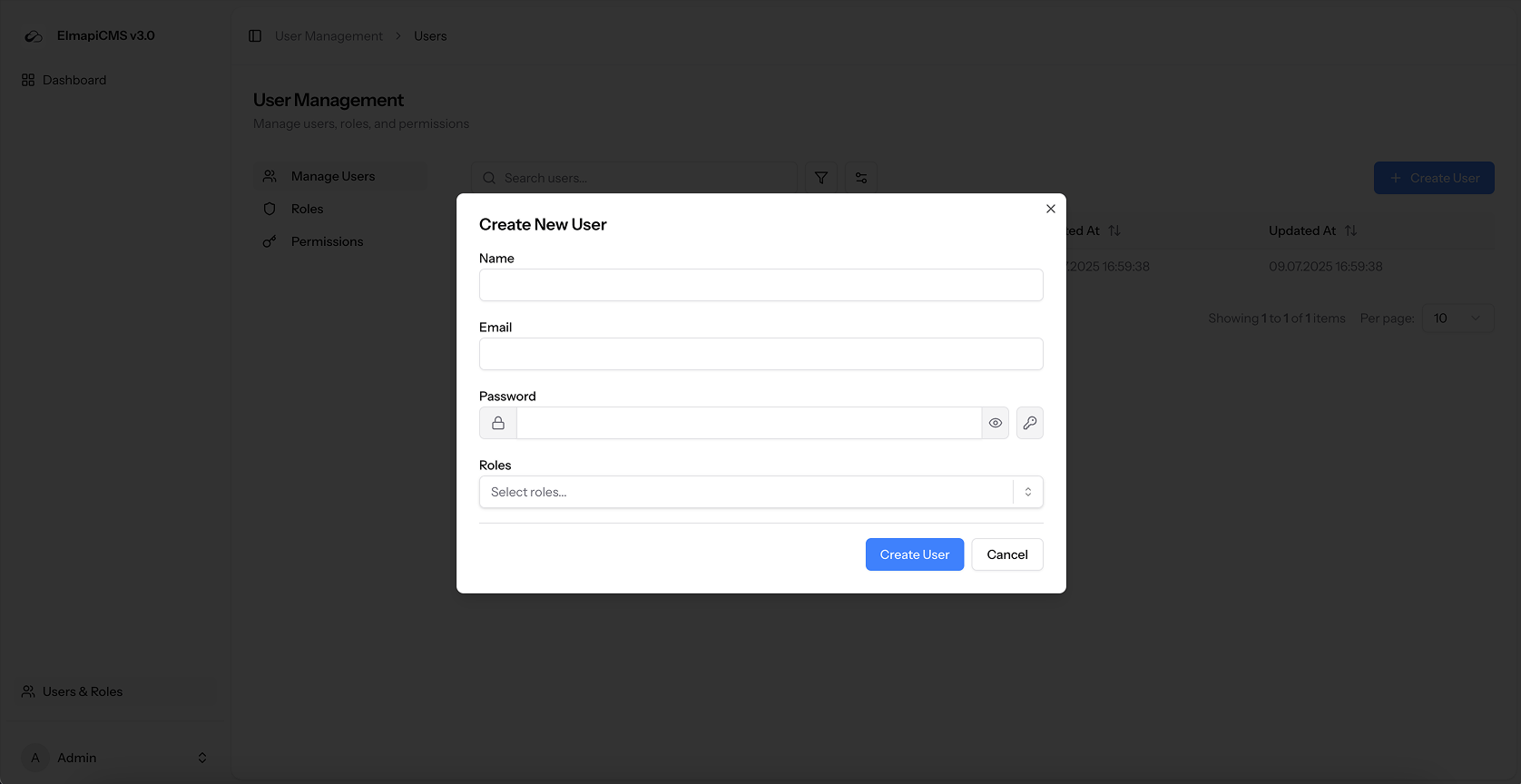
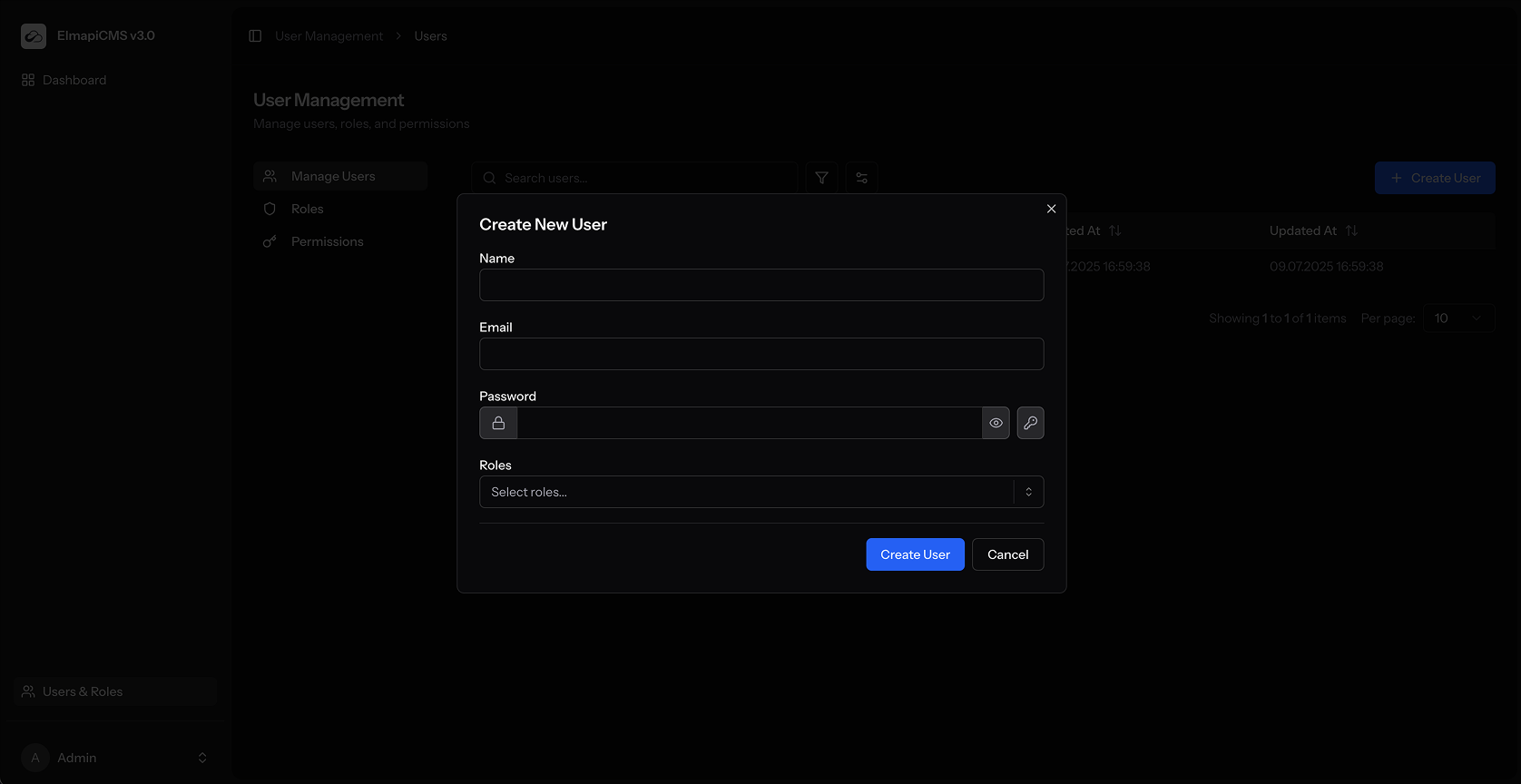
- Fill in the user's name, email address, and a secure password.
- You can use the "Generate Password" button to create a strong, random password.
- Assign one or more roles to the user from the "Roles" dropdown.
- Click "Create User".
Editing a User
- From the user list, click on the user you wish to edit. This can be done by clicking on the row.
- The "Edit User" modal will appear.
- You can update the user's name, email, password, and roles.
- Click "Update User" to save your changes.
Deleting Users
You can delete users individually or in bulk.
-
To delete a single user:
- Click on the user to open the "Edit User" modal.
- Click the "Delete" button.
- Confirm the deletion.
-
To delete multiple users:
- Select the users you want to delete by checking the boxes next to their names.
- Click the "Delete Selected" button that appears at the top of the table.
- You will be asked to enter your own password to confirm the bulk deletion. This is a security measure to prevent accidental deletions.
- Click "Delete Users".