User Access
Manage who can view or edit the project by adding members and assigning roles.
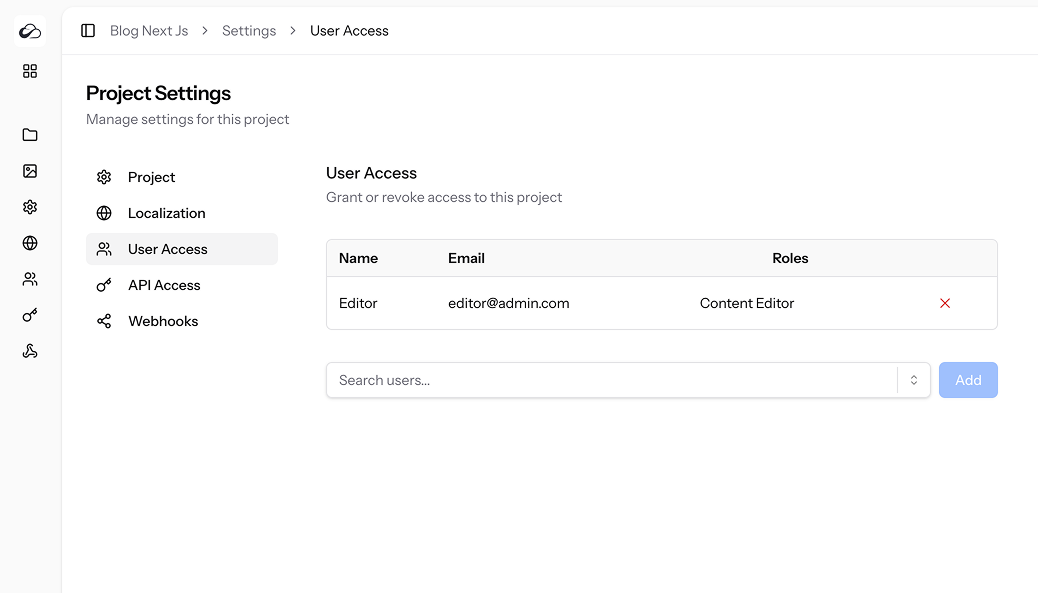
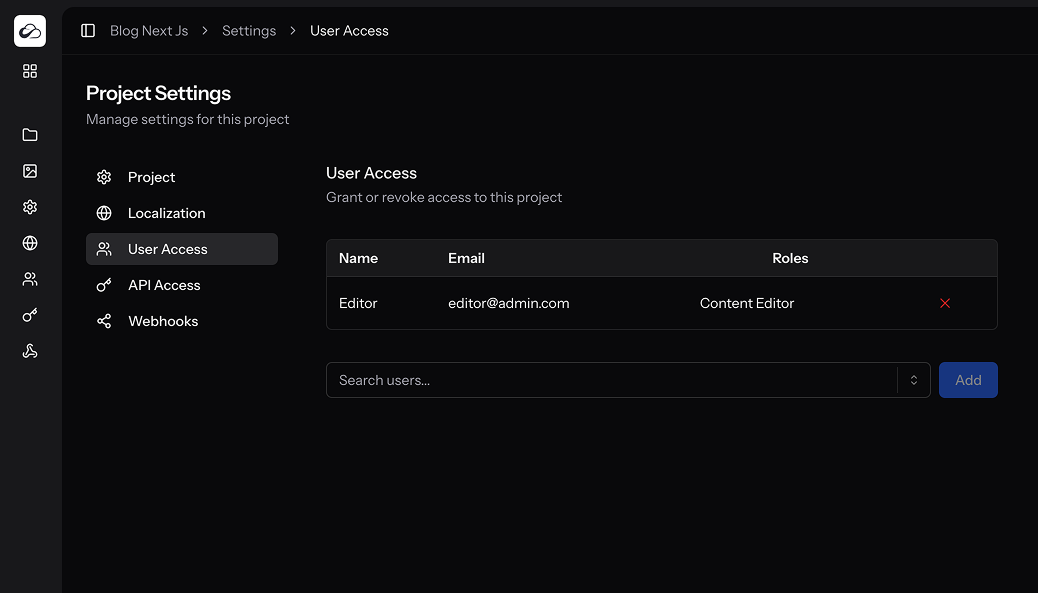
Members Table
| Column | Details |
|---|---|
| Name & Email | Pulled from the global user directory. |
| Roles | Comma-separated list of roles the user has in this project. |
| Remove | ✕ button – immediately revokes access. |
Adding Members
- Start typing in the Search users… box.
- Select a user from the dropdown (users already added are hidden).
- Click Add.
New members inherit role permissions they have globally (e.g. Editor, Admin). You can fine-tune roles via the User Management section.
Removing Members
Click the ✕ icon next to a member. Their tokens and content remain, but they can no longer access the project.
Permissions
| Ability | Purpose |
|---|---|
access_user_access_settings | View this tab |