Strapi Alternatives 2026: Best Replacements (Self-Hosted, Cloud & Laravel)

Strapi alternatives in 2026: best self-hosted and cloud replacements compared by pricing, multi-project ops, and migration risk. Includes NomaCMS, ElmapiCMS, Payload, Directus, Sanity, and Contentful.

R
Raşit Apalak
14 min read

A practical shortlist for teams comparing Strapi against other real-world options.

Strapi alternatives usually mean one of three things: lower hosting pain, fewer Node instances to babysit, or a pricing model that does not multiply with every client site. Strapi is still a strong default for many teams, but most evaluators are not really asking for “another CMS”—they are asking whether to stay self-hosted, move to Strapi Cloud, or switch stacks entirely (for example to a Laravel headless CMS with a smaller RAM footprint). This guide is built around those switching questions so you can narrow the shortlist faster. For a full market view first, open our best headless CMS comparison for 2026; for line-item fees, see headless CMS pricing.


Table of Contents


Key Factors to Consider

When evaluating headless CMS alternatives, consider these important factors:

Self-Hosted vs Cloud

Self-hosted solutions give you full control over your data and infrastructure. You're responsible for hosting, updates, and maintenance, but you have complete ownership.

Cloud solutions handle hosting and maintenance for you, but you're tied to the provider's infrastructure and pricing model.

Pricing Model

  • One-time purchase: Pay once, own forever
  • Open source: Free, but may have paid cloud/enterprise options
  • Subscription: Monthly or annual fees
  • Usage-based: Pay per API call or content item

Multi-Project Support

Some CMSs allow you to manage multiple projects from a single installation, which is ideal for agencies or developers managing multiple clients.

Learning Curve

Consider how quickly your team can get productive with the CMS. Simpler interfaces and better documentation can significantly reduce onboarding time.

API Design

Evaluate the API structure, response formats, and query capabilities. A well-designed API makes frontend integration much easier.

Extensibility

Check if the CMS allows custom functionality, webhooks, and integrations with your existing tools and services.

Community and Support

Active communities, good documentation, and responsive support can make a significant difference when you encounter issues.


How to Choose the Right Replacement

Use the shortlist below based on the reason you're moving away from Strapi:

  • You want fewer installations to manage: prioritize platforms with strong multi-project support.
  • You want to stay self-hosted but spend less on infrastructure: compare RAM needs, hosting model, and maintenance burden.
  • You want the cleanest TypeScript-first developer workflow: look closely at Payload.
  • You want database flexibility: Directus stays strong when you already have a SQL model to work with.
  • You want a fully managed editorial platform: cloud-first tools like Sanity or Contentful may be a better fit than another self-hosted stack.

If you are mainly comparing cost and operational burden, pair this guide with our Headless CMS Pricing Comparison. If you want a broader market ranking first, start with our best headless CMS comparison.


Top Headless CMS Alternatives

Let's explore the strongest alternatives to Strapi, starting with the platforms that change the operational model most clearly.

NomaCMS

NomaCMS is a managed, AI-native headless CMS with a REST API, JavaScript SDK, and built-in AI for writing, translation, and editing. You run no CMS servers yourself: content, assets, and delivery sit on Noma's cloud with global CDN for uploads. It fits teams that want Strapi-like structured content without Node hosting operations, plus official MCP support for Cursor and Claude Code (npx -y @nomacms/mcp-server). Plans start at $15 per month after a 7-day free trial.

Key Features:

  • Managed hosting with team workspaces and project isolation
  • AI assistant, inline field actions, and one-click entry translation
  • REST API and SDK with predictable shapes for frontends
  • Webhooks, locales, and role-based access on paid tiers

Best For:

  • Teams that prefer SaaS operations over self-hosted Node or PHP runtimes
  • Projects that need AI workflows and MCP-ready editor integration out of the box
  • Groups that want to ship Nuxt, Next.js, or Astro frontends against a hosted API quickly

Pricing: Subscription tiers from $15/month; see nomacms.com for current limits.

ElmapiCMS

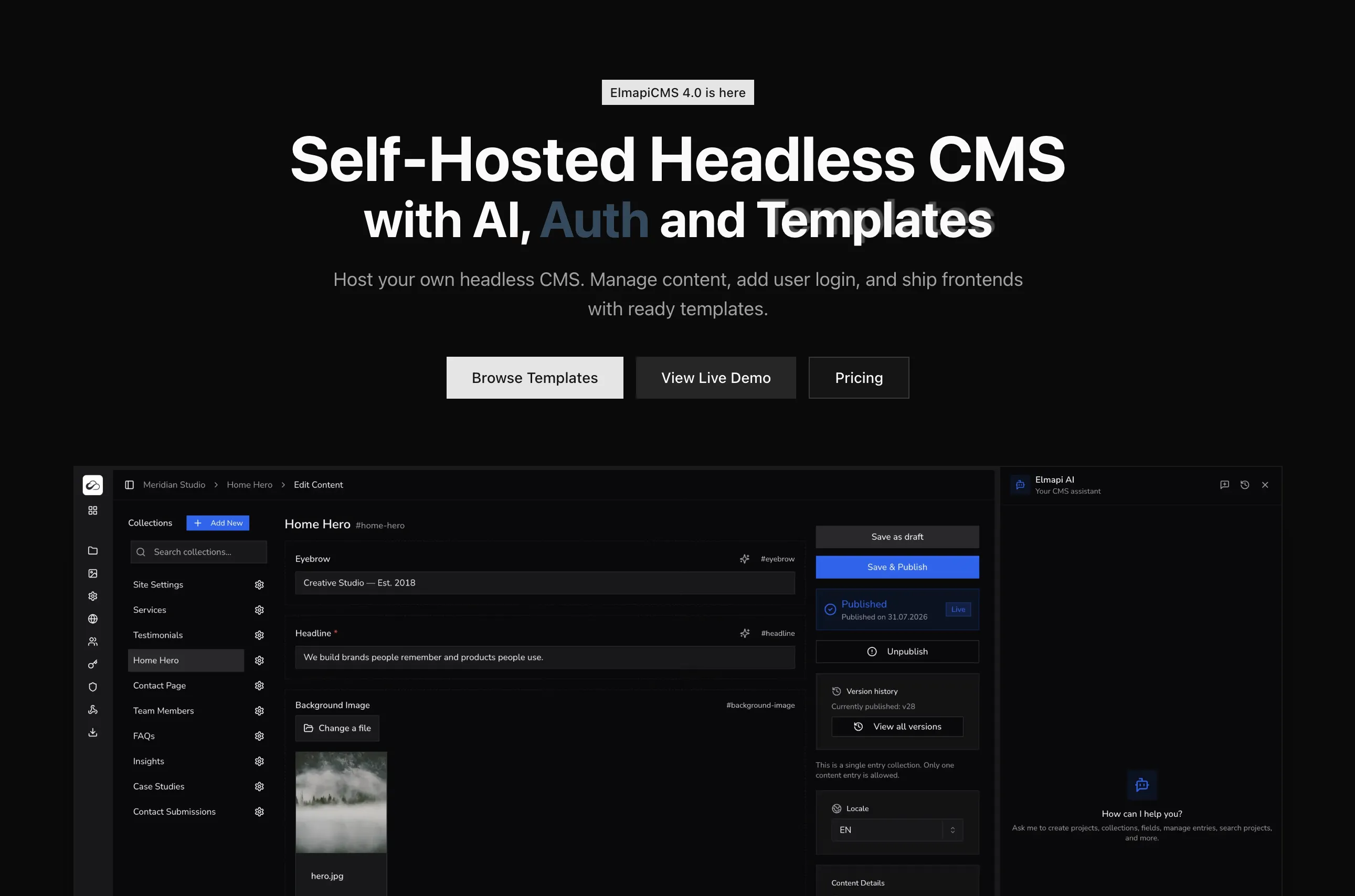
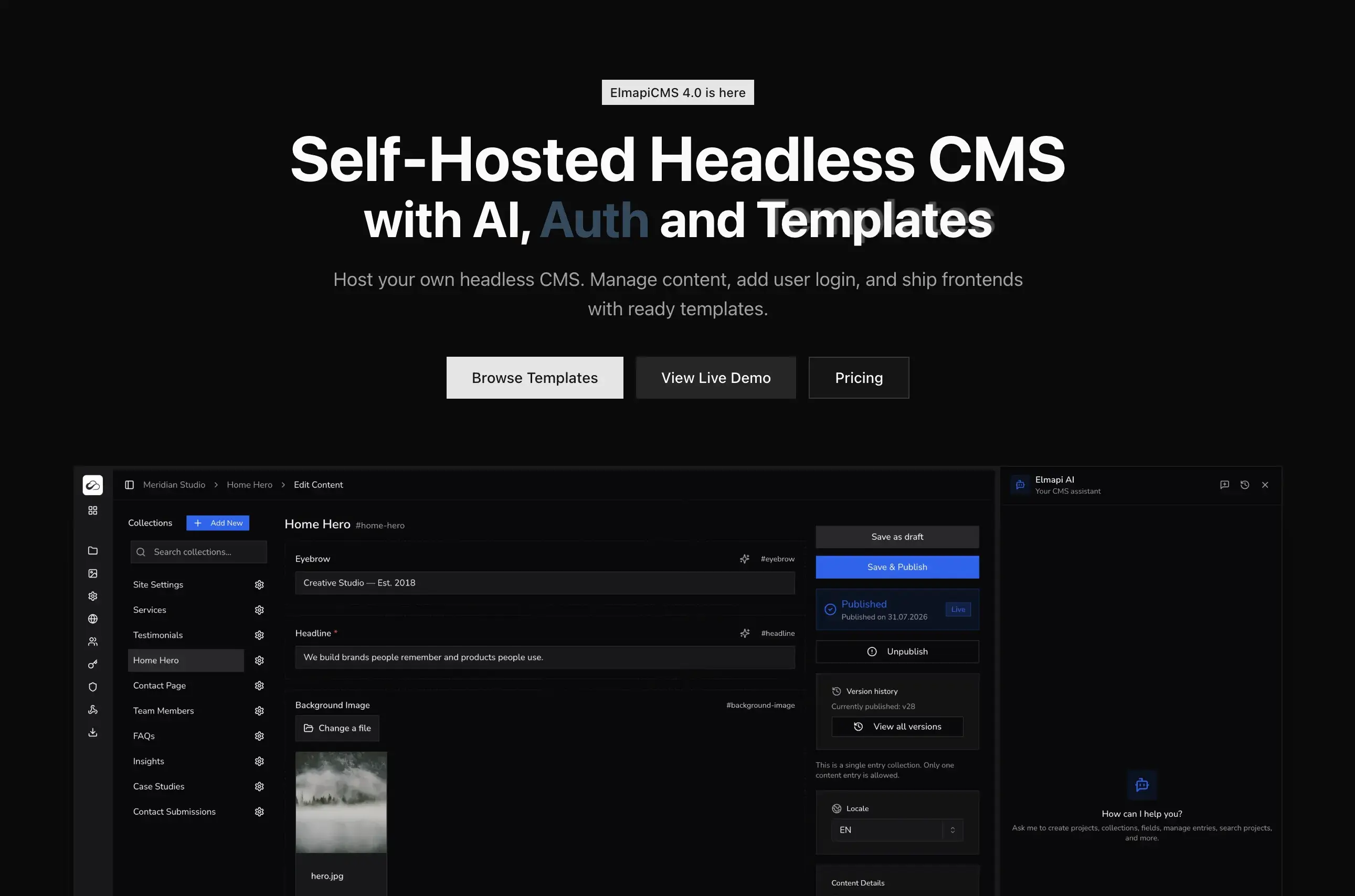
ElmapiCMS is a self-hosted headless CMS built with Laravel and React. It's designed for simplicity, performance, and multi-project management.

Key Features:

  • Simple setup and intuitive admin interface
  • Multi-project support from a single installation
  • One-time purchase model (no recurring fees)
  • Efficient PHP/Laravel backend
  • Built-in multi-language support
  • Fast API responses with efficient caching
  • Full source code access

Best For:

  • Developers and agencies managing multiple projects
  • Projects requiring quick setup and deployment
  • Teams preferring Laravel/PHP ecosystem
  • Budget-conscious projects needing predictable costs
  • Small to large projects needing scalable solutions

Installation:

# Using Docker
cd ~/projects/Elmapi3
composer install
cp .env.example .env
php artisan key:generate
php artisan sail:install
./vendor/bin/sail up
./vendor/bin/sail artisan migrate --seed

API Usage:

import { createClient } from '@elmapicms/js-sdk';

const client = createClient(
  'http://localhost:8000/api',
  'your-api-key',
  'your-project-id'
);

// Fetch all posts
const posts = await client.getEntries('posts');

// Fetch with filters
const featuredPosts = await client.getEntries('posts', {
  filters: {
    featured: true
  }
});

// Fetch with pagination
const paginatedPosts = await client.getEntries('posts', {
  paginate: 10,
  page: 1,
});

Pricing: One-time purchase, no recurring fees. Multi-project support means you can manage unlimited projects with a single license. Buy ElmapiCMS

Pros:

  • Simple setup and configuration
  • Multi-project support (major advantage)
  • One-time purchase model
  • Efficient resource usage
  • Fast learning curve
  • Full control over data and infrastructure

Cons:

  • Smaller community compared to Strapi
  • Fewer plugins available
  • PHP/Laravel knowledge helpful for customization

Payload CMS

Payload is a TypeScript-based headless CMS that gives you full control over your codebase.

Key Features:

  • Built with TypeScript
  • Self-hosted and open source
  • Highly customizable
  • Strong TypeScript support
  • GraphQL and REST APIs
  • Local API for server-side operations

Best For:

  • TypeScript/Node.js projects
  • Teams needing maximum customization
  • Projects requiring local API access

Installation:

npx create-payload-app@latest my-app
cd my-app
npm run dev

API Usage:

import { getPayload } from 'payload';
import config from './payload.config';

const payload = await getPayload({ config });

// Fetch posts
const posts = await payload.find({
  collection: 'posts',
  where: {
    status: {
      equals: 'published'
    }
  }
});

Pricing: Open source (free) with optional cloud hosting.

Pros:

  • Full TypeScript support
  • Highly customizable
  • Local API access
  • Modern architecture

Cons:

  • Steeper learning curve
  • Requires Node.js/TypeScript knowledge
  • Smaller ecosystem than Strapi

Directus

Directus is an open-source headless CMS that can work with any SQL database.

Key Features:

  • Works with existing SQL databases
  • No vendor lock-in
  • REST and GraphQL APIs
  • Real-time subscriptions
  • Role-based access control
  • File storage abstraction

Best For:

  • Projects with existing SQL databases
  • Teams needing database flexibility
  • Enterprise applications

Installation:

npx create-directus-project@latest my-project
cd my-project
npx directus start

API Usage:

import { createDirectus, rest, readItems } from '@directus/sdk';

const client = createDirectus('http://localhost:8055')
  .with(rest());

// Fetch posts
const posts = await client.request(
  readItems('posts', {
    filter: {
      status: {
        _eq: 'published'
      }
    }
  })
);

Pricing: Open source (free) with optional cloud hosting and enterprise plans.

Pros:

  • Works with existing databases
  • No vendor lock-in
  • Flexible architecture
  • Strong enterprise features

Cons:

  • Can be complex for simple projects
  • More setup required
  • Steeper learning curve

Sanity

Sanity is a cloud-based headless CMS with a powerful real-time editing experience.

Key Features:

  • Real-time collaborative editing
  • Structured content with Portable Text
  • Cloud-hosted (with self-hosted option)
  • Strong developer experience
  • Image optimization
  • GraphQL and REST APIs

Best For:

  • Content-heavy applications
  • Teams needing real-time collaboration
  • Projects preferring cloud hosting

Installation:

npm install -g @sanity/cli
sanity init

API Usage:

import { createClient } from '@sanity/client';

const client = createClient({
  projectId: 'your-project-id',
  dataset: 'production',
  useCdn: true,
  apiVersion: '2024-01-01'
});

// Fetch posts
const posts = await client.fetch(`
  *[_type == "post" && published == true] {
    _id,
    title,
    slug,
    content
  }
`);

Pricing: Free tier available, paid plans for higher usage and features.

Pros:

  • Excellent editing experience
  • Real-time collaboration
  • Strong developer tools
  • Good documentation

Cons:

  • Cloud hosting costs can add up
  • Less control over infrastructure
  • Learning curve for Portable Text

Contentful

Contentful is a popular cloud-based headless CMS with a strong ecosystem.

Key Features:

  • Cloud-hosted
  • Strong content modeling
  • GraphQL and REST APIs
  • Rich media management
  • Extensive integrations
  • Webhooks and automation

Best For:

  • Enterprise applications
  • Teams preferring cloud solutions
  • Projects needing extensive integrations

API Usage:

import { createClient } from 'contentful';

const client = createClient({
  space: 'your-space-id',
  accessToken: 'your-access-token'
});

// Fetch posts
const posts = await client.getEntries({
  content_type: 'post',
  'fields.published': true
});

Pricing: Free tier available, paid plans based on usage and features.

Pros:

  • Mature platform
  • Strong ecosystem
  • Good documentation
  • Enterprise features

Cons:

  • Can be expensive at scale
  • Cloud-only (less control)
  • Vendor lock-in concerns

Feature Comparison

Here's a quick comparison of key features across these alternatives:

FeatureNomaCMSElmapiCMSPayloadDirectusSanityContentfulStrapi
Self-HostedNo (managed cloud)YesYesYesOptionalNoYes
Multi-ProjectYes (workspaces)YesNoNoNoNoNo
Pricing ModelSubscriptionOne-timeOpen SourceOpen SourceFreemiumFreemiumOpen Source
TechnologyManaged SaaSPHP/LaravelTypeScript/NodeNode.jsNode.jsCloudNode.js
API TypeRESTRESTREST/GraphQLREST/GraphQLREST/GraphQLREST/GraphQLREST/GraphQL
Learning CurveLowLowMediumMediumMediumLowMedium
Setup TimeFastFastMediumMediumFastFastMedium
Resource UsageN/A (managed)LowMediumMediumN/AN/AHigh
TypeScript SupportYes (SDK)YesExcellentYesYesYesYes

When to Choose Each

Choose NomaCMS if:

  • You want a managed CMS with AI tools and MCP without running your own servers
  • You prefer subscription SaaS with CDN-backed assets and team workspaces
  • You need to ship quickly without provisioning Strapi or Laravel infrastructure

Choose ElmapiCMS if:

  • You need multi-project support
  • You prefer one-time pricing
  • You want simple, fast setup
  • You're managing multiple client projects
  • You prefer Laravel/PHP ecosystem

Choose Payload if:

  • You need maximum TypeScript customization
  • You want full code control
  • You're building complex applications

Choose Directus if:

  • You have existing SQL databases
  • You need maximum database flexibility
  • You're building enterprise applications

Choose Sanity if:

  • You need real-time collaboration
  • You prefer cloud hosting
  • You have content-heavy applications

Choose Contentful if:

  • You need enterprise features
  • You prefer managed cloud hosting
  • You need extensive integrations

Getting Started with ElmapiCMS

Let's walk through setting up ElmapiCMS and creating your first project. This will give you a hands-on understanding of how it works.

Step 1: Installation

Install ElmapiCMS using Docker (recommended) or Laravel Herd:

# Clone or extract ElmapiCMS
cd ~/projects/Elmapi3

# Install dependencies
composer install

# Setup environment
cp .env.example .env
php artisan key:generate

# Install Laravel Sail
php artisan sail:install

# Start the application
./vendor/bin/sail up

# Run migrations
./vendor/bin/sail artisan migrate --seed

Step 2: Create Your First Project

  1. Navigate to http://localhost:8000 in your browser
  2. Login with default credentials ([email protected] / password)
  3. Click "Create Project"
  4. Name your project (e.g., "My Website")
  5. Click "Create Project"

The multi-project feature allows you to create additional projects later, each with its own collections, API endpoints, and permissions. This is perfect for managing multiple websites or client projects from a single installation.

Step 3: Create a Collection

  1. In your project dashboard, click "+ Add New" in the Collections sidebar
  2. Name your collection (e.g., "Posts")
  3. Choose a template or start from scratch
  4. Add fields using the visual field builder:
    • Title (Text)
    • Slug (Text, unique)
    • Content (Rich Text)
    • Published Date (Date)
    • Featured Image (Media)
  5. Click "Create Collection"

Step 4: Add Content

  1. Click on your collection name
  2. Click "+ Create New"
  3. Fill in your content fields
  4. Click "Save & Publish"

Step 5: Access the API

Get your API credentials from the "API Access" section in your project:

// lib/elmapicms.ts
import { createClient } from '@elmapicms/js-sdk';

export const client = createClient(
  process.env.ELMAPI_API_URL!,
  process.env.ELMAPI_API_KEY!,
  process.env.ELMAPI_PROJECT_ID!
);

// Fetch entries
export async function getPosts() {
  return await client.getEntries('posts');
}

// Fetch with filters
export async function getFeaturedPosts() {
  return await client.getEntries('posts', {
    filters: {
      featured: true
    }
  });
}

// Fetch with pagination
export async function getPaginatedPosts(page: number = 1) {
  return await client.getEntries('posts', {
    page: page,
    paginate: 10
  });
}

Step 6: Connect to Your Frontend

Use the ElmapiCMS JavaScript SDK in your Next.js, Nuxt.js, or React application:

// Next.js example
import { client } from '@/lib/elmapicms';

export default async function BlogPage() {
  const posts = await client.getEntries('posts');
  
  return (
    <div>
      {posts.map((post) => (
        <article key={post.uuid}>
          <h2>{post.fields.title}</h2>
          <div dangerouslySetInnerHTML={{ __html: post.fields.content }} />
        </article>
      ))}
    </div>
  );
}

For complete tutorials, check out our guides on building a blog with Next.js and creating a portfolio website.


Migration Considerations

If you're currently using Strapi and considering a migration, here are important factors to consider:

Data Migration

Most headless CMSs use similar data structures, making migration possible but requiring careful planning:

  1. Export your content from Strapi (JSON format)
  2. Map your content types to the new CMS structure
  3. Transform the data to match the new CMS format
  4. Import into the new CMS using import tools or scripts

ElmapiCMS includes import/export functionality that makes this process easier. You can export your Strapi content and transform it to match ElmapiCMS's structure.

API Differences

Different CMSs have different API structures. You'll need to update your frontend code to work with the new API:

Strapi API:

const response = await fetch('http://localhost:1337/api/posts');
const { data } = await response.json();

ElmapiCMS API:

const posts = await client.getEntries('posts');

The ElmapiCMS SDK simplifies this by providing a consistent interface similar to other headless CMS SDKs.

Feature Mapping

Not all features map directly between CMSs. Review your current Strapi setup and identify:

  • Which features you actually use
  • Which features are essential vs nice-to-have
  • How to replicate functionality in the new CMS

ElmapiCMS focuses on core content management features, so if you're using advanced Strapi plugins, you may need to implement custom solutions or use Laravel packages.

Testing Strategy

Before fully migrating:

  1. Set up the new CMS alongside Strapi
  2. Migrate a subset of content
  3. Test all frontend integrations
  4. Verify API responses match expectations
  5. Test performance and scalability
  6. Plan a gradual migration if possible

Conclusion

The best Strapi alternative depends on what you are trying to fix.

  • Need fewer moving parts across many projects? ElmapiCMS is the strongest fit if operational simplicity and multi-project architecture matter more than plugin ecosystem size.
  • Need maximum TypeScript control? Payload is usually the better answer for code-first teams that want the CMS inside their app architecture.
  • Need to keep your existing SQL model? Directus remains one of the most flexible options when database portability matters.
  • Need a managed editorial platform instead of another self-hosted stack? Sanity or Contentful may be the better replacement path.

If you are actively switching away from Strapi, compare the shortlist against your hosting model, your team stack, and whether you need one installation per project or one installation for many. Those factors usually matter more in practice than checklist-level feature parity.

Ready to try ElmapiCMS? Start with our getting started guide or see the self-hosted product overview before opening the demo.

Related: Strapi vs ElmapiCMS (2026): Pricing, Performance & Self-Hosting Compared

Related: How to Build a Simple Blog Using ElmapiCMS and Next.js

Related: What is ElmapiCMS?

Share this post:

Related posts