No single product wins every client brief but agencies can standardize on one repeatable pattern.
Client briefs still say "we need a website." The delivery options in 2026 are wider than ever: AI-augmented builders that ship a site from a prompt, visual platforms like Webflow, the WordPress ecosystem, and modern static or hybrid frontends backed by a headless CMS.
For agencies and freelancers, the question is not which tool has the loudest marketing. It is which stack can be defended to a client, reused across projects, and maintained without multiplying servers and passwords. This guide focuses on the modern dev-stack path — static-first or hybrid frontend plus headless CMS — while giving fair coverage to alternatives when they are the better fit.
Table of Contents
- The agency decision checklist
- Four paths in 2026
- Recommended pattern: static-first + headless CMS
- Framework picker for agencies
- Headless CMS picker for agencies
- Worked example: agency stack with ElmapiCMS
- Paths at a glance
- Client scenarios
- Baselines every stack needs in 2026
- FAQ
- Next steps
The agency decision checklist
Before naming frameworks or CMS products, score the client project against five questions. The answers point toward a path, not a single vendor.
| Question | If the answer leans… | Path to consider |
|---|---|---|
| Who edits content after launch? | Developer only, via Git | Static site with Markdown or JSON in repo |
| Marketer or mixed team | Headless CMS, Webflow, or WordPress | |
| How many sites does the agency maintain? | One | Any path; optimize for that client |
| Five to ten or more | Multi-project CMS or standardized templates | |
| How often does content change? | Quarterly or less | Static generation at build time |
| Weekly or daily | CMS with preview, ISR, or webhooks | |
| What must be dynamic? | Marketing pages and blog only | Static-first + headless CMS |
| Auth, dashboards, per-user data | Next.js or Nuxt with SSR; CMS for content only | |
| What is the maintenance budget? | Minimal ops time | Managed builder (Webflow) or SaaS CMS |
| Agency runs infrastructure | Self-hosted CMS on one server |
WordPress and Webflow are still the right call when the client has no developer on retainer, expects in-browser editing without a separate frontend repo, or depends on plugins and integrations that only exist in those ecosystems. Forcing Jamstack on those clients creates friction that shows up in support tickets six months later.
When the agency can standardize on frontend templates and a content API, the static-first plus headless CMS pattern scales better across clients.
Four paths in 2026
The market in 2026 is fragmented by role, not by one dominant platform. Each path has a legitimate place in agency work.
Path 1: AI-augmented no-code
Examples: Framer, Wix, Hostinger AI builder, Durable
Best for agencies when: speed matters more than ownership, the client has no development budget, and the site is a simple presence or campaign landing page.
Trade-off: limited portability, vendor lock-in, and weak reuse of the same codebase across multiple clients. The AI step accelerates the first draft; ongoing edits still happen inside that vendor's editor.
Path 2: Visual pro builder
Examples: Webflow
Best for agencies when: the deliverable is a design-led marketing site, marketers need self-serve editing after handover, and hosting, SSL, and CDN are acceptable as platform fees.
Trade-off: cost scales with traffic and seats; complex integrations and deeply custom application logic hit a ceiling sooner than a code-first stack. Code export exists on some plans but dynamic CMS features do not always survive a move.
Path 3: Classic CMS
Examples: WordPress (block themes, Elementor, or custom themes)
Best for agencies when: the client expects WordPress, needs a broad plugin library, or runs a content operation that already lives in WP admin.
Trade-off: security patches, plugin conflicts, and performance tuning become ongoing responsibilities. A well-cached WordPress site can perform well; a neglected one becomes a maintenance liability.
Path 4: Modern dev stack
Examples: Astro, Next.js, or Nuxt frontend + headless CMS (NomaCMS, ElmapiCMS, Contentful, Sanity, Strapi, Payload, Directus, Storyblok, and others)
Best for agencies when: reusable templates, strong performance, and a clean separation between content and presentation matter, especially across several client sites on similar architecture.
Trade-off: requires developer capacity for the frontend and integration work. The CMS choice affects editor experience, hosting cost, and whether one installation can serve many clients.
Paths 1–3 are valid for specific briefs. Path 4 is the focus of the rest of this guide because it is the pattern agencies can productize: one template repo per framework, one CMS operations model, many client frontends.
Recommended pattern: static-first + headless CMS
The architecture agencies reuse most often in 2026 looks like this:
- Editors update structured content in a headless CMS admin.
- The CMS exposes a content API (REST or GraphQL).
- The frontend fetches content at build time (SSG), on a schedule (ISR), or per request (SSR) for the pages that need it.
- Public pages ship as HTML from an edge CDN; only interactive regions load JavaScript where necessary.
This is the practical meaning of "Jamstack" or "composable" in agency delivery: not a brand name, but pre-rendered HTML plus APIs plus selective hydration.
Why static-first
Static and hybrid sites deliver predictable performance: no database round-trip on every page view for marketing content. Security surface area shrinks when the public site is files on a CDN. Hosting costs stay low for brochure and blog traffic patterns.
The islands architecture trend — render most of the page as HTML, hydrate only widgets that need client state — keeps JavaScript budgets under control. That matters for Core Web Vitals and for clients who care about mobile performance on average connections.
When to add SSR or ISR
Pure static generation fits content that changes infrequently or can wait for the next deploy. Add incremental static regeneration, on-demand revalidation, or server-side rendering when:
- editors publish several times per week and cannot wait for a full rebuild pipeline;
- preview URLs must show draft content;
- localized routes or large entry counts make full rebuilds slow.
SEO and release discipline for headless frontends — canonicals, sitemaps, metadata — are covered in the headless CMS SEO technical checklist for 2026. Treat that as a gate before client handover, not an afterthought.
Framework picker for agencies
The frontend choice should follow team skills and the client's interaction requirements — not hype cycles.
Astro
Fits: content-heavy marketing sites, blogs, documentation-style hubs, portfolios.
Strengths: minimal client JavaScript by default, fast builds, strong content-focused developer experience.
Agency note: pair with a headless CMS when marketers edit copy; use Markdown in Git only when the client accepts developer-mediated updates.
Integration guide: CMS for Astro
Next.js
Fits: marketing sites that share a codebase with app-like features, teams already on React, projects needing App Router and hybrid rendering.
Strengths: large ecosystem, mature deployment on Vercel and other hosts, ISR and server components for mixed static and dynamic routes.
Agency note: avoid shipping a full client-side SPA when most routes are static marketing pages.
Integration guide: CMS for Next.js
Nuxt
Fits: Vue teams, i18n-heavy sites, agencies standardized on the Vue ecosystem.
Strengths: file-based routing, solid SSR and SSG story, good fit for multilingual client sites.
Integration guide: CMS for Nuxt
Vue (without Nuxt)
Fits: smaller Vue SPAs or embedded apps where a full Nuxt stack is more than the brief requires.
Integration guide: CMS for Vue
SvelteKit
Fits: teams invested in Svelte, niche projects where bundle size and simplicity matter.
Strengths: growing framework; smaller hiring pool and package ecosystem than React or Vue.
Integration guide: CMS for Svelte
For deeper stack comparisons within one framework family, see Nuxt headless CMS stack picks for 2026 and existing Next.js integration tutorials on this blog.
Headless CMS picker for agencies
CMS selection for agency work should be evaluated on axes that show up in monthly operations — not on feature checklists copied from vendor homepages.
| Criterion | What to ask |
|---|---|
| Hosting model | Cloud SaaS vs self-hosted on agency infrastructure |
| Multi-project fit | One install for many clients, or one install per client |
| Editor UX | Can the client's marketer publish without filing a ticket |
| API and SDKs | REST or GraphQL, TypeScript clients, webhook support |
| Cost at scale | Total cost across five to ten client sites over two years |
| Operational burden | Updates, memory use, plugin ecosystems, backup routines |
NomaCMS
NomaCMS is a managed, AI-native headless CMS. Structured content, a REST API, and a JavaScript SDK ship without running a CMS server on agency infrastructure. Built-in AI assists with writing, translation, and inline field editing; an MCP server connects Cursor, Claude Code, and other AI editors. Separate projects per client keep schema, entries, assets, and API keys isolated in the cloud. Paid plans add project auth, webhooks, locales, team workspaces, and versioning. Global CDN handles asset delivery. Plans start at $15 per month after a 7-day free trial.
Agency fit: teams that want hosted delivery, predictable SaaS pricing, and AI-first editorial workflows without VPS maintenance. Strong when the agency prefers cloud ops over self-hosting.
ElmapiCMS
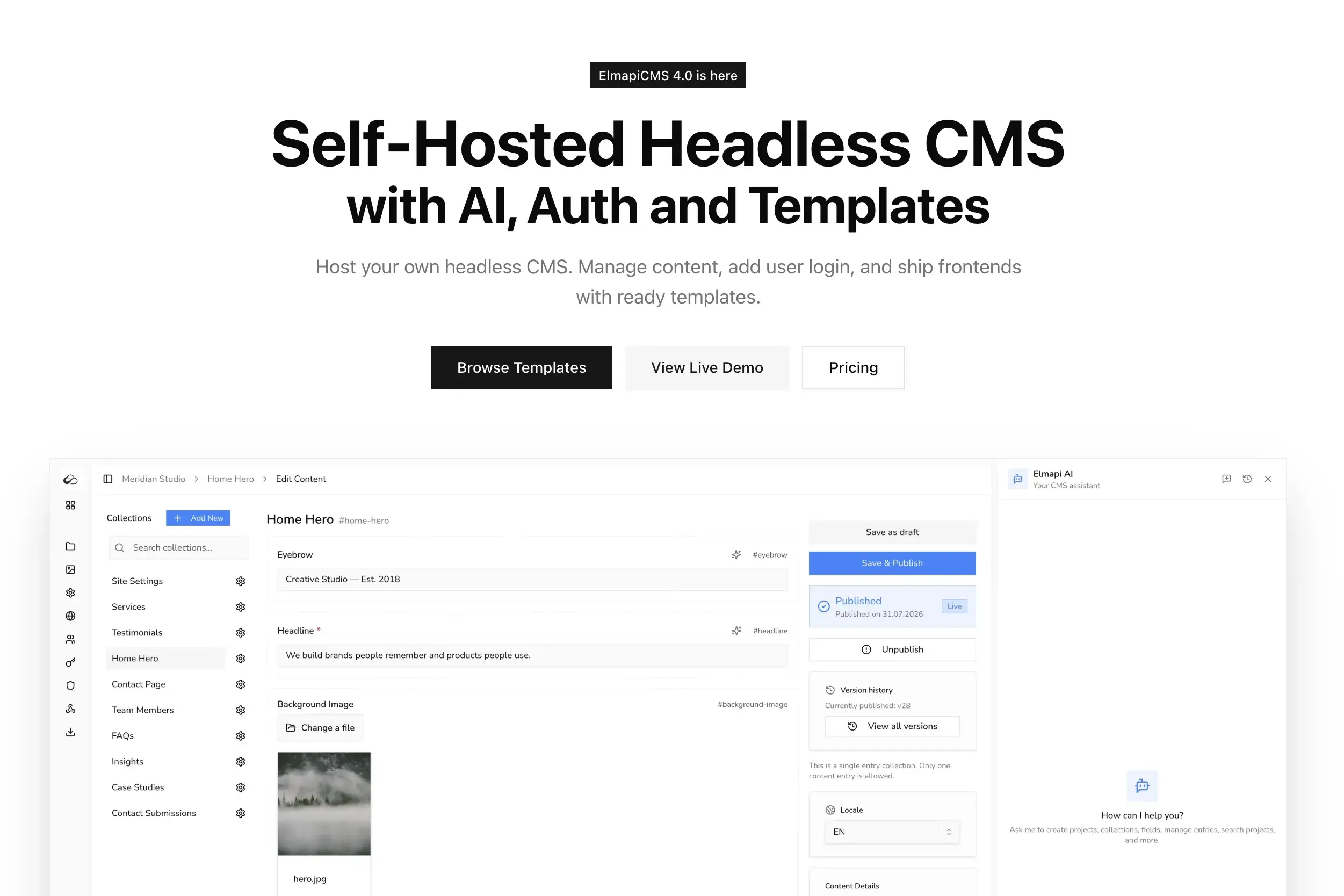
Self-hosted headless CMS on Laravel with multi-project support from one installation — separate content, API keys, and users per client. One-time licensing ($149) rather than per-seat SaaS fees suits agencies running several similar client sites on their own server. PHP-based hosting tends toward lower idle memory than many Node CMS stacks. Editor UI is React-based; delivery is API-first for Astro, Next.js, Nuxt, and other frontends.
Agency fit: teams comfortable running infrastructure who want unlimited projects from a single install and predictable long-term cost at scale.
Contentful
Enterprise-grade cloud CMS with strong API tooling and personalization options. Editorial workflows and roles are mature. Cost scales with usage and seats — reasonable for larger clients, expensive when multiplied across many small sites.
Sanity
Content Lake model, real-time collaboration, and deep customization for developer-heavy teams. Strong when editors and developers share one studio daily. Pricing and schema design complexity deserve upfront planning.
Storyblok
Visual editor and marketer-friendly page building on top of headless delivery. Good fit when clients want component-based editing without touching code. Enterprise features and AI-assisted workflows are increasingly part of the pitch.
Strapi
Popular self-hosted Node.js CMS with a large plugin ecosystem. Flexible content types; each client traditionally meant another installation unless architecture is carefully designed. Memory consumption on small VPS instances is a known planning factor.
Payload
TypeScript-first, developer-oriented, often self-hosted. Strong when the agency wants code-adjacent schema and full data ownership. Requires Node operations competence.
Directus
Database-first headless layer over SQL databases. Flexible for teams that want direct data access and self-hosting. Editor experience differs from purpose-built marketing CMS products.
For a focused comparison of Node-based self-hosted options, see Payload vs Strapi vs Directus in 2026. For PHP-native alternatives in the same ecosystem, see the best Laravel CMS comparison. For managed cloud delivery with AI workflows, see NomaCMS and its CMS for agencies guide.
Worked example: agency stack with ElmapiCMS
Scenario: an agency delivers a marketing site and blog for Client A. Clients B and C are queued on similar architecture. The agency wants one CMS operations model, reusable Astro templates, and clear handoff boundaries.
Stack: Astro frontend, ElmapiCMS, deploy to any edge-friendly host (Vercel, Netlify, or Cloudflare Pages).
Step 1: One CMS, isolated projects
Provision one ElmapiCMS installation on agency infrastructure. Create a separate project for Client A with its own collections, API keys, and user accounts. Client B and C receive their own projects on the same instance when their builds start.
This mirrors the workflow in how to manage 10 client websites from one CMS: one update cycle, one backup target, no cross-client data leakage.
Step 2: Minimum content model for launch
Resist over-modeling before go-live. A practical launch schema includes:
- Site settings — logo, default SEO, navigation, footer links
- Pages — structured marketing URLs (home, about, pricing)
- Blog posts — if the brief includes a blog
Defer team directories, complex relational catalogs, and localization until phase two. The smallest viable content model for a launch site documents field-level patterns that work on deadline.
Step 3: Reuse the agency template
Clone the agency's Astro + headless CMS starter for Client A. Replace API keys, environment variables, and branding tokens. Starter templates on the ElmapiCMS docs site accelerate this step — the frontend repo structure stays identical across clients; only the content API endpoint and keys change.
Step 4: Publish flow
On publish, either trigger a build webhook from the CMS to the hosting provider or use on-demand revalidation if the frontend supports it. Webhook patterns for Laravel-based headless CMS setups are described in how to use webhooks in a headless CMS.
Step 5: Client handoff
Document what the client may edit in the CMS (copy, images, blog posts, navigation labels) versus what remains in code (layout components, new page types, design system changes). Clear boundaries prevent "small tweak" requests from becoming undeployed frontend changes.
This pattern works when the agency has frontend developers, clients need a marketer-friendly admin, and running ten separate CMS servers is not sustainable.
Paths at a glance
| Path | Time to first launch | Client edit experience | Reuse across clients | Performance ceiling | Typical ops cost | Best agency use case |
|---|---|---|---|---|---|---|
| AI no-code | Fastest | Guided in vendor UI | Low | Medium | Low-medium | One-off microsites, speed over ownership |
| Webflow | Fast | Strong visual editor | Medium (clone projects) | High for marketing sites | Medium-high | Design-led marketing, marketer self-serve |
| WordPress | Medium | Familiar block editor | Medium (themes, multisite) | Medium-high with tuning | Medium | Plugin-heavy sites, WP-native clients |
| Static + headless CMS | Medium (first template slower) | CMS admin | High (templates + API) | Highest | Low-medium (self-hosted) | Retainer clients, multi-site agencies |
"Ops cost" is qualitative: SaaS platforms trade cash for reduced server work; self-hosted stacks trade server time for license savings at scale.
Client scenarios
SaaS landing page and changelog
A B2B startup updates hero copy and ships product changelog entries weekly. Astro + headless CMS keeps the marketing site fast while marketers edit structured sections and posts without touching Git. ISR or webhook-triggered rebuilds keep publish latency acceptable.
Developer portfolio and case studies
A consultancy refreshes case studies quarterly. Astro or Nuxt with infrequent builds fits well. If the client later wants self-serve case study publishing, add CMS collections without rewriting the frontend architecture.
Multi-client agency retainer
An agency runs eight client marketing sites on similar layouts. NomaCMS (managed cloud, one project per client) or ElmapiCMS (self-hosted, one install) plus per-client Astro repos keeps CMS ops lean. New clients clone the frontend template; billing stays predictable.
Client insists on in-browser editing, no dev budget
A local business wants to change text and images themselves and will not pay for ongoing development. Webflow or WordPress is the honest recommendation. Jamstack adds cost and friction when no one maintains the frontend repository.
Neutrality on this fourth scenario builds trust: the agency is advising on fit, not on standardizing every client into one stack.
Baselines every stack needs in 2026
Path choice does not exempt a site from fundamentals. Every delivery — including static and headless — should meet these baselines before launch:
- Core Web Vitals: LCP at or below 2.5 seconds, INP at or below 200 milliseconds, CLS below 0.1 (75th percentile field data where available).
- Semantic HTML: meaningful heading hierarchy, landmarks, and crawlable links — not div-only layouts for primary content.
- Structured data: JSON-LD that matches visible content (
Article,FAQPage,BreadcrumbListwhere appropriate). Mismatched schema hurts trust and rich-result eligibility. See JSON-LD patterns for headless CMS content. - Accessibility: WCAG 2.2 AA as a release gate — keyboard navigation, focus states, sufficient contrast.
- AI and search visibility: clear question-and-answer content, accurate metadata, and stable URLs so both search engines and answer engines can cite the site reliably.
These baselines are path-agnostic. A fast Jamstack site with broken canonicals still loses visibility; a Webflow site that hits Vitals targets still wins.
FAQ
What is the best way to build a modern website in 2026?
For most agency client work, the strongest repeatable pattern is a static-first or hybrid frontend (Astro, Next.js, or Nuxt) paired with a headless CMS that matches how the client edits content and how many sites the agency maintains. Other paths — Webflow, WordPress, or AI-augmented builders — remain valid when the client has no dev budget or needs a specific plugin ecosystem.
When should an agency choose WordPress instead of a headless CMS?
WordPress fits when the client expects WordPress, needs a large plugin library, or has a non-technical team that already knows the block editor. Headless fits when performance, reusable frontend templates, and API-driven delivery matter more than all-in-one convenience.
Astro or Next.js for a client marketing site?
Astro suits content-heavy marketing sites where most pages are static and JavaScript should stay minimal. Next.js suits projects that need App Router patterns, authenticated areas, or a larger application surface on the same codebase. Both work well with a headless CMS; the choice depends on team skills and how much interactivity the site requires.
How do agencies manage multiple client sites with one CMS?
A multi-project headless CMS runs isolated projects per client — separate content, API keys, and users. NomaCMS does this in the cloud; ElmapiCMS does it from one self-hosted installation. Both reduce server count and update cycles compared to one CMS install per client. The multi-client CMS workflow guide walks through the self-hosted model.
Is a self-hosted headless CMS worth it vs Contentful or Sanity?
Managed platforms (NomaCMS, Contentful, Sanity) trade monthly fees for hosted infrastructure and polished editorial tools. Self-hosted options (ElmapiCMS, Strapi, Payload, Directus) trade operational responsibility for data ownership and often lower cost at scale across many client sites. The right choice depends on whether the agency wants to run servers and how total cost looks across five to ten projects.
What is the minimum content model to launch on time?
A launch-ready model usually includes site settings (globals), structured pages, and optionally blog posts — with relationships instead of duplicated fields. Defer complex collections until after launch. See the smallest viable content model guide for a field-by-field pattern.
Next steps
Pick the path from client constraints first. If the brief points to static-first delivery, standardize on one frontend framework and one CMS operations model, then clone templates per client.
Choose your frontend integration guide:
Related reading:
- How to manage 10 client websites from one CMS
- Headless CMS SEO technical checklist (2026)
- Best Laravel CMS comparison (2026) — for PHP-native and self-hosted options