Profile Settings
The Profile Settings page allows every user to manage their own account details, including their name, email address, and password.
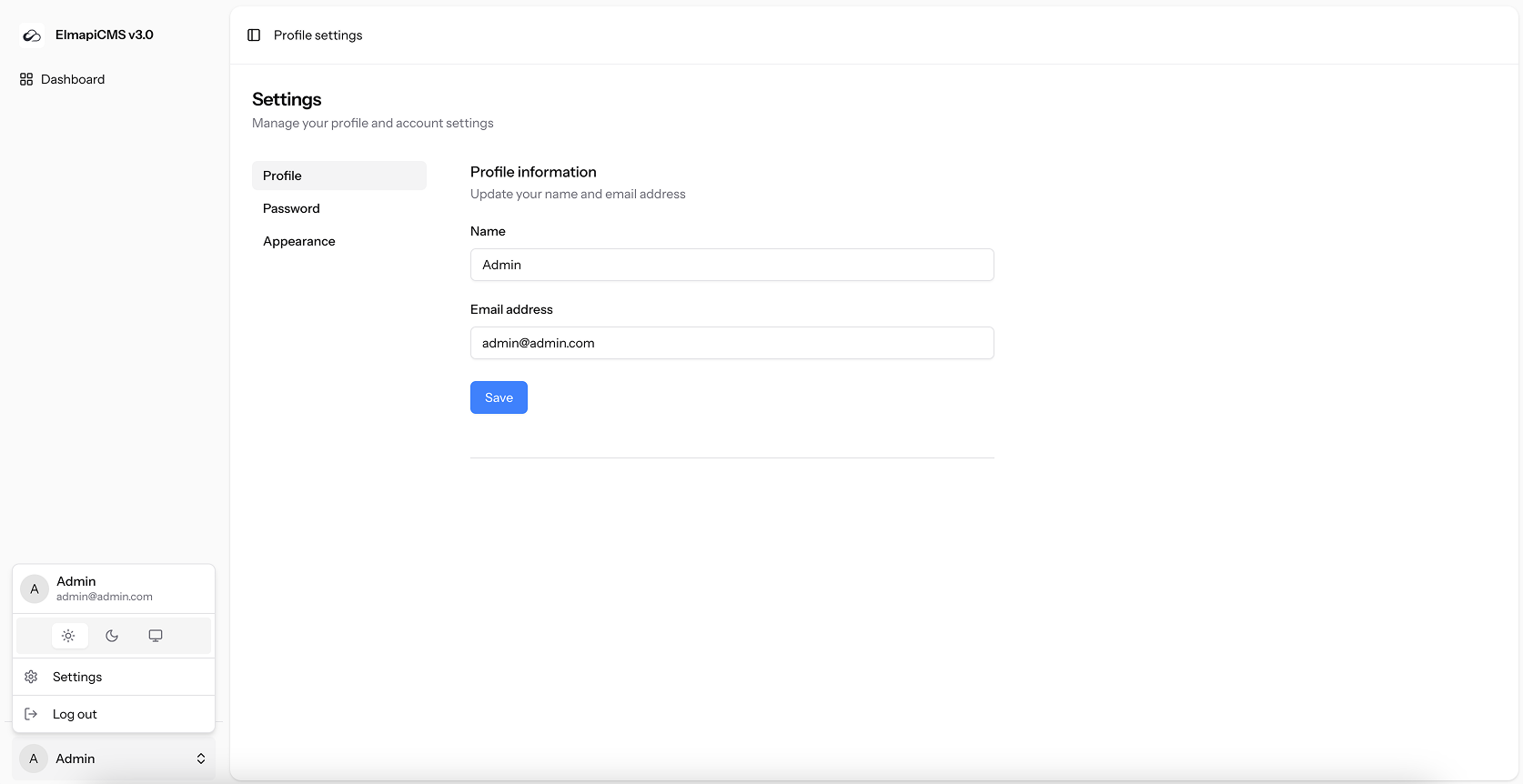
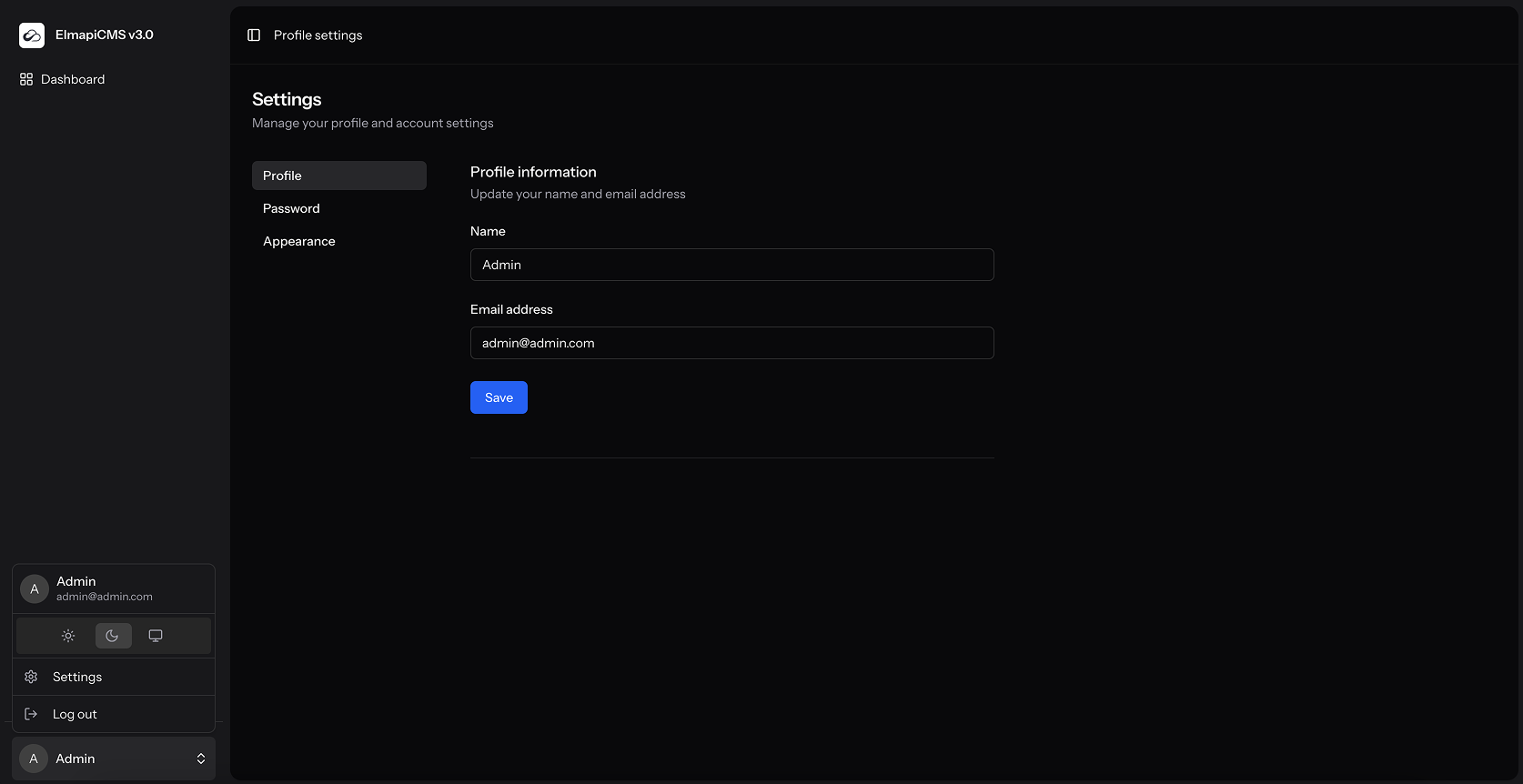
Update Profile Information
You can change your display name and email address in this section.
| Field | Validation Rules |
|---|---|
| Name | Required, must be a string. |
| Required, must be a valid email, and unique across all users. |
Change Password
For security, you must provide your current password to set a new one. Your new password must be at least eight characters long.
Appearance
You can switch the dark mode on or off. The selected option is saved in your browser.
| Theme | Description |
|---|---|
| Light | The default, bright interface. |
| Dark | A darker, high-contrast theme that's easier on the eyes in low-light environments. |
| System | Automatically syncs with your operating system's theme. If your OS is in dark mode, the app will be too. |
App theme & font (administrators)
Instance-wide branding lives under App Settings (not per-user profile):
- Theme presets and custom design tokens for the admin UI
- App font selection
These settings apply to the whole ElmapiCMS installation after save.