Localization
Add multiple locales to your project and set a default locale for content. When a collection supports localization, editors can switch language in the entry form.
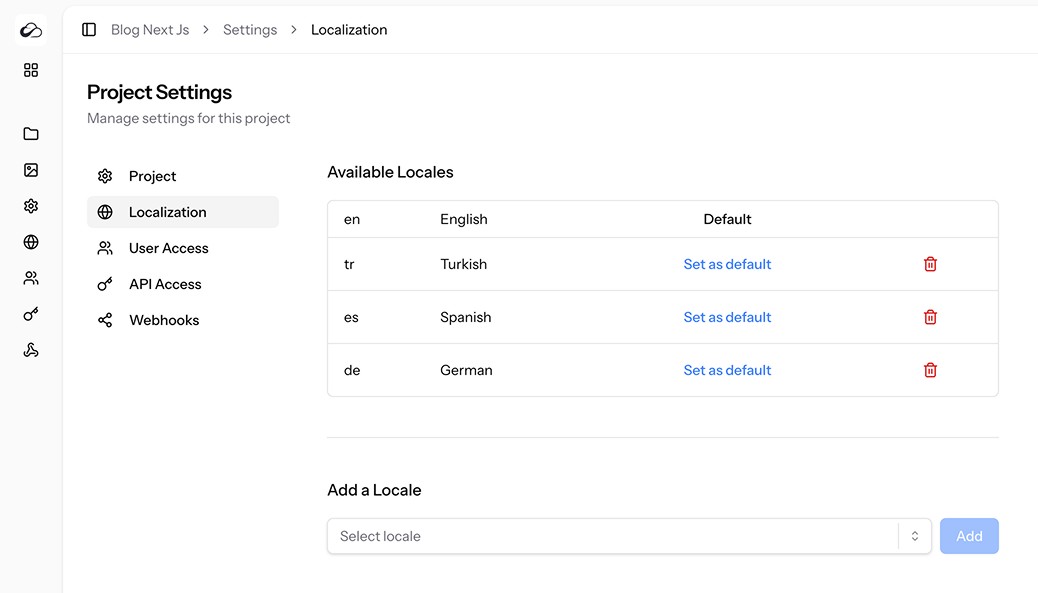
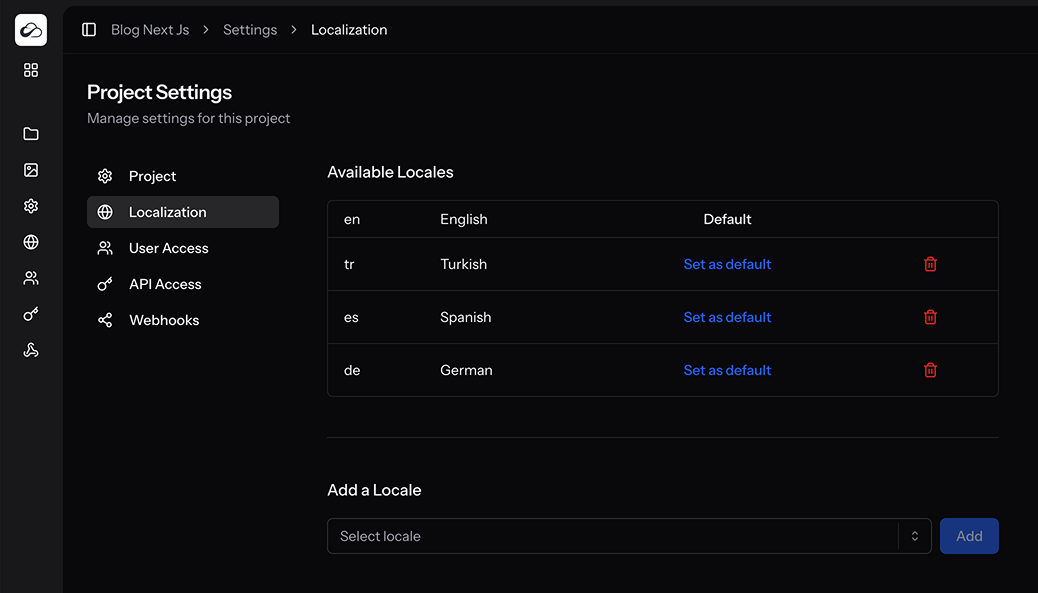
Current Locales Table
| Column | Details |
|---|---|
| Code | Locale code (en, fr, de, …) |
| Language | Friendly name (auto-filled). |
| Default | Badge if the locale is default. Click Set as default to change. |
| Delete | Trash icon – disabled for the default locale. |
Adding a Locale
- Use the Select locale dropdown – it filters out languages already enabled.
- Click Add.
- The locale is appended and becomes available in collection forms.
You can also manage locales via the Locales API (admin ability on a project token).
Setting the Default Locale
Click Set as default next to a locale. The new default affects:
- New entries – default language on creation
- Singleton collection show preference in the dashboard
Deleting a Locale
Not allowed for the default locale. Use the trash icon to remove other languages. Existing content for that locale is retained but inaccessible until the locale is re-added.
MCP exposes add and set default only (removal is dashboard or REST).
Translations & singletons
- Repeating collections — link entries across locales with the Translations panel or Link translation API.
- Singletons — new locale entries are auto-linked into one translation group on create (API, bulk create, dashboard).
- Export / import / templates preserve
translation_group_id.
Permissions
| Ability | Purpose |
|---|---|
access_localization_settings | View / edit locales in the dashboard |
Project token admin | Locales REST API |