API Access
Generate secure project tokens, expose your Content API endpoint, and control public availability.
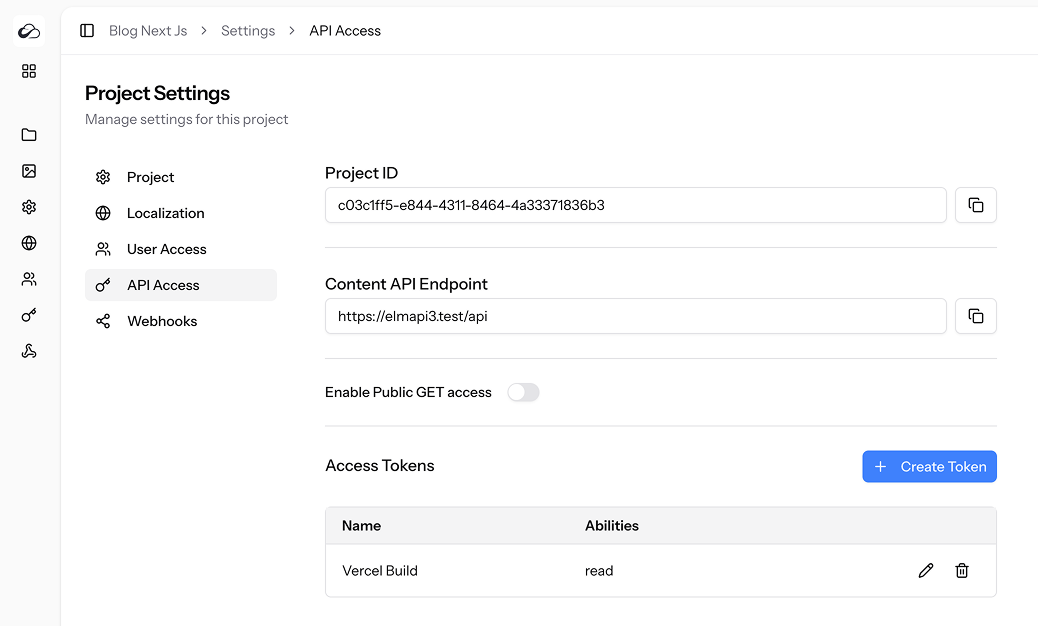
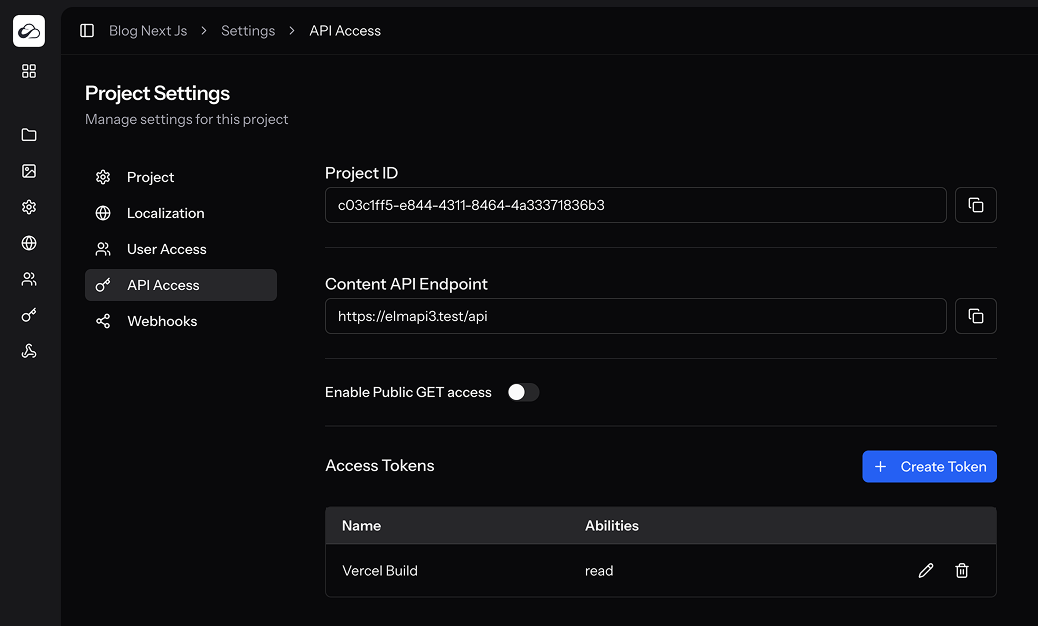
Project ID & Endpoint
| Field | Description |
|---|---|
| Project ID | UUID identifying this project in every API request (project-id header). |
| Content API Endpoint | Base URL for REST calls — normally <your-domain>/api. |
Click copy to put the value on your clipboard. JS SDK and MCP use this as baseUrl / ELMAPI_BASE_URL.
Public GET Toggle
Enable Public API to allow unauthenticated GET requests for content.
- When ON:
readis implied for public GET content endpoints. - When OFF: every request needs a project token with the right abilities.
POST/PUT/PATCH/DELETE always require a project token.
GET /api(project info) always requires a token withread— Public API does not open that route. Authentication JWTs cannot call it.
Access Tokens (project Sanctum)
These are project API tokens (not personal user keys, not Authentication end-user tokens).
| Column | Details |
|---|---|
| Name | Friendly label (e.g. “Gatsby Build”). |
| Abilities | Scopes granted to the token. |
| Edit / Delete | Pencil / Trash icons. |
Creating a Token
- Click Create Token.
- Enter a name and tick Abilities:
read– GET endpoints (includingGET /api)create– POST / uploadupdate– PUT/PATCH, publish/unpublish/discard, versions mutate, link-translationdelete– DELETEadmin– collections/fields, project locales, webhooks admin APIintrospect–POST /api/auth/api-keys/introspectfor end-useruak_…keys
- Copy the token — you won’t see it again.
Authentication vs project tokens
| Credential | Use for |
|---|---|
| Project Sanctum token (this page) | CMS content, assets, schema, webhooks, MCP, server SDKs |
| Authentication JWT | End-user identity only (/auth/*) — not CMS abilities |
End-user uak_… key | Your app APIs via introspect — not CMS content routes |
See Authentication.
Token Abilities Matrix
| Ability | Endpoints allowed |
|---|---|
read | GET /api, collections, entries, assets, versions list/get |
create | Create entries, upload assets, bulk create |
update | Update/patch entries, publish/unpublish/discard-draft, version revert/label, link-translation, asset metadata |
delete | Delete assets or content |
admin | Collection/field admin, locales, webhooks REST |
introspect | Introspect end-user API keys |
Permissions
| Ability | Needed for |
|---|---|
access_api_access_settings | View tab, manage tokens, toggle public API |
Best Practices
- Use separate tokens for build servers, staging, and production.
- Grant the least privileges needed.
- Never put project tokens in browser bundles — use a BFF for authenticated CMS writes.
- Rotate and delete unused tokens.