Project Tab
The Project tab covers the essential information and housekeeping for your project.
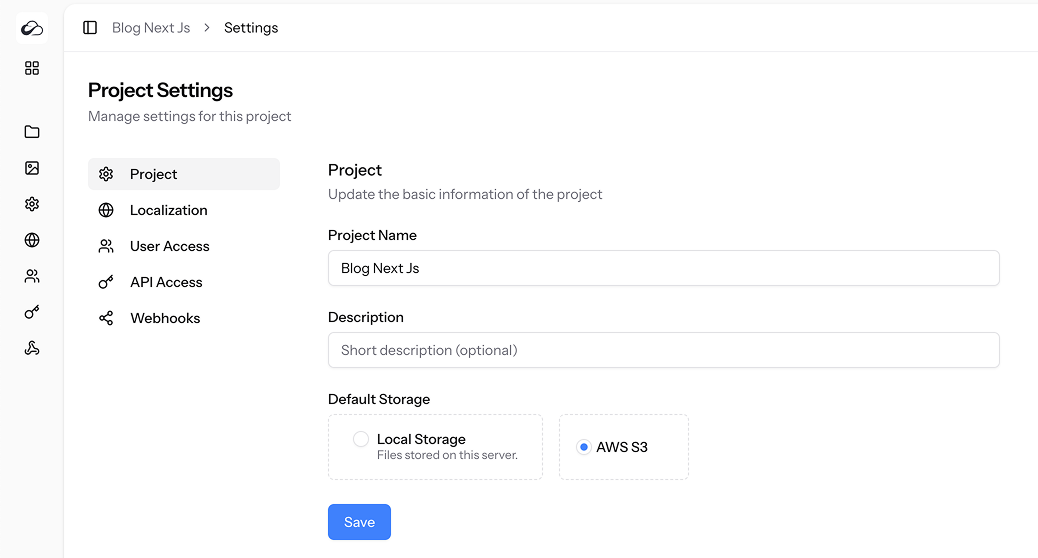
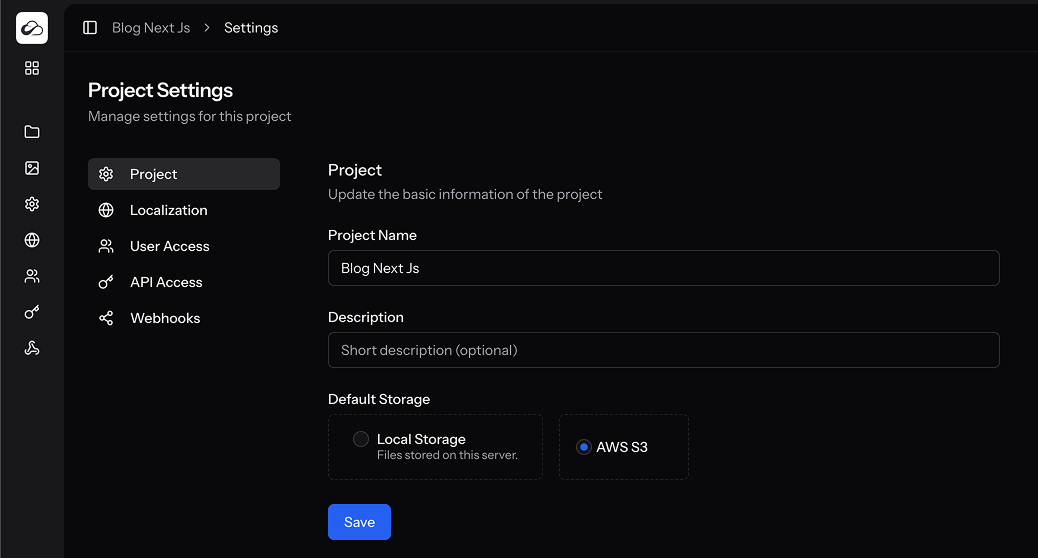
What You Can Change
| Field | Purpose |
|---|---|
| Project Name | Displayed in the sidebar, breadcrumbs and API responses. |
| Description | Optional one-liner shown in the dashboard & public templates. |
| Default Storage | Choose Local Storage (default) or AWS S3 for all uploaded assets. |
Changes take effect immediately after hitting Save.
Deleting a Project
Available to users with the delete_project permission only.
- Click Delete Project at the bottom of the page.
- Confirm by typing the project name.
- The project, its collections, content, assets and settings are permanently removed. This action cannot be undone.
Permissions Required
| Ability | Needed for |
|---|---|
update_project | Editing name, description or storage. |
delete_project | Permanently deleting the project. |