Project Details
Once a project is created, its main page is the hub for overview stats and MCP setup. Use the sidebar for collections, content, assets, and settings.
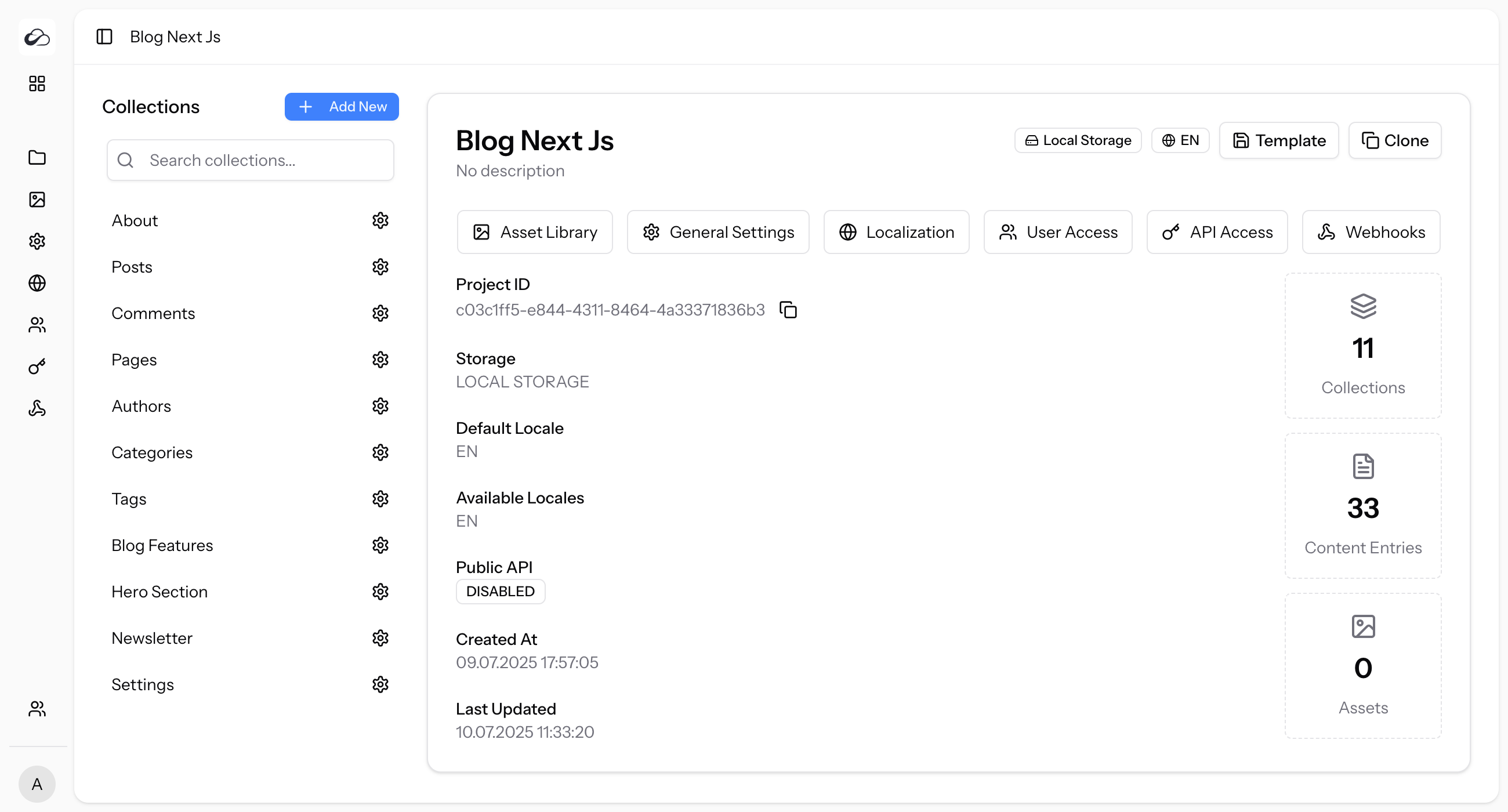
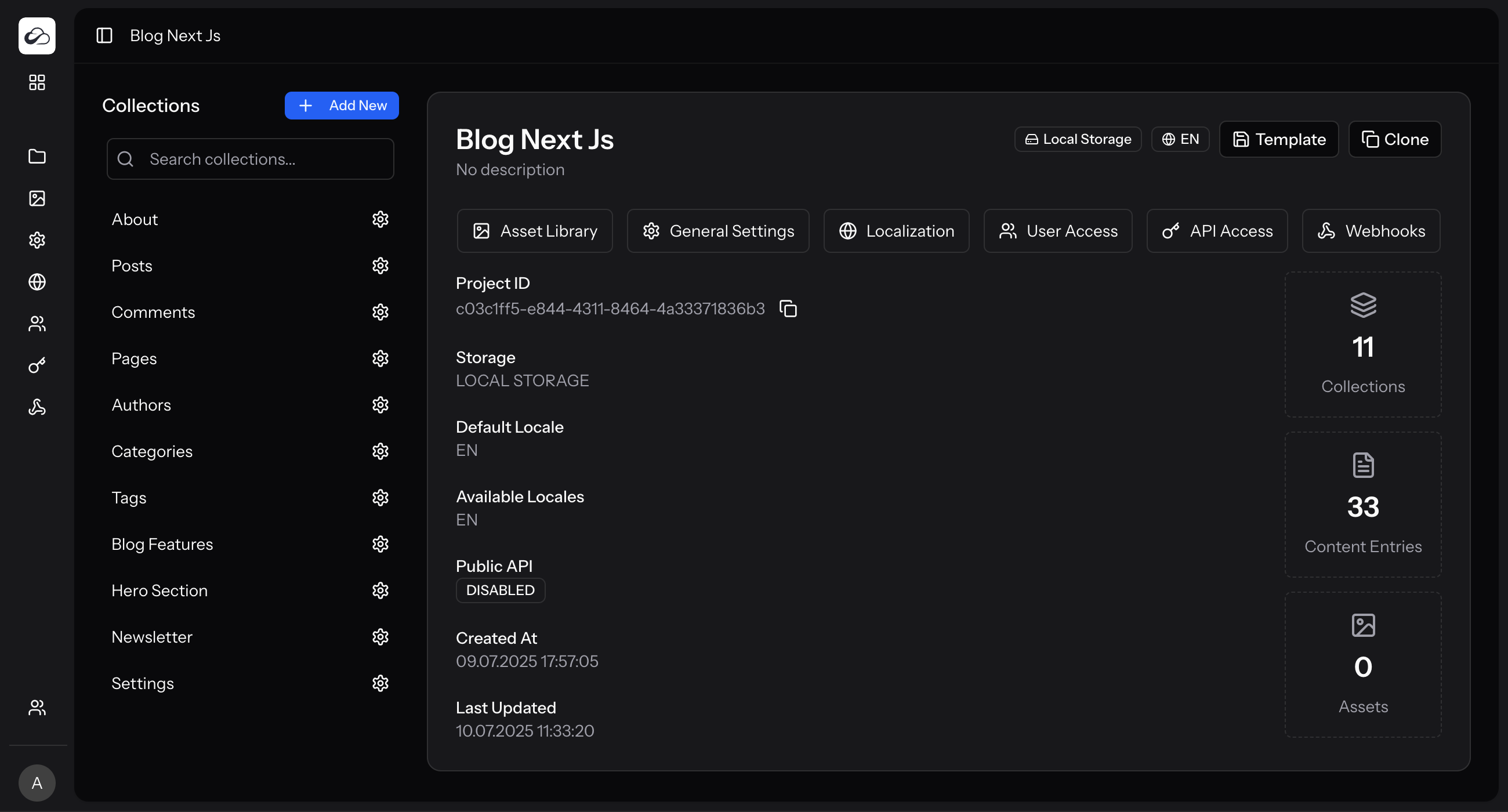
Overview
- Project Name & Description
- Badges — storage disk (
Local/S3), public API, etc. - Stats — collections, entries, assets
- Project ID — UUID for API / SDK / MCP (
project-idheader); copy button included - Timestamps — created / updated
Use the project sidebar (or settings) for Asset Library, Localization, API Access, Authentication, and Webhooks — quick-action shortcut rows were removed in 4.0 in favour of the sidebar.
MCP setup snippets
The project page includes copy-ready Cursor MCP JSON and Claude Code commands. They include:
| Variable | Value |
|---|---|
ELMAPI_BASE_URL | Your instance API root (https://<host>/api) |
ELMAPI_API_KEY | Placeholder — replace with a project token from API Access |
ELMAPI_PROJECT_ID | This project’s UUID |
See MCP Server for tool lists and abilities.
Clone & template
From the project header actions you can Clone the project or Save as Template (export includes translation groups and prefers published version snapshots for demo content).