A content site needs a CMS. A custom app needs a database. Do not mix the two layers.
Teams pick Next.js and a managed backend as a service (BaaS) because auth and a table ship in one afternoon. That default is for apps. It is a poor default for content sites, academies, and client work.
This guide compares self-hosting with managed platforms like Supabase. It is not a feature matrix. ElmapiCMS is not a Postgres BaaS. For a product shortlist, see Supabase alternatives.
Table of Contents
- The default stack
- What those platforms do well
- The meter
- Data you do not control
- Lock-in is the client
- A table is not a CMS
- Auth without a second vendor
- One install, many projects
- When you still use a BaaS
- What to do next
- FAQ
The default stack
A common start looks like this:
- A Next.js, Nuxt, or Astro frontend
- Supabase, Firebase, or a similar cloud for auth, files, and rows
- A
contenttable for pages, posts, and courses
The first week feels fast. Then editors need drafts. Then they need locales. Then they need roles. Then they need a publish action that does not rewrite live JSON by hand.
You did not pick a CMS. You picked a spreadsheet of JSON with a login form.
What those platforms do well
Be fair. If the product is the database, a managed BaaS is a strong fit.
Supabase and similar platforms are good at:
- Custom SQL and Postgres features
- Row-level security
- Realtime subscriptions
- Fast prototypes for apps
- Storage next to the same project
If your product is a custom app with a relational model, keep that stack. If you want the same tools on your own servers, self-host Supabase. Do not force a CMS into that job.
The meter
Managed platforms bill by usage. Typical meters include:
- Monthly active users
- Database size
- File storage
- Egress
- Extra projects
One marketing site can stay on a free plan. Five client sites do not. Each site becomes a project. Each project can hit a paid plan. Auth usage and file traffic add more cost.
Self-hosting uses a different model. You pay for a license once, or you use open source. Then you pay for a VPS. A small VPS often costs $5 to $20 per month. Cost follows your server, not the vendor meter.
A simple 3-year sketch for one agency with five client sites:
| Stack | What you pay | 3-year shape |
|---|---|---|
| Managed BaaS | About $25 per paid project per month, plus usage | Five projects can pass $4,500 before egress and MAU |
| Self-hosted CMS | One license plus one VPS at about $10 per month | License plus about $360 for hosting |
Cloud list prices change. The shape does not. More sites multiply the cloud bill. More sites do not multiply a multi-project install. For VPS math, see self-hosted CMS cost. For license detail, see pricing.
Data you do not control
On a managed platform, data lives in the vendor region. Backups follow vendor policy. Export follows vendor tools. Subprocessors follow vendor contracts.
That is fine for many prototypes. It is a risk for client work, schools, and teams with residency rules.
Self-hosting puts content on your server. You pick the region. You pick the backup tool. You can restore without a ticket. For a short ops baseline, see self-hosted CMS security. For personal data in content, see GDPR and PII in a headless CMS.
Lock-in is the client
Postgres dumps are portable. That fact hides the real lock-in.
The hard part is the client:
- Auth helpers in the frontend
- Storage URLs in content
- Dashboard habits for editors
- Security rules that exist only in that product
An exit is a rewrite of the app, not a dump of SQL. If you leave, a self-hosted CMS with a REST API still needs a migration. The path is clearer. Content is collections and entries. Auth is your own user records. Files are on your disk or your S3 bucket.
A table is not a CMS
A content row can store a title and a body. A CMS also needs:
- Drafts that do not change the live API
- Publish and unpublish
- Locales
- Assets with metadata
- Roles for editors
- Versions you can restore
Teams rebuild these features on top of generic tables. That work is the real cost of the "I will use Supabase" path.
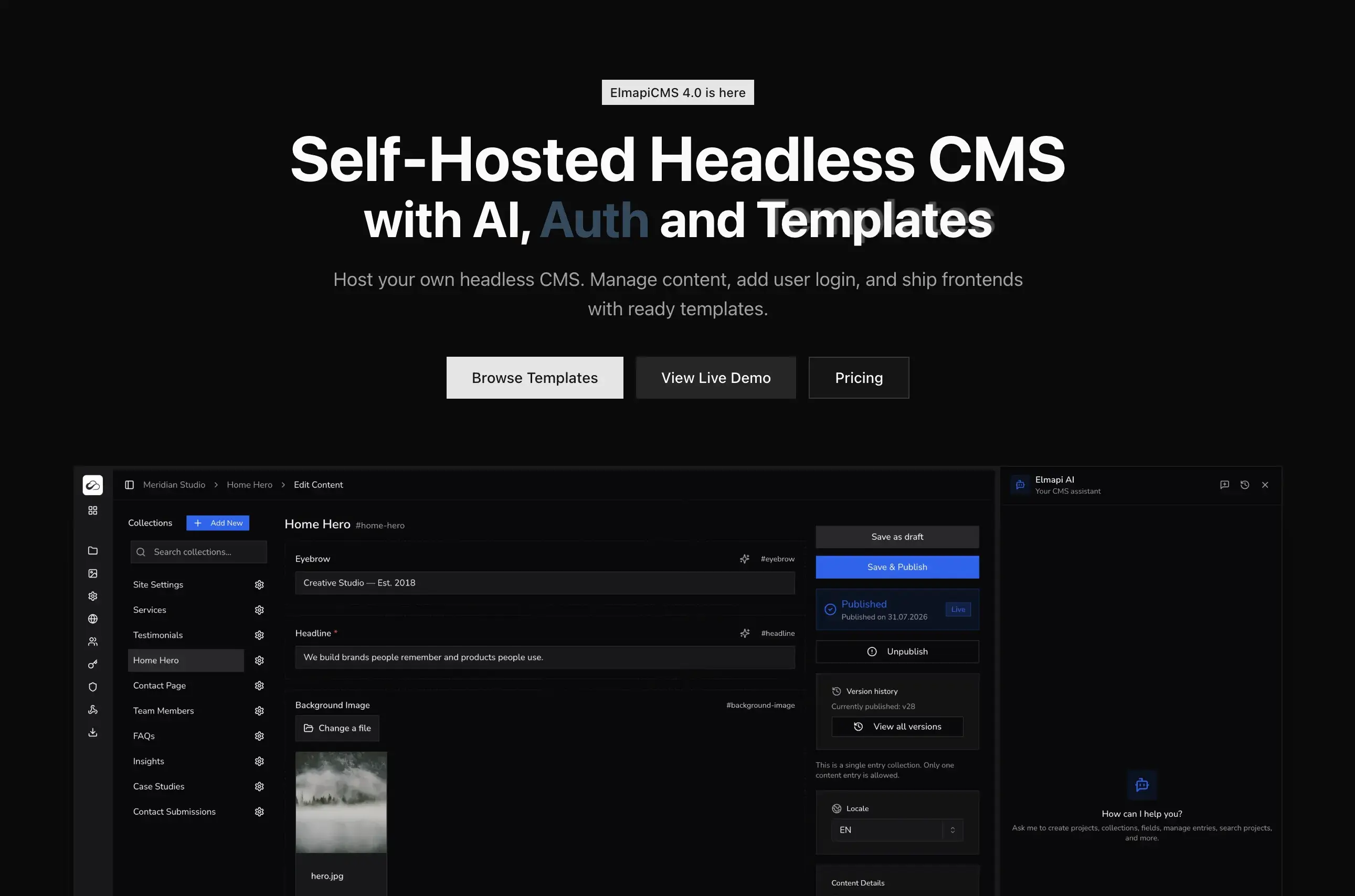
A headless CMS ships that layer. ElmapiCMS 4.0 adds content versioning so a draft can stay off the published response. The API exposes publish and unpublish as explicit actions.
Auth without a second vendor
Many teams add a BaaS only for login. The site is still a content site. The extra vendor is for sessions.
ElmapiCMS 4.0 includes Authentication for members, customers, and learners:
- Signup, sign-in, refresh, and logout
- Identity tokens for the signed-in user
- Optional email verification
- User API keys
- Session limits and user suspension in project configuration
Membership and storefront examples ship in the frontend templates. You do not add a second cloud to get a login form. Read the 4.0 release notes and the Authentication docs.
One install, many projects
Agencies and freelancers run many sites. A managed BaaS often means one cloud project per client. Each project has its own bill, keys, and dashboard.
ElmapiCMS runs unlimited projects from one install. Each project has its own content, API keys, and permissions. You maintain one server. For the workflow, see how to manage 10 client websites from one CMS.
This is the strongest reason to self-host a CMS instead of a BaaS for client work.
When you still use a BaaS
Keep a managed BaaS, or self-host Supabase, in these cases:
- The database is the product
- You need realtime collaboration on rows
- You need custom SQL as the primary API
- You need row-level security as the access model
Do not pick a CMS for that work. If the work is pages, courses, catalogs, and editor workflows, a CMS is the right layer.
If you want the Supabase feature set and you also want to run the servers, self-host Supabase. That is still a BaaS. It is not a CMS.
What to do next
Pick the layer that matches the job.
- If you need custom SQL, realtime, and row rules, use a BaaS. If you must own the box, self-host it.
- If you need content, login, and files on your server, use a self-hosted CMS.
ElmapiCMS is a self-hosted headless CMS on Laravel 13. It includes Authentication, frontend templates, versioning, and a REST API. Start with the self-hosted overview, the live demo, or pricing. For the alternative shortlist, open Supabase alternatives.
FAQ
Is ElmapiCMS a Supabase alternative?
ElmapiCMS is not a Postgres backend as a service. It is a self-hosted headless CMS with frontend authentication, assets, and many projects on one install. If the job is content plus login, use it. If the product is custom SQL and realtime, do not use it.
Can you self-host Supabase?
Yes. Supabase is open source. You can run it on your own servers. That keeps the same BaaS model. You still operate Postgres, auth, storage, and related services.
When is Supabase the better choice?
If the product is the database, use a BaaS. Realtime, custom SQL, and row-level security are the core of that product. A CMS is the wrong layer for that work.
How much does self-hosting cost compared with a BaaS?
Self-hosting is one license plus a VPS. A small VPS often costs $5 to $20 per month. A managed BaaS bills per project, per user, and per usage. If you add client sites, cost grows.