Asset Library
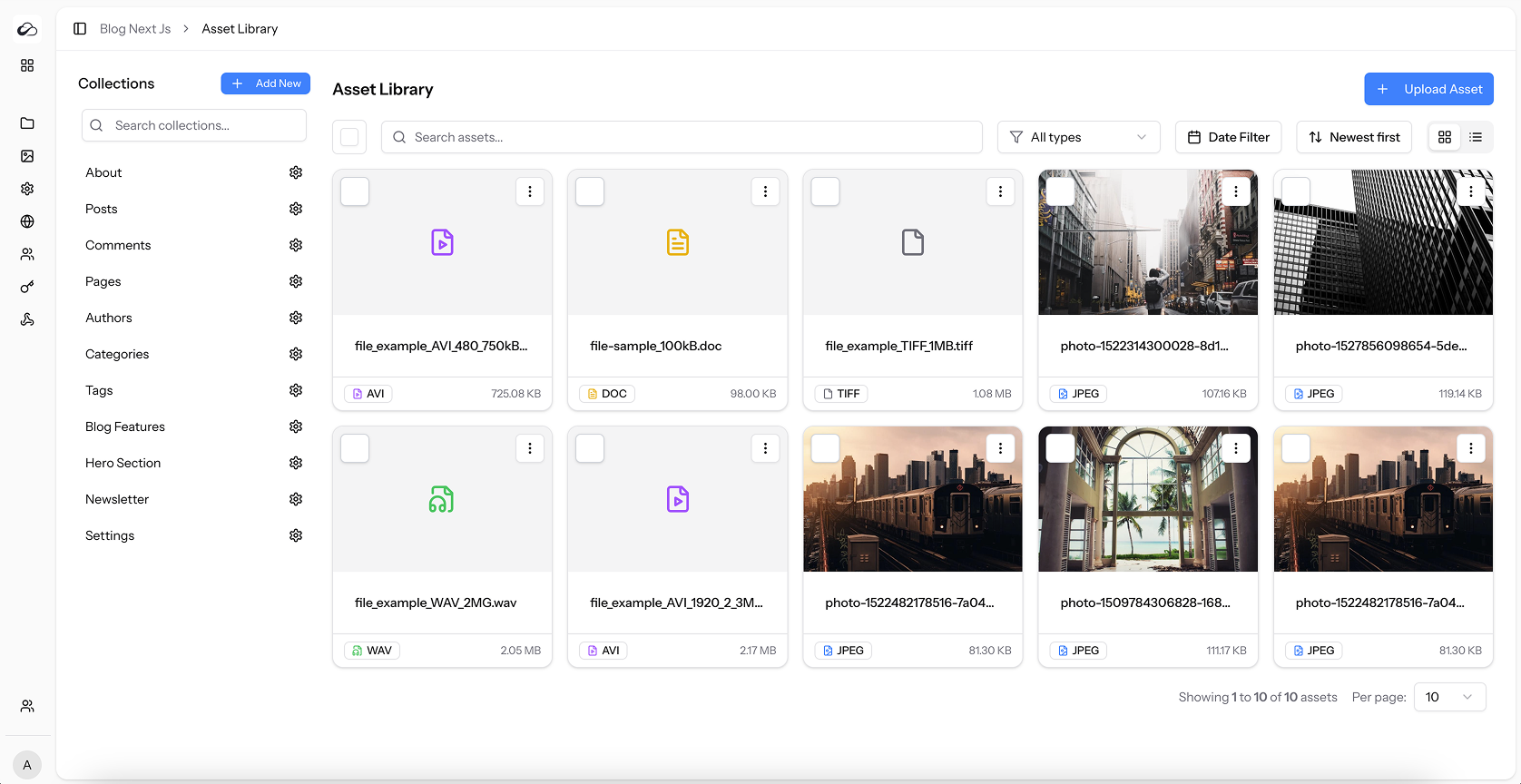
The Asset Library is the central place inside a project where you upload, organise and reuse media files—images, videos, audio, documents and more. Assets stored here can be referenced from any Media field and are exposed through the Content API.
Key Capabilities
| Feature | What it does |
|---|---|
| Upload | Drag-and-drop or browse. Thumbnails, metadata, and (for images) WebP optimization with original retained when available. |
| Search & Filter | Search by name / type; filters for Image / Video / Audio / Document and date ranges. |
| Sorting | Newest / Oldest / Name / Size. |
| Bulk Select & Delete | Multi-select delete. |
| Details Modal | Preview (including video/audio), metadata, URLs (url, thumbnail_url, original_url), Alt/Title, usage across content, arrow navigation between assets. |
| Edit tools | Resize / rotate images; crop/replace requires an uploaded file. |
Classic upload size is limited by the smaller of
MAX_FILE_SIZEand PHP’supload_max_filesize. See Configuration.
Image format & SVG
- New image uploads are stored as optimized WebP. The original file remains available via
original_url/original_pathwhen present. - SVG uploads are rejected (allowlist). Existing SVG assets still work; new
.svguploads fail validation.
Direct S3 uploads
When the project disk is s3 and ASSET_DIRECT_UPLOAD=true, the dashboard/API can upload large files with presigned PUT or multipart straight to the bucket (bypassing PHP limits).
Requirements:
- Project storage disk =
s3(or S3-compatible) ASSET_DIRECT_UPLOAD=truein.env- Bucket CORS allows your CMS origin and
PUT - A queue worker for image finalize (
pending_image_processing)
Classic POST upload remains the default for local/public disks. API: Direct Upload. Env: Direct Asset Upload.
UI Layout
| Area | Description |
|---|---|
| Toolbar | Upload, Delete / Bulk Delete. |
| Filters bar | Search, Type, Date, Sort, Per page. |
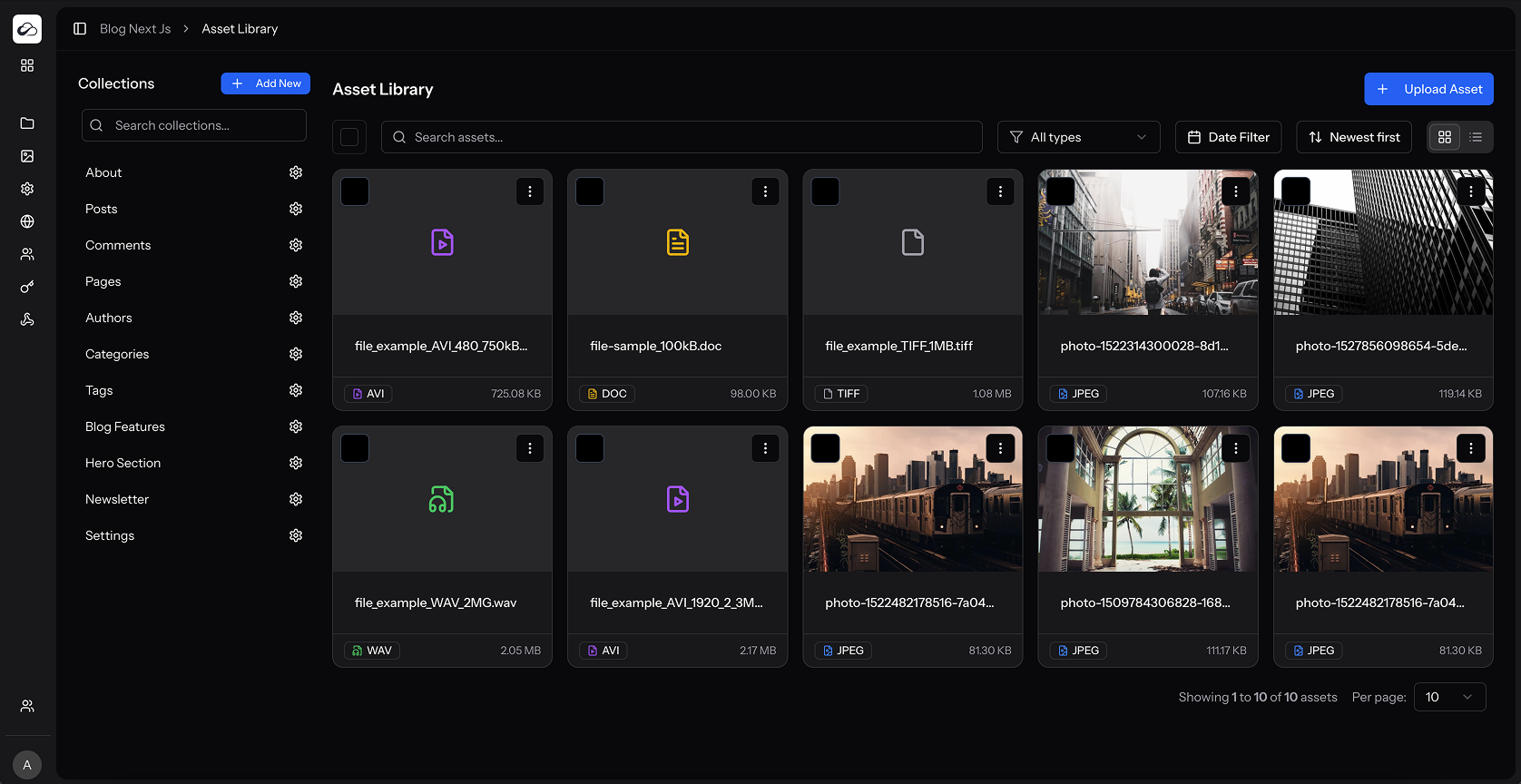
| Grid / Table | Thumbnails, video previews, size & extension badges. |
| Checkboxes | Multi-select. |
| Action menu | Edit, View Details, Download, Delete. |
Best Practices
- Use meaningful Alt text for accessibility.
- Prefer optimized raster formats; do not rely on new SVG uploads (blocked).
- For very large files on S3, enable direct upload.
- Clean up unused assets with bulk select → delete (usage panel helps find references).