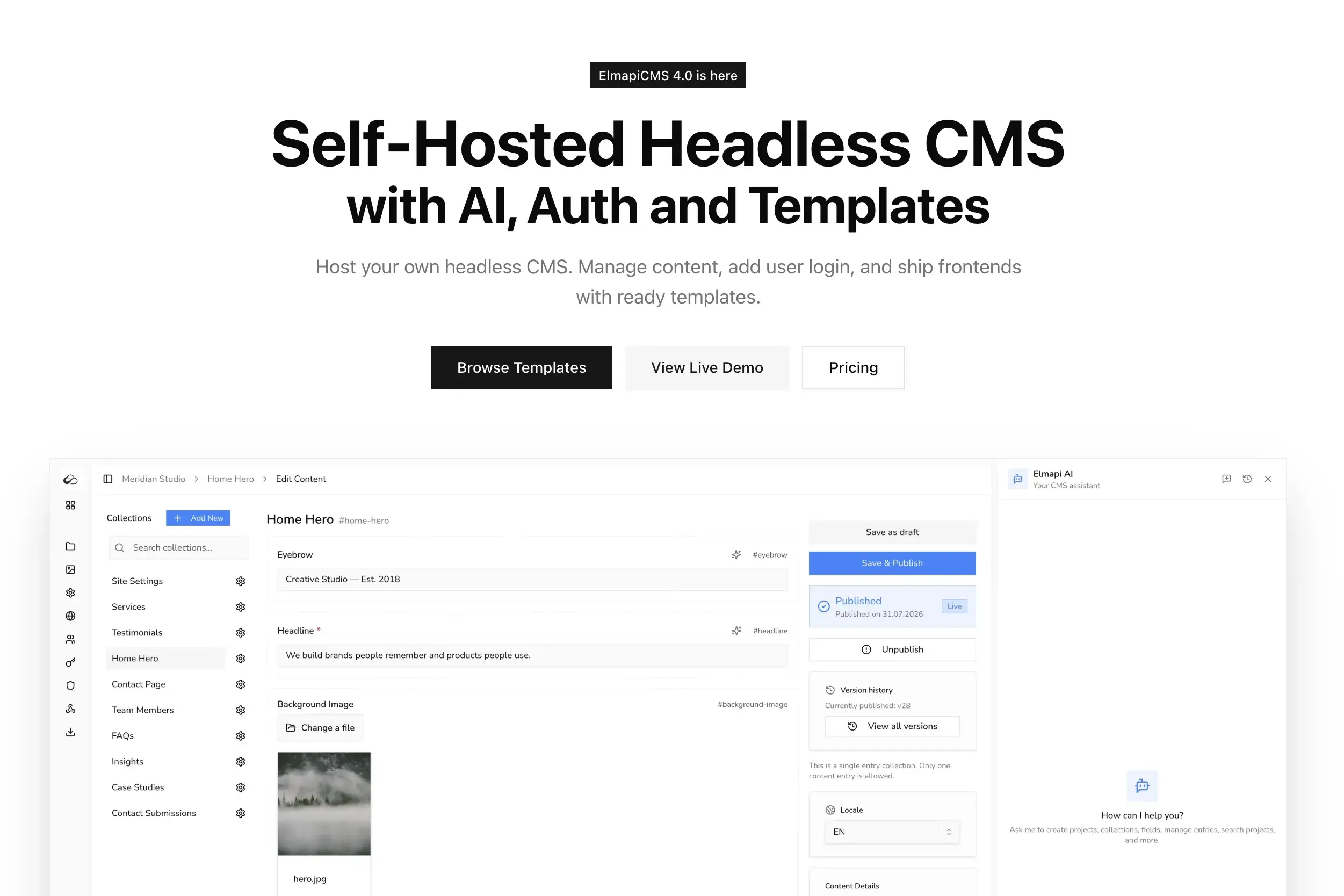
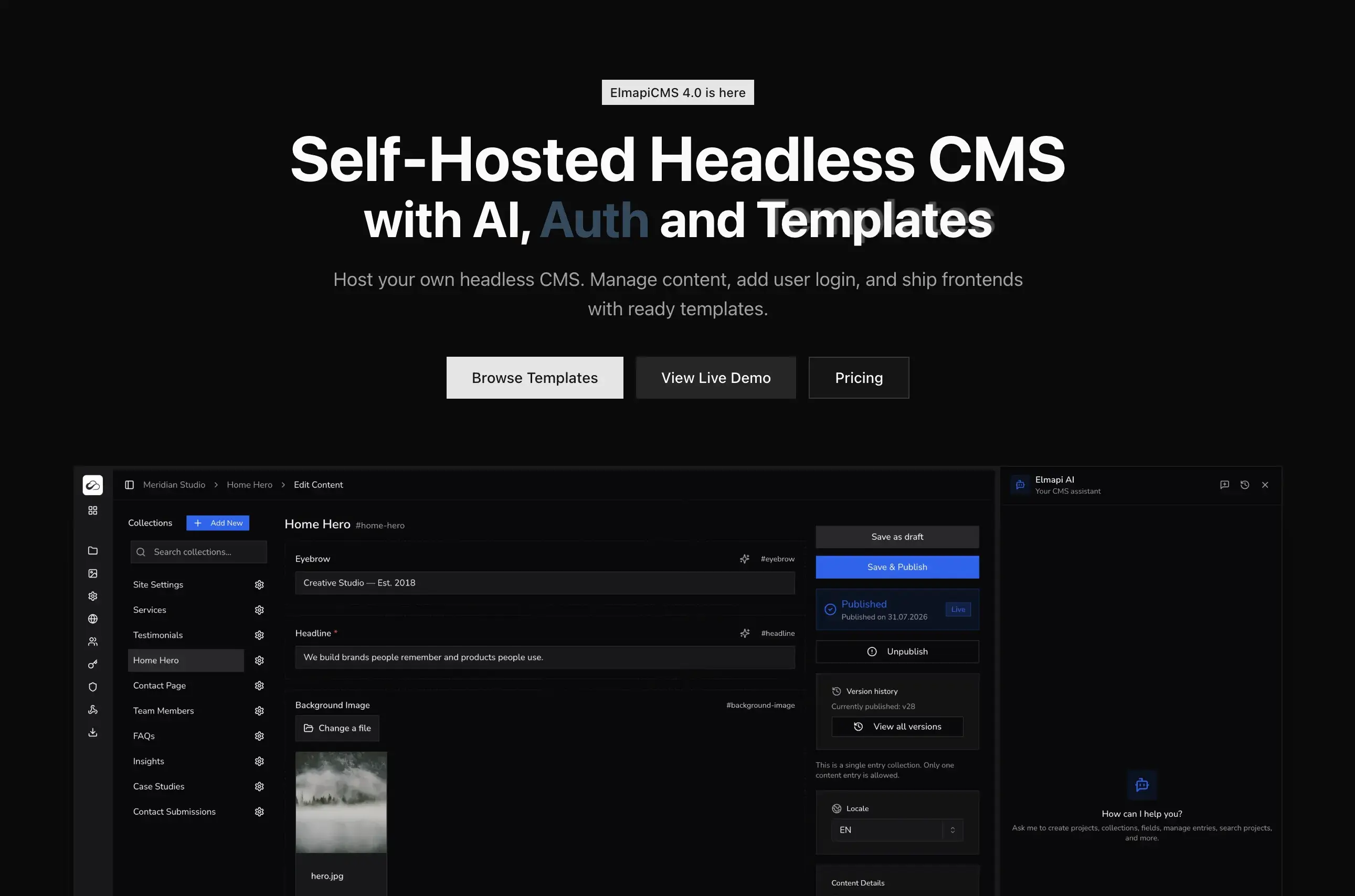
ElmapiCMS v3.3 brings AI directly into your content workflow. A full chat assistant, inline editing tools on every text field, and one-click entry translation — all powered by your own API key from OpenAI, Anthropic, or Google Gemini. No AI markup, no hidden fees, no data leaving your control.
This is not a wrapper around an external service. AI is built into the CMS itself, right where you create and manage content.
Table of Contents
- AI Chat Assistant
- Inline Content Tools
- One-Click Entry Translation
- Rewrite with Tone
- Expand and Summarize
- Fix Grammar
- Bring Your Own API Key
- Supported Providers and Models
- How to Set It Up
- MCP Server for AI Code Editors
- What's Next
AI Chat Assistant
The AI assistant lives in a chat panel accessible from anywhere in the CMS. It understands your project structure and can take action on your behalf.
What you can do with the assistant:
- Create projects — describe the project you need and the assistant sets it up
- Build collections with fields — ask for a "Blog Posts collection with title, slug, content, excerpt, featured image, and published fields" and it creates the collection with proper field types, validations, and configurations
- Manage content entries — create, update, or list entries through conversation
- Navigate the CMS — ask the assistant to take you to any page, collection, or entry
The assistant shows you each step as it works. You see tool calls being made, results coming back, and the assistant explaining what it did. It is transparent by design.
This is especially useful when setting up a new project. Instead of clicking through the admin panel to create collections and fields one by one, describe what you need in a single message and let the assistant build it.
Inline Content Tools
Every text, long text, and rich text field in ElmapiCMS now has a sparkle icon that opens a menu of AI actions. You do not need to leave the entry editor or copy text to an external tool.
Available inline actions:
- Generate — write new content from a prompt. The AI considers your field label, collection name, and other field values to produce relevant, contextual text.
- Rewrite — rewrite the existing content in a different tone or style.
- Expand — turn brief notes into full paragraphs.
- Summarize — condense long content into key points.
- Translate — translate the field content to any of your project's locales.
- Fix Grammar — correct spelling, grammar, and punctuation without changing meaning.
For rich text fields, you can also select text in the editor to see AI actions in the floating toolbar. This lets you apply AI to specific paragraphs or sentences, not just the entire field.
All tools stream output in real-time, so you see the content being generated as it happens.
One-Click Entry Translation
One of the most time-consuming parts of managing multilingual content is translating entries field by field. ElmapiCMS v3.3 makes this a single click.
How it works:
- Open any content entry
- Click the Translations dialog
- Select your target locale
- Click Translate with AI
The AI creates a new entry in the target locale and:
- Translates every text field — text, long text, and rich text
- Preserves HTML formatting — rich text tags, links, and structure stay intact
- Generates proper slugs — creates locale-appropriate slugs from translated titles
- Copies non-text fields — media, numbers, booleans, and relations are carried over
- Links translations automatically — the new entry is linked to the original as a translation
This works with any locale you have configured in your project. Add a language, click translate, and your content is ready for review.
Rewrite with Tone
Content often needs to be adapted for different audiences or channels. The rewrite tool lets you change the tone of any text field with one click.
Built-in tones:
- Professional — polished and business-appropriate
- Casual — relaxed and conversational
- Friendly — warm and approachable
- Formal — structured and authoritative
- Concise — stripped down to essentials
You can also provide custom instructions like "make it more persuasive", "simplify for a younger audience", or "add a call to action at the end". The AI rewrites the content while preserving the core message.
Expand and Summarize
Two tools that solve opposite problems:
- Expand takes brief notes, bullet points, or short descriptions and turns them into full, well-structured paragraphs. Useful for turning outlines into drafts.
- Summarize condenses long content into key points. Perfect for generating excerpts, meta descriptions, or social media copy from full articles.
Both tools are available in the inline menu on any text field.
Fix Grammar
A single click to correct spelling, grammar, and punctuation across any text field. The tool preserves the meaning and style of your text — it only fixes errors, it does not rewrite.
This is useful as a final pass before publishing, especially when content has been written quickly or by multiple contributors.
Bring Your Own API Key
ElmapiCMS follows a BYOK (Bring Your Own Key) model. You add your API key in the .env file and select your preferred provider and model in the settings.
Why this matters:
- No vendor lock-in — switch providers at any time
- No AI markup — ElmapiCMS charges nothing extra for AI features
- No data concerns — you control which provider handles your content
- Cost control — choose budget models for drafts, premium models for final content
- Full transparency — you pay your provider directly based on your usage
Budget models like GPT-4o mini or Gemini Flash cost fractions of a cent per request. Google Gemini also offers a free tier, which is enough for testing and light usage.
Supported Providers and Models
ElmapiCMS supports three major AI providers:
OpenAI
- GPT-5, GPT-4o, GPT-4.1, and more
- The most popular provider with a wide range of models from budget to premium
Anthropic
- Claude Opus, Sonnet, Haiku
- Known for thoughtful, high-quality responses with strong reasoning
Google Gemini
- Gemini Pro, Flash, Flash-Lite
- Competitive pricing with a generous free tier for testing
The chat assistant requires a model that supports tool calling (function calling). Most modern models support this. The inline content tools (generate, rewrite, translate, etc.) work with any text generation model.
How to Set It Up
Setting up AI in ElmapiCMS takes less than a minute.
1. Add your API key
Add your provider's API key to your .env file:
# Choose one (or multiple) providers
OPENAI_API_KEY=sk-...
ANTHROPIC_API_KEY=sk-ant-...
GOOGLE_GEMINI_API_KEY=AI...
2. Select your provider
In the ElmapiCMS admin panel, go to Settings and select your preferred AI provider and model.
3. Start using AI
That's it. The chat assistant appears in the sidebar, the sparkle icons appear on text fields, and the translation dialog gets the "Translate with AI" button.
MCP Server for AI Code Editors
Beyond the built-in AI features, ElmapiCMS also has an official MCP Server that connects AI-powered code editors like Cursor and Claude Code directly to your CMS.
The MCP Server provides 17 tools for managing collections, fields, content entries, and assets through natural language. Your AI editor can:
- Create and configure collections with fields
- Query content with advanced filtering (13 operators, OR groups, relation filtering)
- Create and update entries
- Upload and manage assets
- Read your project schema for context-aware frontend code generation
Install it via npm and configure it with your API credentials:
npm install -g @elmapicms/mcp-server
Read the full announcement and setup guide in our MCP Server blog post.
What's Next
We are actively building more AI capabilities for future releases:
- AI Image Generation — generate images from prompts and save them to your asset library
- AI Asset Management — auto-generate alt text and captions, smart search by description
- Content Quality Analysis — readability scoring, SEO suggestions, tone consistency checks
- Bulk AI Operations — translate, rewrite, or fix grammar across entire collections
- Smart Auto-fill — auto-generate excerpts, meta descriptions, and tags from content
- Custom Prompts Library — save and reuse prompt templates across your team
ElmapiCMS v3.3 makes AI a natural part of content management — not an add-on, not a separate tool, but something built into the workflow you already use.
Ready to try it?