An Introduction to the Docs, Installation & Deployment Options, and Starter Templates
So you’ve heard about ElmapiCMS—a self-hosted headless CMS built for structured content and full control. Whether you're a developer, a solo founder, or a tech-savvy content manager, getting started should feel clear and approachable.
This post will walk you through what to expect after choosing ElmapiCMS: where to find documentation, how installation & deployment works, and how to launch faster using starter templates.
Understanding the Philosophy
ElmapiCMS isn’t trying to be everything at once. It’s focused on helping you define structured content, manage it easily, and deliver it through a clean API. It avoids bloated features and page builders in favor of a lightweight, purposeful content engine that you can fully own.
Start Here: The Documentation
Your journey begins with the official documentation:
👉 elmapicms.com/documentation
It’s designed to be concise, task-oriented, and progressive:
- Learn what projects, collections, and fields are
- Understand how to manage users and permissions
- Explore how the API works and how to consume content
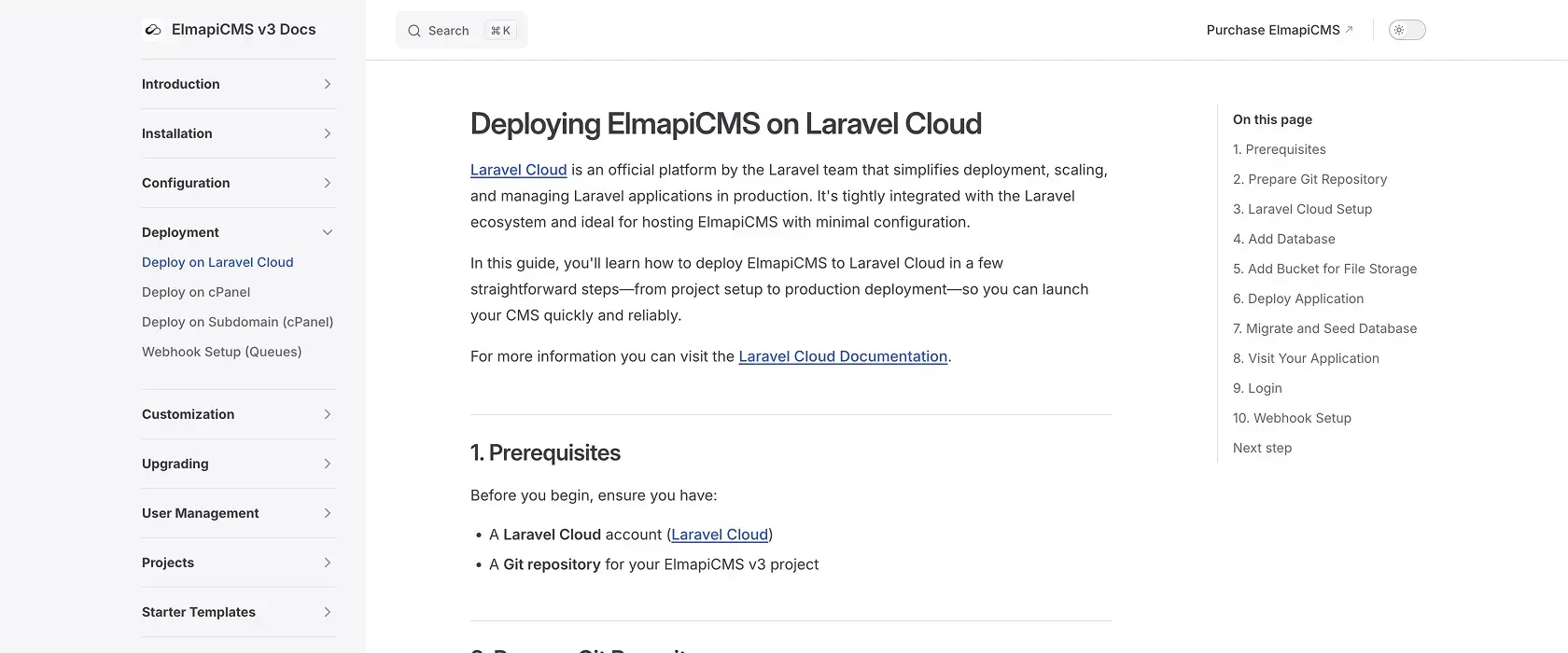
- Discover deployment tips and storage options
- Get answers to common questions in the Troubleshooting section
Even if you're not a developer, you can follow along. Most of the content is visual and guided.
Installation Options
ElmapiCMS is self-hosted, which means you have complete control over where and how it's deployed. That could be:
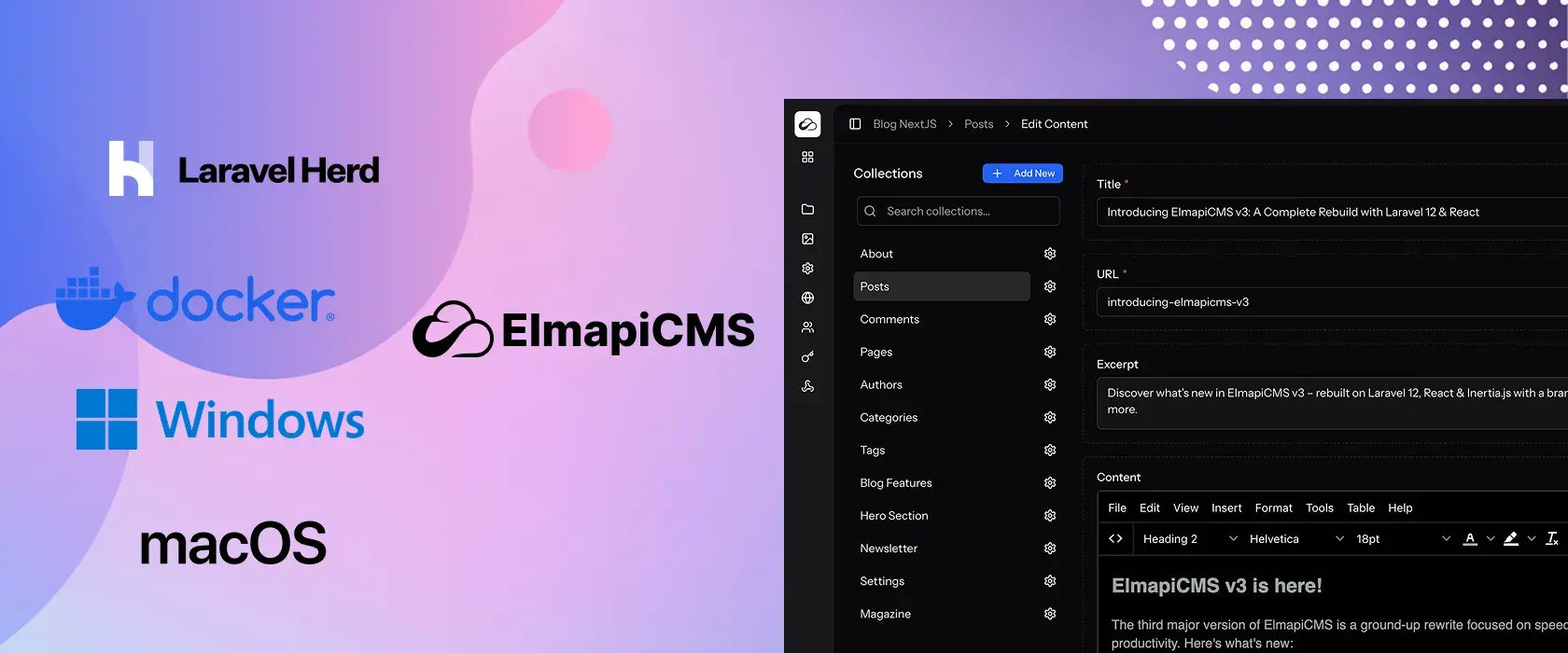
- A local development machine using Laravel Herd or Docker
- A VPS or cloud server using services like Laravel Cloud, Laravel Forge or Coolify
- A shared hosting environment with PHP 8.2+ and MySQL
- Shared hosting (e.g. cPanel, Plesk)
You can follow the docs from Introduction, then open Installation for your OS.
Not comfortable installing it yourself? NomaCMS is our managed cloud CMS with the same headless model — no servers to run on your side. Start with a free trial there.
The Concept of Projects
Once ElmapiCMS is installed, everything starts with a Project. Each project is an isolated content space, where you define your collections, create your fields, and start adding content.
Projects help you keep things organized. You might have:
- A blog project
- A product catalog
- A documentation backend
- A content API for a mobile app
Each one lives in its own space, with its own API and its own user permissions.
Launch Faster with Starter Templates
To help you hit the ground running, ElmapiCMS includes starter templates. Prebuilt sets of collections and fields tailored for common use cases.
You can use these templates as a foundation, customize them, or build on top of them as needed.
Currently available:
- Blog (Next.js) – A clean, fast blog frontend connected to ElmapiCMS
👉 View Live Demo
More starter templates are on the way, including:
- Docs
- Product Showcase
- FAQ / Help Center
- Portfolio and more...
You’ll soon be able to load these directly when creating a new project.
Exploring the Admin Interface
ElmapiCMS comes with a clean and fast admin panel built with modern SPA tech (React + Inertia.js), but designed for usability over flash. Inside the dashboard, you can:
- Create and manage collections
- Add or edit entries
- Upload files and media
- Define roles and assign users to projects
- Manage your API settings
- Manage your webhooks
Everything is point-and-click. No need to write config files or code unless you want to extend things.
Where to Go Next
If you’re ready to dive in:
- Browse the Documentation
- Install it locally or on your preferred server
- Create your first project and define your collections
- Start a blog with the Next.js starter template
Need help? Support is available via email and soon through a public discussion board.
ElmapiCMS is built for speed, simplicity, and long-term control. Whether you're managing a personal blog or building a client’s app backend, it helps you skip the boilerplate and get straight to content.
In the next blog posts, we’ll cover:
- What’s New in ElmapiCMS v3
- How to Create a Newsletter CMS and Sync with MailChimp
- Deploying ElmapiCMS with Laravel + Coolify
- Using ElmapiCMS with Static Site Generators
Stay tuned and welcome to the ElmapiCMS ecosystem!