Documentation template for Next.js, Nuxt, Astro
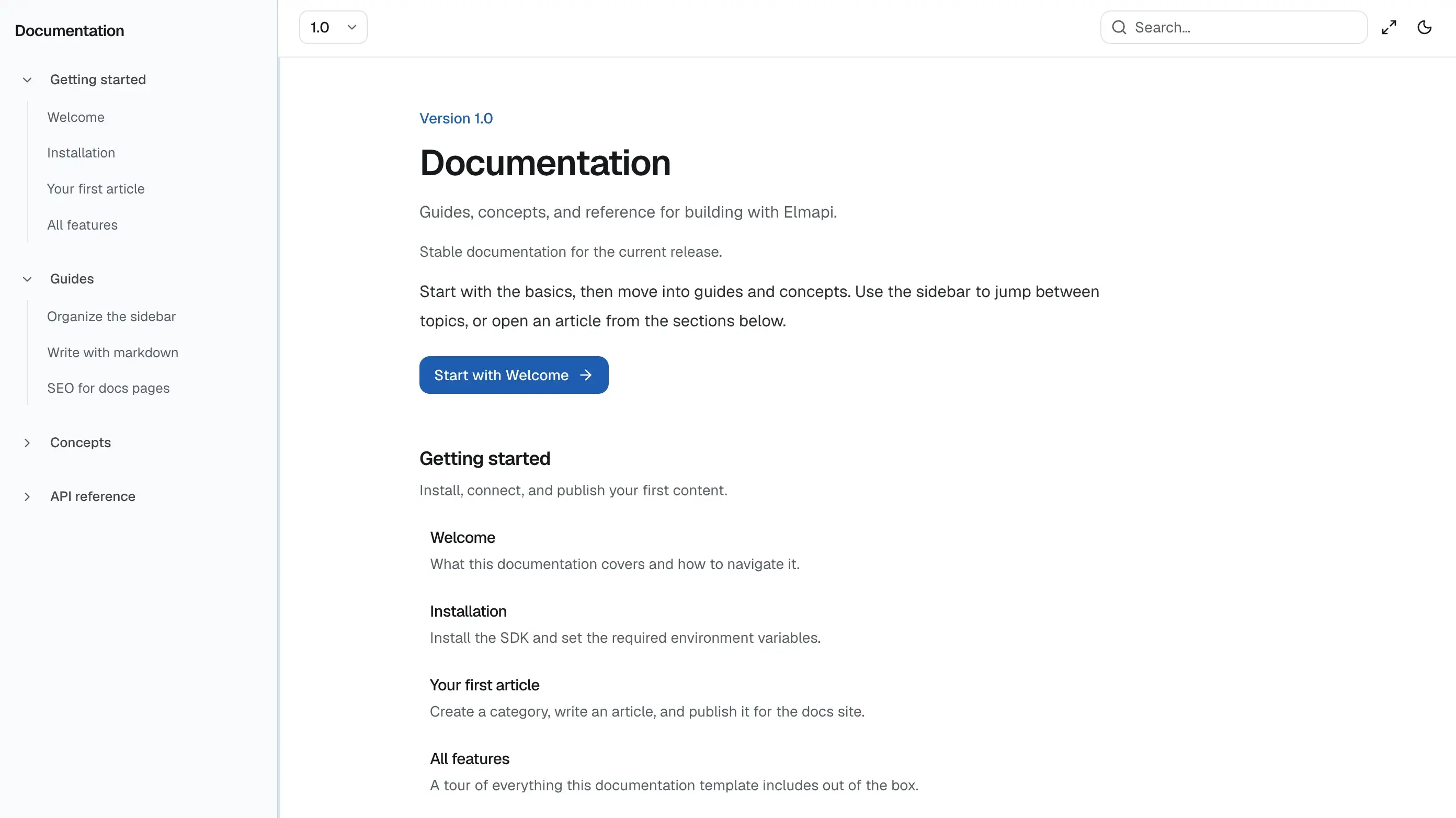
A documentation / help center template with categories, versions, and markdown articles in Elmapi. Sidebar nav is CMS-driven, with docs-style chrome, search, and dark mode.
- Categories and article sidebar
- Markdown articles with TOC
- Versioned docs content
- Docs-style chrome
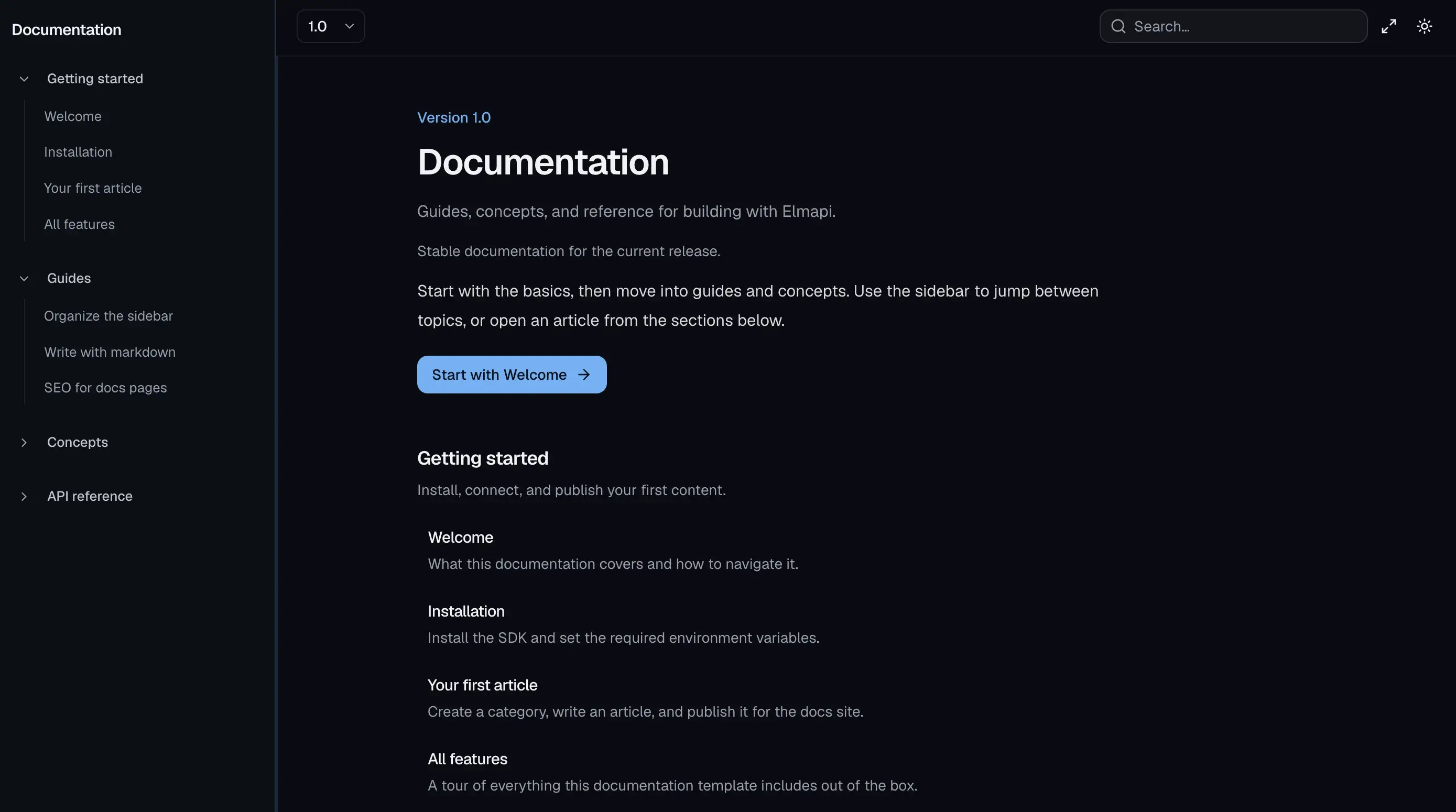
- Search and dark mode
How to use Documentation
Built for Next.js and Nuxt and Astro with docs. All templates live in one private GitHub repo. Buyers get access after purchase.
- 1
Clone the templates repo
After you buy ElmapiCMS, clone the private templates repository to your machine.
- 2
Copy the template folder
Copy the Documentation folder out of the repo and use it as your app project.
- 3
Create the Elmapi project from the zip
In ElmapiCMS, click + New Project, choose Import from file, select the template’s project zip from the elmapi folder, then Create Project.
- 4
Connect and run
Copy .env.example, set ELMAPI_BASE_URL, ELMAPI_PROJECT_ID, and ELMAPI_API_KEY from Project Settings → API Access, then install and run the app.
FAQ
Related templates
View allMeridian Studio
Next.jsCreative agency and portfolio marketing site. Services, case studies, team, insights, and contact pages driven entirely from Elmapi.
Atlas Group
Next.jsMultilingual company site and blog with en, de, and es locales. Case studies, services, locations, FAQ, and SEO defaults from the CMS.
Keenfold Academy
Next.jsMembership learning hub with public marketing pages, guided paths, instructors, and gated lessons powered by end-user auth.