Cove template for Nuxt
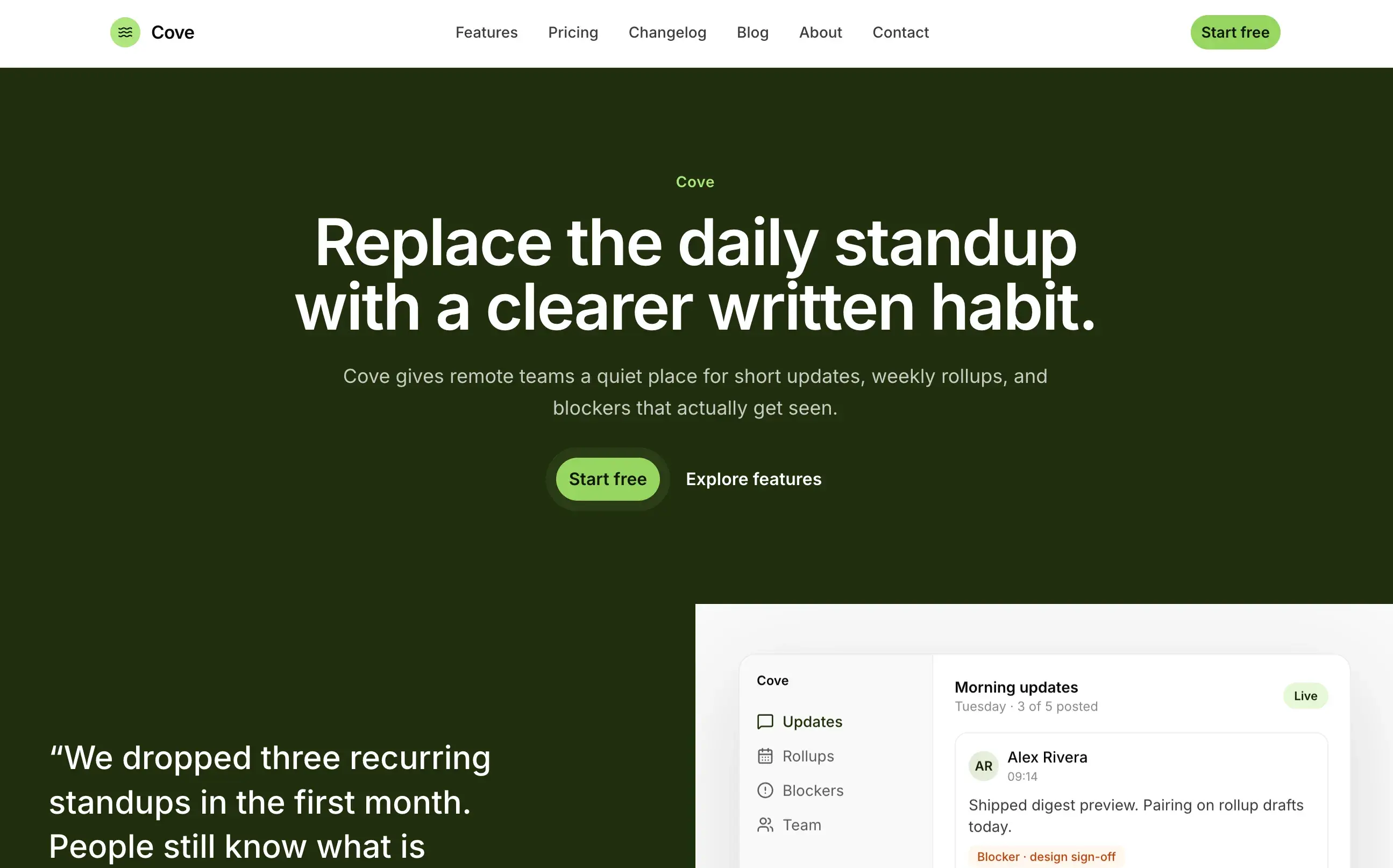
Cove is a Nuxt SaaS marketing template for an async standup and weekly-update product. Home, features, pricing, blog, changelog, about, FAQ, and contact are editable in Elmapi. A strong fit when you want a Nuxt + Nuxt UI starter with a clear product story.
- SaaS marketing home and features
- Pricing plans from the CMS
- Blog and changelog
- Contact form support
- Nuxt UI themed for the product
How to use Cove
Built for Nuxt with marketing, saas, blog. All templates live in one private GitHub repo. Buyers get access after purchase.
- 1
Clone the templates repo
After you buy ElmapiCMS, clone the private templates repository to your machine.
- 2
Copy the template folder
Copy the Cove folder out of the repo and use it as your app project.
- 3
Create the Elmapi project from the zip
In ElmapiCMS, click + New Project, choose Import from file, select the template’s project zip from the elmapi folder, then Create Project.
- 4
Connect and run
Copy .env.example, set ELMAPI_BASE_URL, ELMAPI_PROJECT_ID, and ELMAPI_API_KEY from Project Settings → API Access, then install and run the app.
FAQ
Related templates
View allMeridian Studio
Next.jsCreative agency and portfolio marketing site. Services, case studies, team, insights, and contact pages driven entirely from Elmapi.
Atlas Group
Next.jsMultilingual company site and blog with en, de, and es locales. Case studies, services, locations, FAQ, and SEO defaults from the CMS.
Ridgeform
Next.jsModern general contractor site for residential and light commercial work. Services, projects, process, team, and contact from Elmapi.