Subdomain on shared hosting
This guide covers ElmapiCMS on a subdomain (for example cms.your-domain.com) when you use shared hosting—same ZIP workflow as the primary domain, with a few extra path steps.
cPanel is used as an example for creating the subdomain and document root. On Plesk, DirectAdmin, or other panels, create the subdomain there and note the document root path your host shows you—that path is what you will mirror in the steps below.
1. Create the Subdomain
Example (cPanel): open Domains → Create A New Domain (or your host’s subdomain tool).
Enter the subdomain. The panel will show a document root (public directory). You need that path next. Common layouts:
/home/your_username/cms.your-domain.com(subdomain at account root)/home/your_username/public_html/cms.your-domain.com(subdomain underpublic_html)
2. Upload and extract files
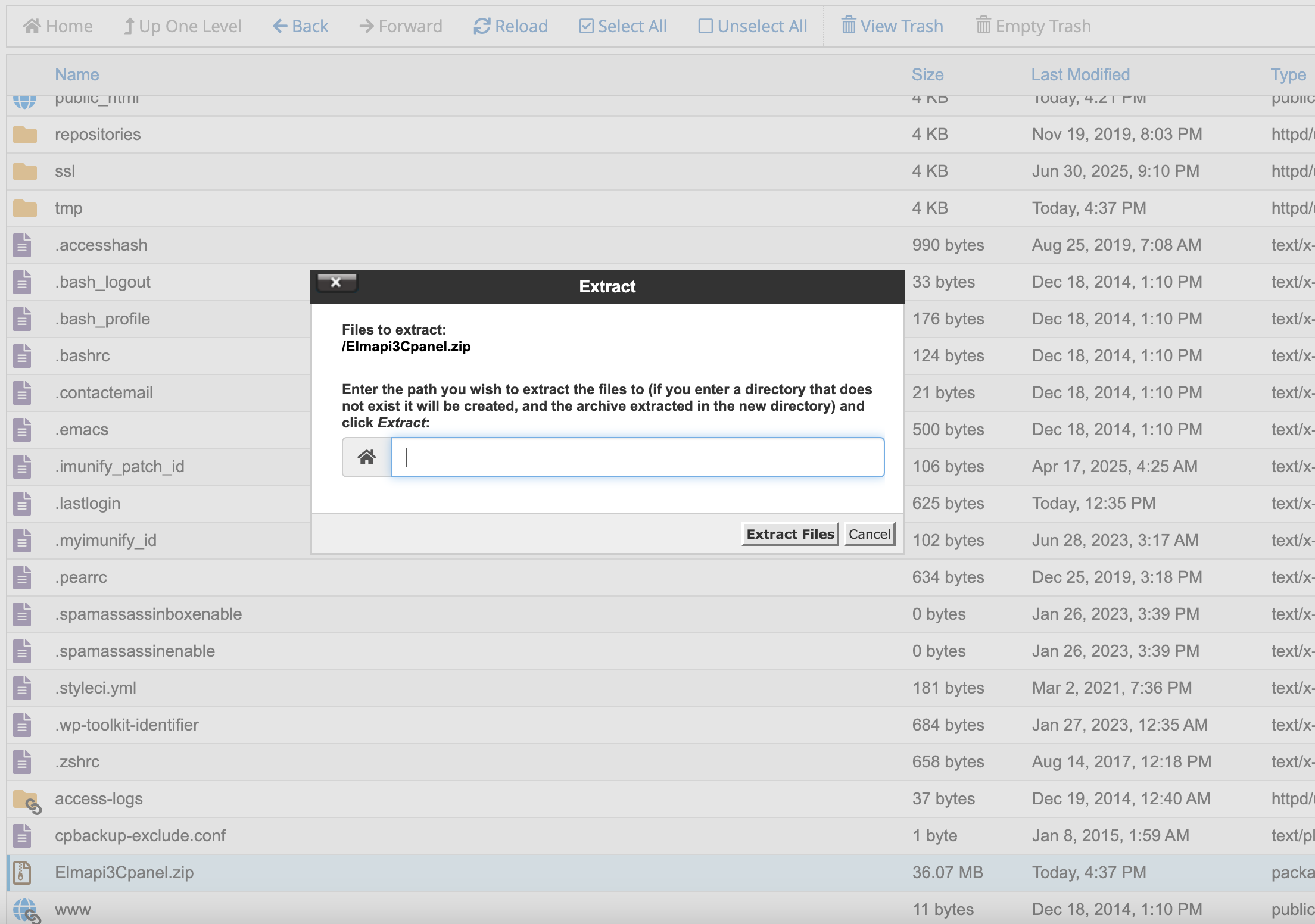
- Open the File Manager (or equivalent).
- Go to your home directory (e.g.,
/home/your_username). - Upload
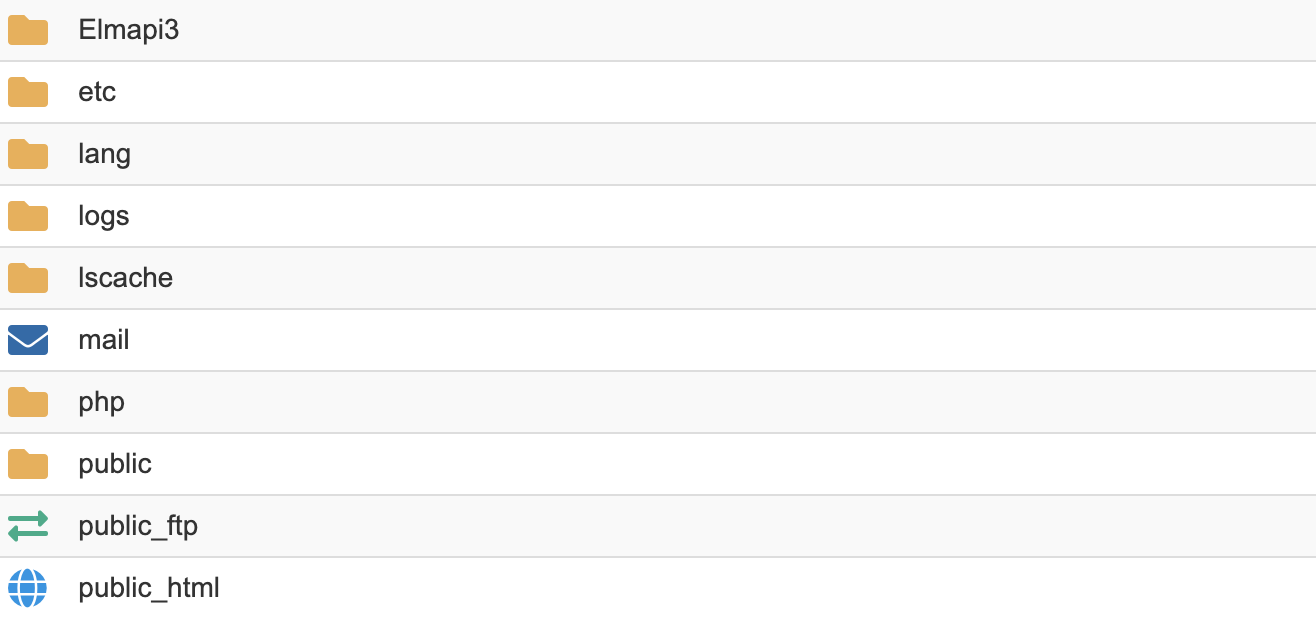
Elmapi3Cpanel.zip. - Extract it to get
Elmapi3andpublic.
3. Move public files
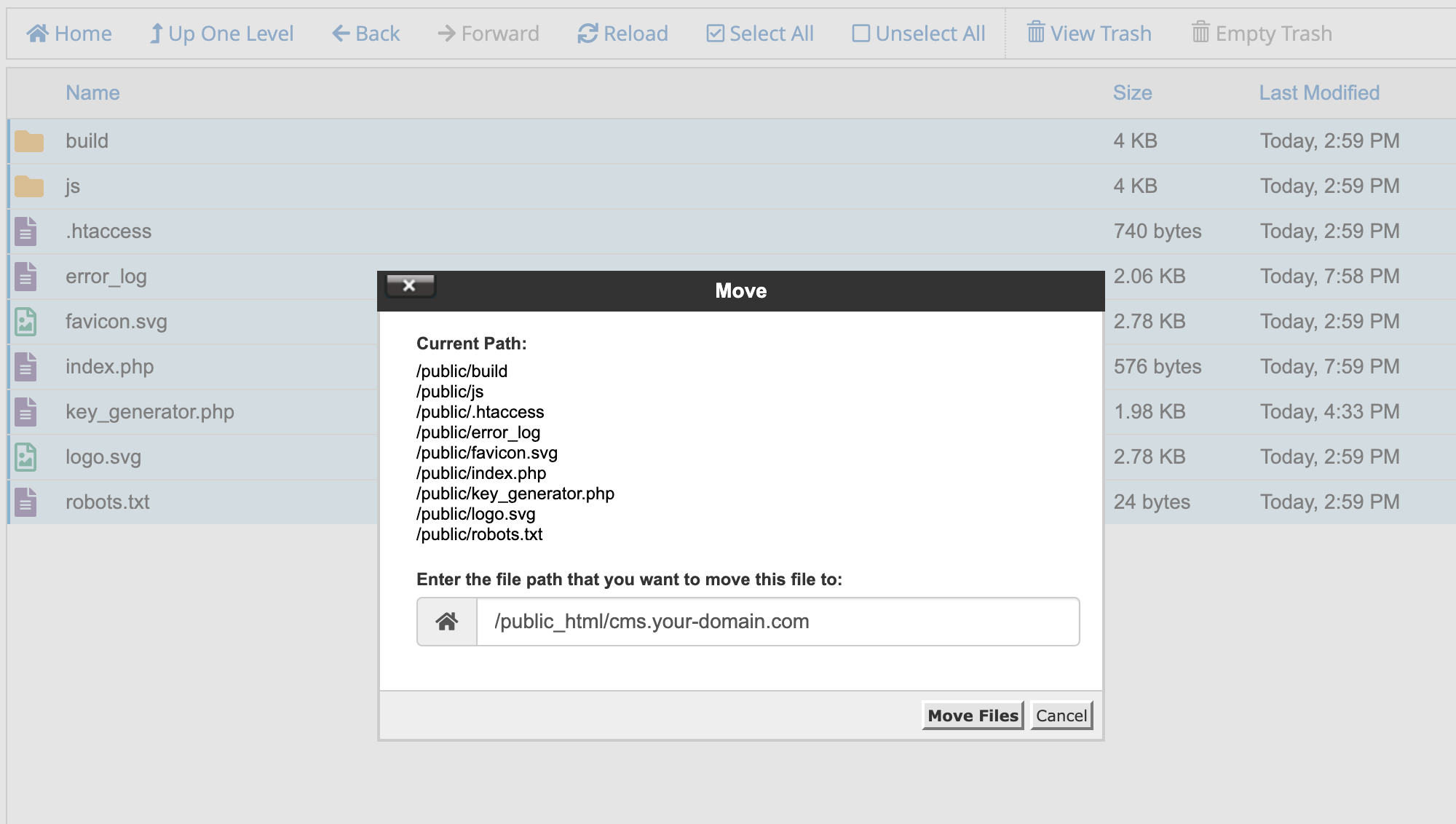
- Open the extracted
publicfolder. - Move everything into the subdomain’s document root from step 1.
4. Update application paths
The ZIP assumes a primary-domain layout. On a subdomain you must fix bootstrap paths in the document root.
-
index.php: In the subdomain document root, editindex.phpand adjust these lines ifElmapi3is not one level up:// Find these lines (around lines 22 and 37) require __DIR__.'/../Elmapi3/bootstrap/autoload.php'; $app = require_once __DIR__.'/../Elmapi3/bootstrap/app.php';- Document root
/home/username/cms.example.com→../Elmapi3is often correct. - Document root
/home/username/public_html/cms→ use../../Elmapi3.
- Document root
-
key_generator.php: If you rely on it without shell access, fix the same depth:require __DIR__ . '/../Elmapi3/bootstrap/app.php';
5. Configure public path in Laravel
Tell Laravel where the subdomain’s public files live.
-
Open the
Elmapi3directory. -
Edit
bootstrap/app.php. -
Find:
if (is_dir($app->basePath('../public_html'))) { $app->usePublicPath($app->basePath('../public_html')); } -
Replace
public_htmlwith your subdomain document root relative toElmapi3(folder name or path segment).
-
Document root folder
cms.your-domain.comnext toElmapi3:if (is_dir($app->basePath('../cms.your-domain.com'))) { $app->usePublicPath($app->basePath('../cms.your-domain.com')); } -
Document root inside
public_html:if (is_dir($app->basePath('../public_html/cms.your-domain.com'))) { $app->usePublicPath($app->basePath('../public_html/cms.your-domain.com')); }
6. Final steps
Continue from Set up the database in the main shared-hosting guide.
Set APP_URL in .env to your full subdomain URL (e.g. https://cms.your-domain.com).