If you've spent time building content-driven websites or apps, you’ve probably used traditional content management systems (CMS) like WordPress, Joomla, or Drupal. While these platforms have been the backbone of the web for years, they often come with heavy frontends, rigid templating systems, and a mountain of features that you may never use.
That’s where headless CMSs come in. They offer a lean, API-first approach to managing content.
The Basics: What Does “Headless” Mean?
In a traditional CMS, the “head” is the frontend. The part that renders the content into HTML and serves it to the user. It's tightly integrated with the backend, where the content is created and managed. This coupling can limit flexibility, especially when you want to deliver content to multiple platforms (like mobile apps, smart TVs, or digital signage).
A headless CMS removes the head. It decouples the backend (content management) from the frontend (presentation layer).
Instead of dictating how your content should look or be structured on the frontend, a headless CMS acts solely as a content repository and provides APIs (usually REST or GraphQL) to deliver content anywhere. This allows developers to build custom frontends using whatever tools they prefer.
Why Use a Headless CMS?
1. Flexibility in Frontend
With a headless CMS, you’re free to use React, Vue, Svelte, Next.js, Nuxt, Laravel, Flutter, or even multiple frontends at once. You’re not locked into a monolithic rendering system or a specific templating language.
2. Multi-platform Delivery
You can serve content to your website, mobile app, smartwatch, in-store screen, or even an IoT device. All from the same CMS. This makes content centralized, consistent, and easier to maintain across platforms.
3. Better Performance
Since you’re in charge of how and when the content is rendered, you can optimize everything. Lazy loading, caching, CDNs, and static site generation. You're no longer at the mercy of a slow theme engine or plugin-laden frontend.
4. Future-proofing
Frontend technologies evolve rapidly. A headless architecture ensures your content remains usable even as frontend stacks change. You can switch from React to Vue or from a website to an app. Without reauthoring all your content.
5. Developer-Centric Workflow
Headless CMSs fit naturally into modern DevOps workflows. You can integrate them into your CI/CD pipelines, use Git-based previews, manage staging environments, and more.
Who Is It For?
- Developers who want a clean separation of concerns between frontend and backend
- Startups aiming to scale quickly and distribute content across multiple platforms
- Content teams working closely with modern dev teams who want structured, reusable content
- Agencies building reusable solutions across clients, each with their own custom frontend
- Product teams building web + mobile + native interfaces from a single source of content truth
What’s the Catch?
A headless CMS isn’t a silver bullet. It comes with trade-offs:
- You’ll need to build or integrate the frontend yourself. There’s no built-in page builder.
- Features like real-time previews, drag-and-drop layout editing, and inline WYSIWYG may require extra tooling or custom implementation.
- Non-technical content editors might face a steeper learning curve, especially without visual feedback.
- Initial setup and configuration can take longer compared to plug-and-play platforms like WordPress.
That said, if you value control, speed, and scalability, the benefits often far outweigh the costs. Especially in modern app development.
Examples of Headless CMSs
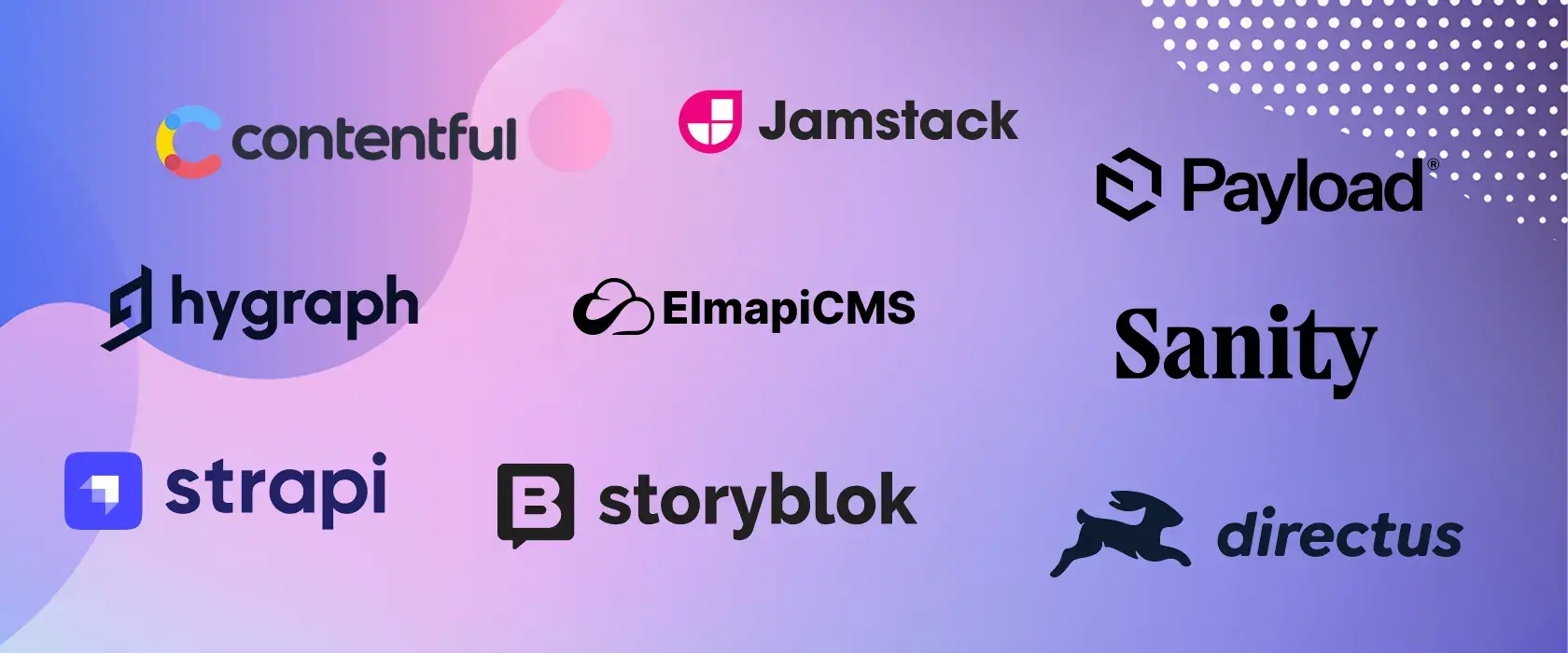
There are many headless CMS platforms available, both self-hosted and cloud-based. Some of the most popular ones are:
- Contentful – Powerful, enterprise-ready, with a robust API and flexible content modeling
- Strapi – Open-source and developer-friendly, with role-based access control and plugin support
- Sanity – Real-time collaboration, advanced customization, and structured content blocks
- Prismic – Clean UI and strong focus on slices/components for frontend frameworks
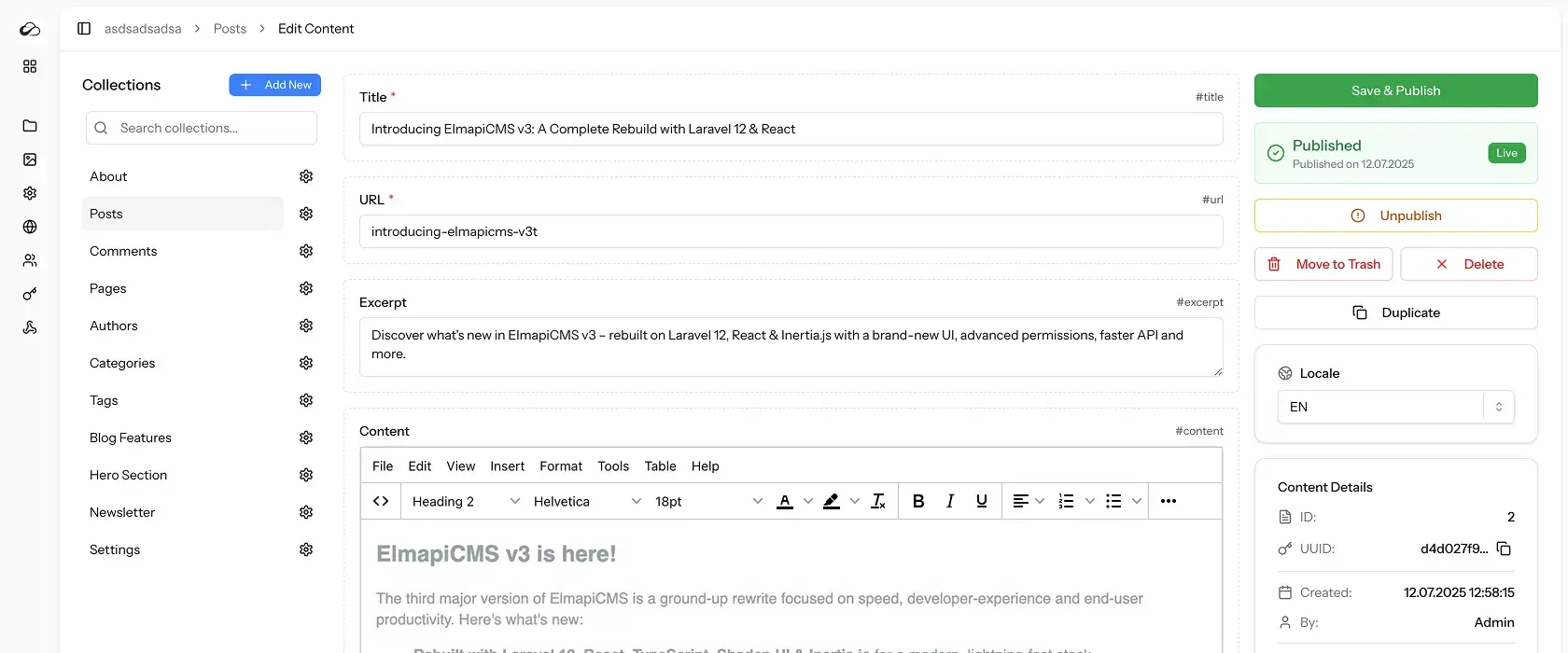
- ElmapiCMS – Laravel + React-based, self-hosted, designed for developers who want full control over both content and code.
Final Thoughts
A headless CMS isn’t for everyone. If you want an all-in-one blogging tool or need a plug-and-play marketing site, a traditional CMS might still be the better fit.
But if you’re building modern apps and need content to be reusable, lightweight, and frontend-agnostic, a headless CMS might be exactly what you’re looking for.
It’s a shift in mindset. From "websites with content" to content that can go anywhere.